Author: Brittany DeGroat

  • The Best POS System for Wash and Fold Laundry Services

    The Best POS System for Wash and Fold Laundry Services

    If you’re looking to start a wash-and-fold laundry service (also known as wash-dry-fold) or add it to your current laundromat or dry-cleaning business, having the right POS system for wash and fold services is essential. To save both money and time, it’s helpful to know exactly what POS hardware is required to operate efficiently. In this post, we’ll outline the key components your POS system for wash and fold laundry services should include for success.

    Get the Best POS Scales

    What is a Wash-and-Fold Laundry Service?

    A wash-and-fold laundry service is an onsite laundry service that washes, dries, and neatly folds clothing and other items from the customer for pickup or delivery. The customer either drops off and picks up the clean clothes at a later date from the same location, or a driver will pick up the laundry from the customer’s location and then wash, dry, fold, and deliver the clothes back to the customer.

    Adding Wash-and-Fold Services to Your Laundry Business Can Be Profitable

    Wash-and-fold laundry services are rapidly increasing in demand, making it a highly profitable addition to any laundry business. With more people working from home and less need for dry-cleaning, casual and comfortable clothing is piling up. Many customers prefer the convenience of outsourcing their laundry rather than handling it themselves, driving the growing popularity of wash-and-fold services.

    Man working in laundry business doing wash-and-fold service.

    Providing exceptional customer service is crucial for standing out in the competitive wash-and-fold laundry industry. Offering pick-up and delivery services adds convenience for your customers, setting you apart from competitors. Along with neatly folding and packaging their laundry, including a personalized note, coupons, or branded tags can enhance the customer experience and present your business as more professional.

    Considerations When Choosing a POS System for Wash and Fold

    To run a successful business in this industry, having the right POS system for wash and fold laundry services is necessary. Think about all the different aspects of your business before choosing a point-of-sale system. It’s important to consider the following:

    • How many employees will use the system?
    • What payment methods will you accept?
    • Will you offer recurring laundry services?
    • Do I need in-house payment terminals or mobile payment options?

    These are just a few factors that should be considered when selecting which POS system best suits your needs.
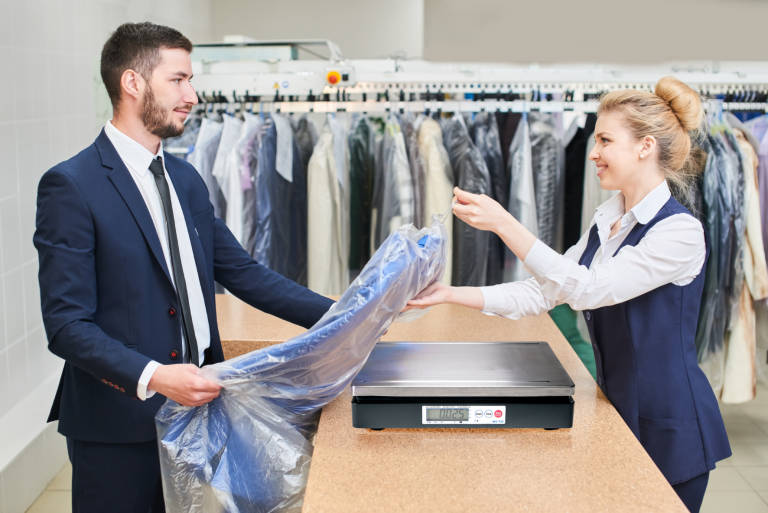
    mG-T scale at a laundromat wash-and-fold counter

    The Best POS System for Wash and Fold Services

    Having the best hardware and software for your POS system for wash and fold laundry services is crucial. Here’s what you’ll need:

    POS Software

    POS software does more than print receipts—it manages inventory, tracks customer preferences, and provides detailed analytics. Many POS software solutions are tailored to laundry services, including wash-and-fold operations.

    POS Hardware

    Next, you’ll need a computer or tablet device to interact with your POS software and take payments. You’ll need a tablet display stand and a proper enclosure for your mobile device to secure and protect it. A credit card terminal that reads EMV cards to comply with future security updates is critical.

    If you want to accept payments via customers’ phones, be sure to have the correct payment terminal for that. You will also want a cash drawer with the proper capacity for your cash flow so you never run out of change.
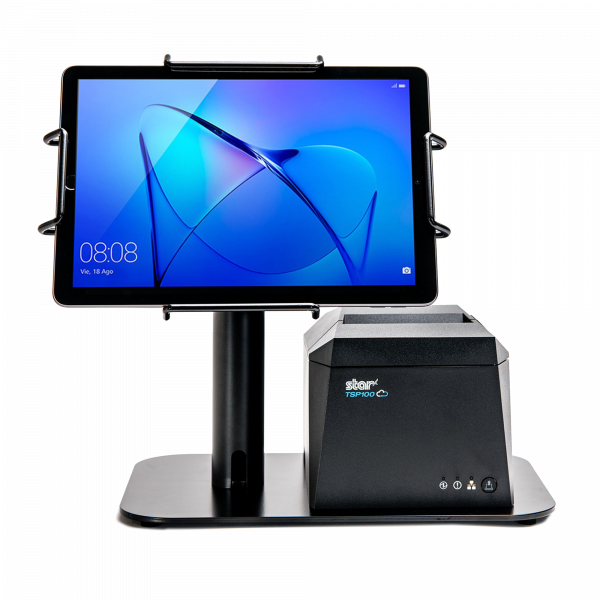
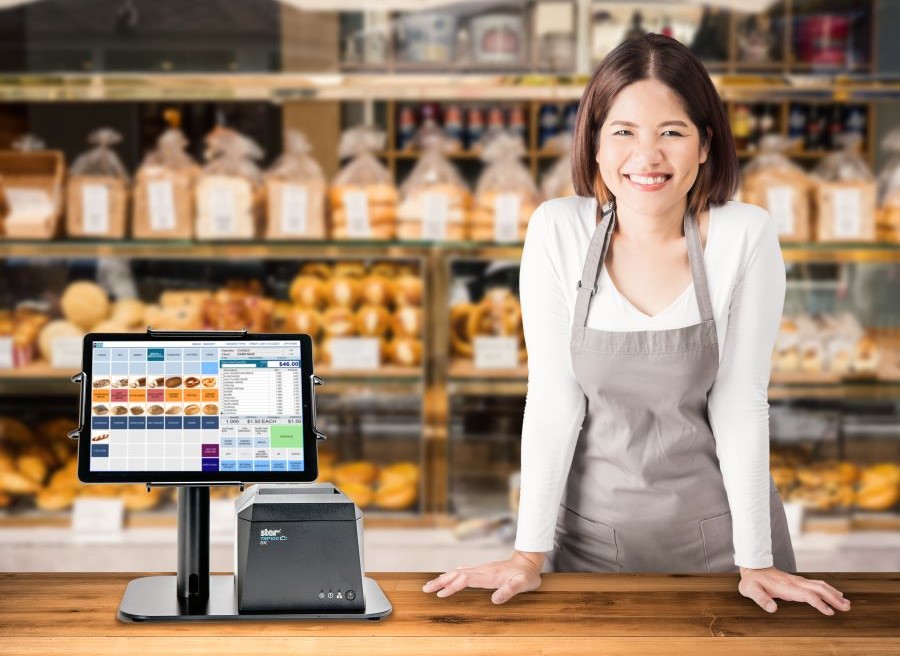
    The EZ POS tablet stand by Star Micronics. Shown in black with TSP143IV receipt printer.
    A POS setup with the Universal mEnclosure, the EZPOS Desktop Tablet Stand, & the TSP143IV thermal receipt printer by Star Micronics is perfect for wash and fold laundry services.

    Trade Legal POS Scale

    Most wash-and-fold laundry services charge by the pound, so an accurate POS scale is a must. You want a scale that is easy to connect to the rest of your POS hardware and can be integrated with your POS software without any problem or delay. Be sure the scale is “trade legal” and can measure a hefty amount of weight.
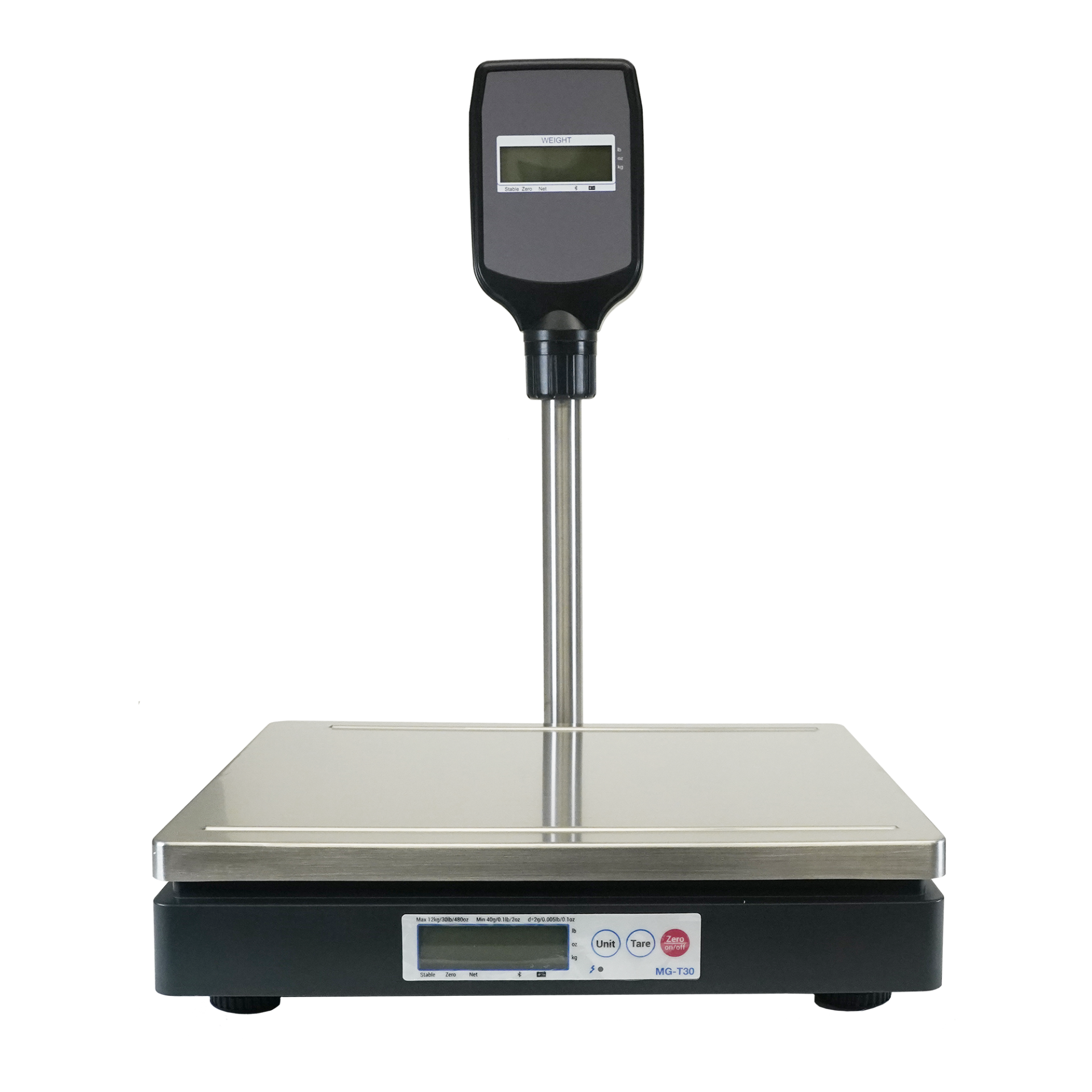
    The mG-TUDB digital pole display for POS scales by Star Micronics.
    An mG-TUDB POS scale, perfect for wash-and-fold laundry services.

    Barcode Scanner

    A reliable barcode scanner is essential for tracking items and managing inventory. For your wash and fold POS system, choose a scanner that reads both 1D and 2D barcodes to streamline order management and customer payments.

    2D barcodes cover things like QR codes, which are now widely used and hugely popular. Since customers can also scan them with their phones, QR codes can be utilized on order labels or receipts to take clients right to your website or landing page. This way, you can showcase ongoing promotions or holiday hours, and increase customer engagement with your brand.

    Star’s 1D/2D Barcode Scanners

    Star offers a comprehensive range of IP-rated 1D/2D barcode scanners, ideal for diverse business needs. From retail to healthcare, our versatile scanners excel in parsing driver’s license and ID barcodes, ensuring swift and accurate data capture. Choose the perfect fit for your setup—desktop, handheld, or wireless Bluetooth options available.
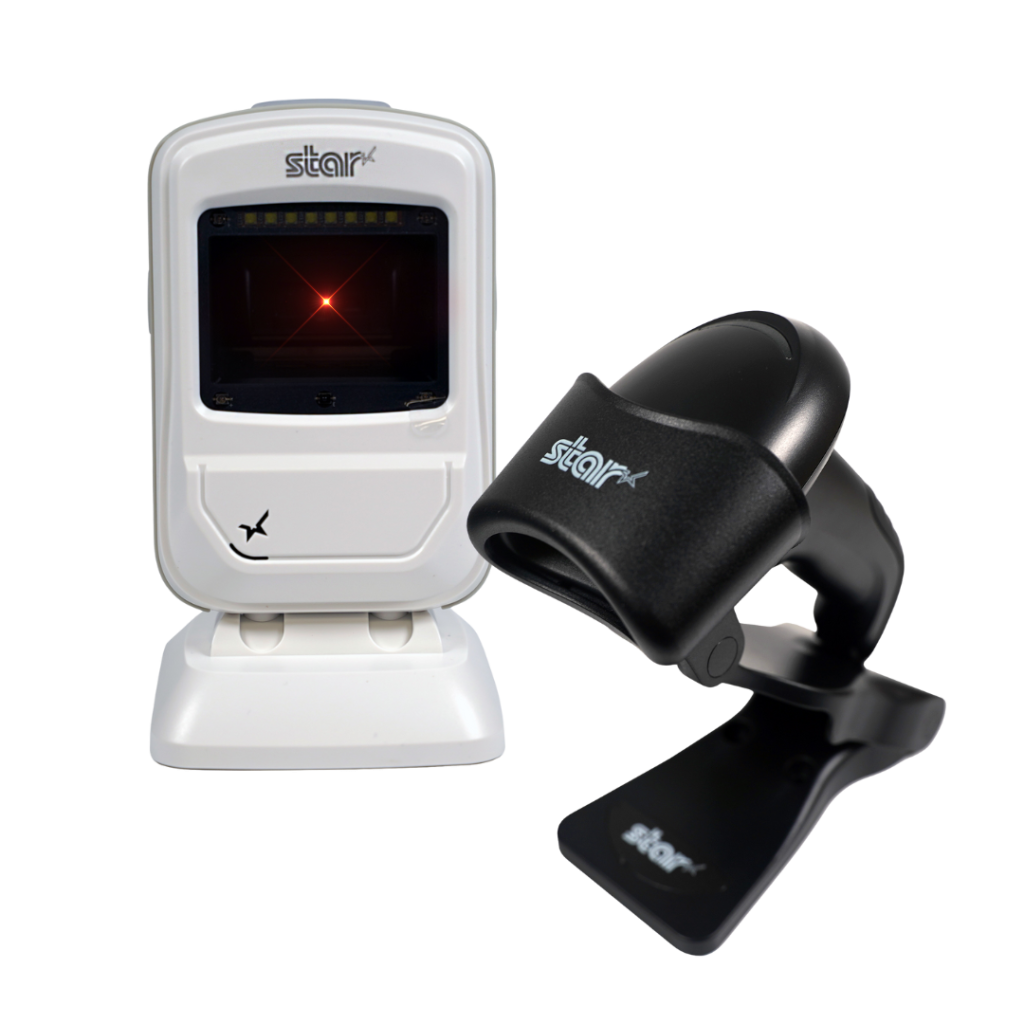
    2D Barcode Scanners

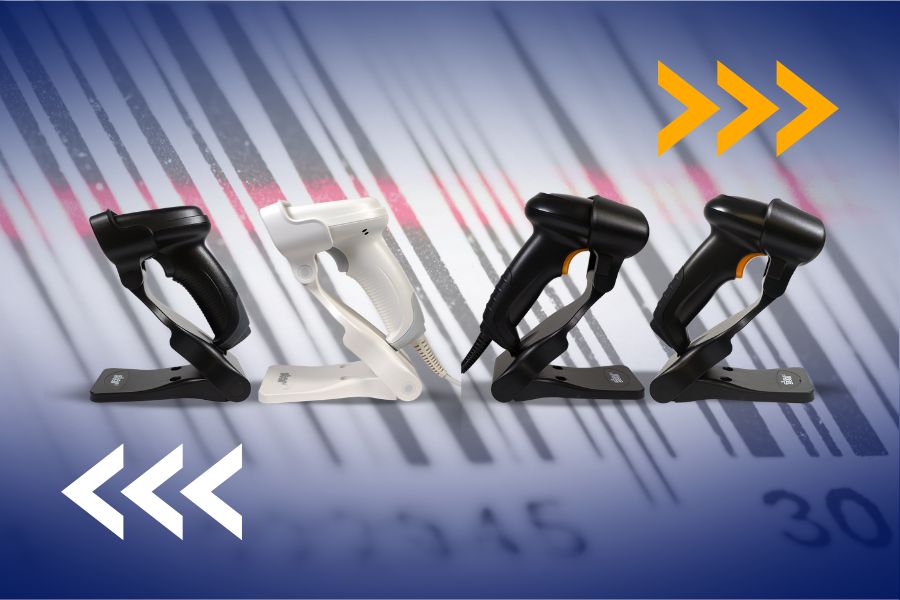
    Star Micronics has the latest in retail barcode technology solutions with a range of desktop, USB handheld, and wireless handheld scanners.

    Thermal Receipt & Label Printers

    Finally, having trusted receipt and label printers will do your company wonders. A thermal receipt printer allows you to print professional-looking receipts, enhancing your brand. Still, some cloud-based printers can even allow automated promotional marketing to be set up and scheduled, printing with your customized receipt with the same QR code or promotional information to boost customer engagement as mentioned above.

    Discover Star Micronics Cloud Services for customizable receipts >
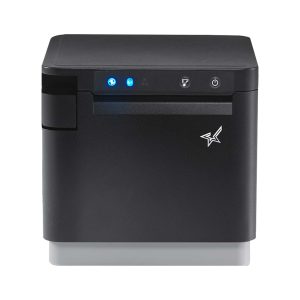
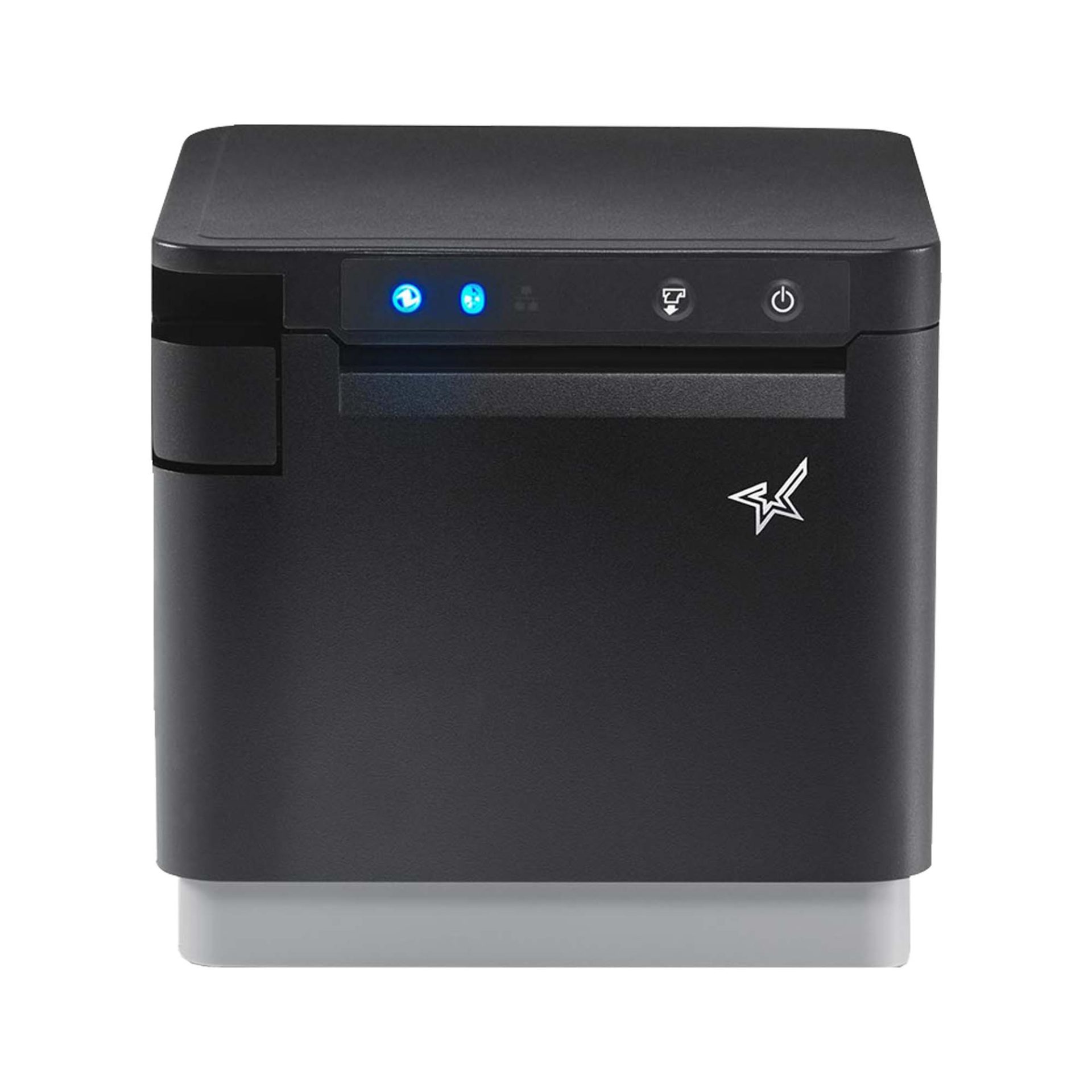
    The mC-Print3 thermal receipt printer by Star Micronics.

    mC-Print3 Receipt Printer

    The Star Micronics mC-Print3 combines high-speed printing with advanced connectivity options like Ultra-C and CloudPRNT Next. Its Ultra-C USB-C port provides seamless power and data transfer with any device, while CloudPRNT Next offers enhanced remote printing using the MQTT protocol, ideal for modern POS environments.

    Discover the mC-Print3 >

    In addition to a receipt printer, you’ll also want a label printer. More people are using linerless label printers these days, whether repositionable sticky or permanent linerless labels. When customers receive their freshly cleaned garments, seeing a professionally applied label with their contact information adds an extra touch of care and attention. Details like this can differentiate your business from competitors and help foster customer loyalty, encouraging repeat visits.

    Find out about Label Builder, part of Star Cloud Services, which allow merchants to customize their labels >

    Popular Star Label Printers

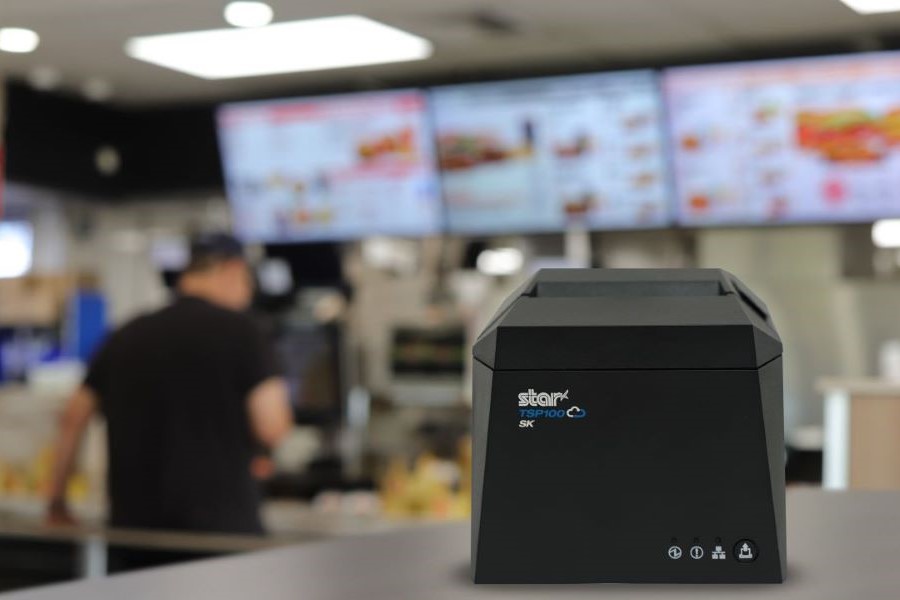
    TSP143IV SK Sticky Label Printer

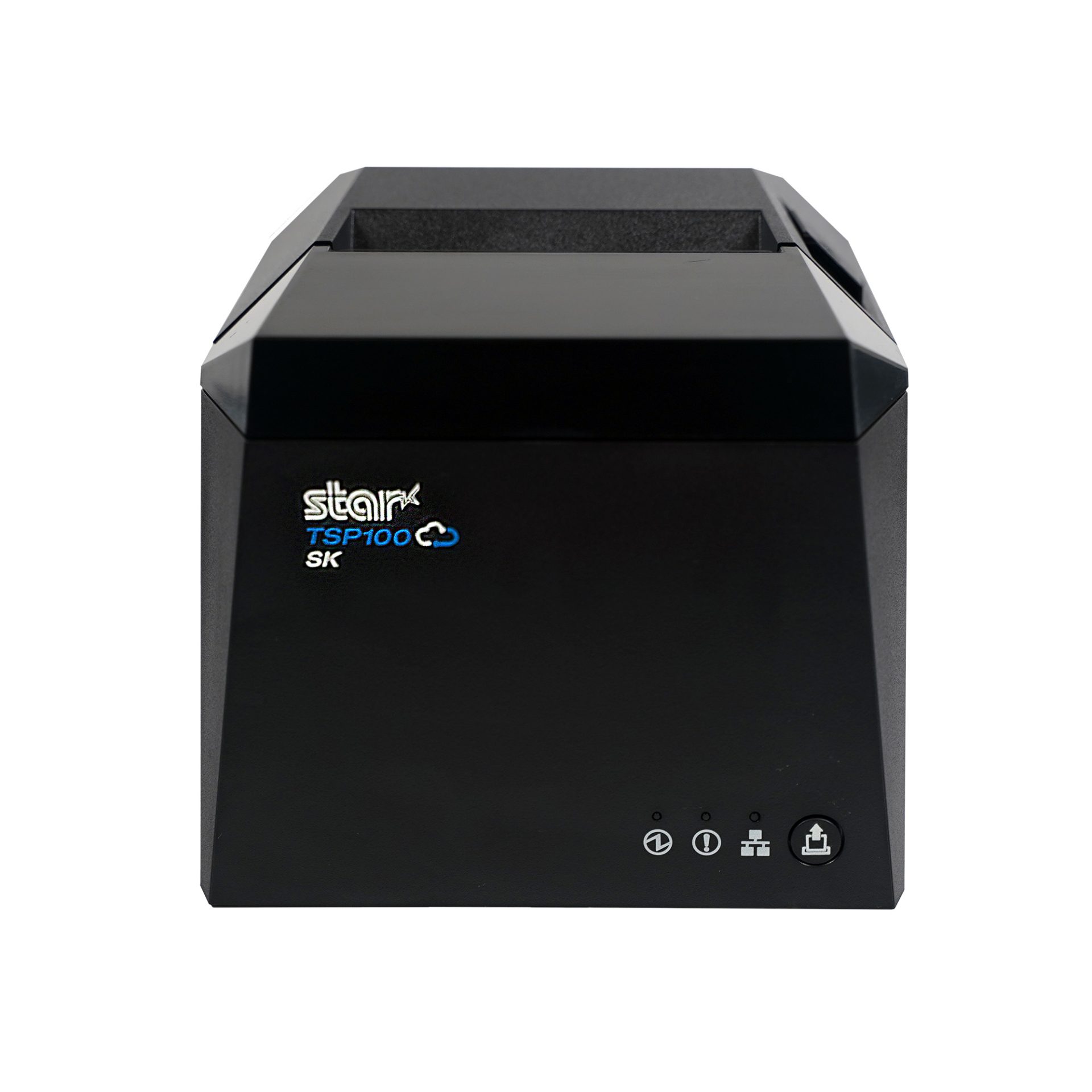
    The TSP143IV SK by Star Micronics sets a new standard for compact, eco-friendly thermal linerless label printing, offering advanced connectivity options like Wi-Fi and AOA, and efficient, residue-free labels for diverse business needs.


    Find out more >

    TSP143IV SK Thermal Linerless Sticky Label Printer by Star Micronics.
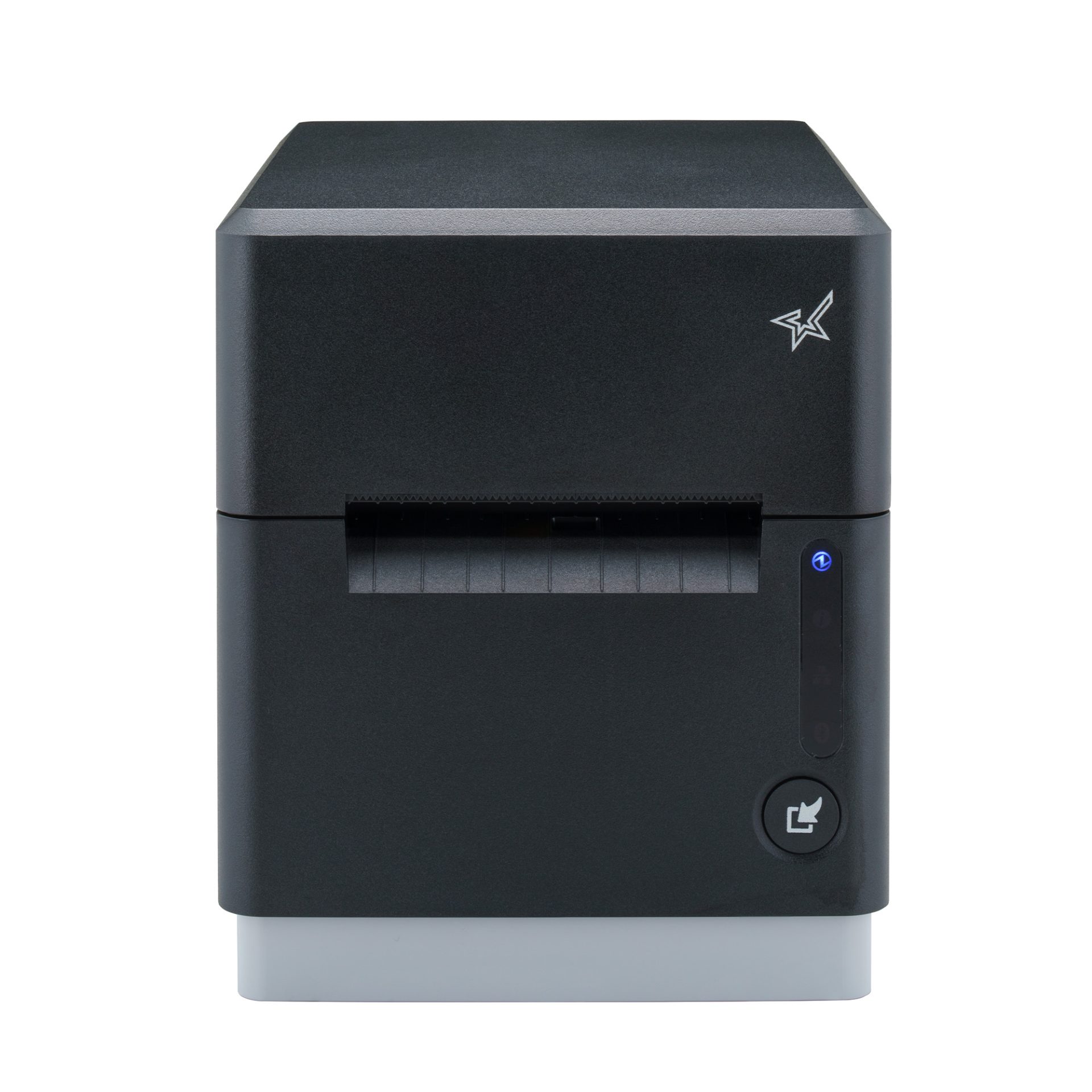
    The mC-Label3 multifunction label and receipt printer from Star Micronics.

    mC-Label3 Multimedia Printer

    The Star Micronics mC-Label3 is a versatile multimedia printer that prints a wide range of labels and receipts, including both permanent and repositionable sticky linerless. It features cloud connectivity and innovative technologies like SteadyLAN and TetherLAN for enhanced printing convenience.

    Discover the mC-Label3 >

    Explore Advanced Labeling Solutions

    Impact Printers

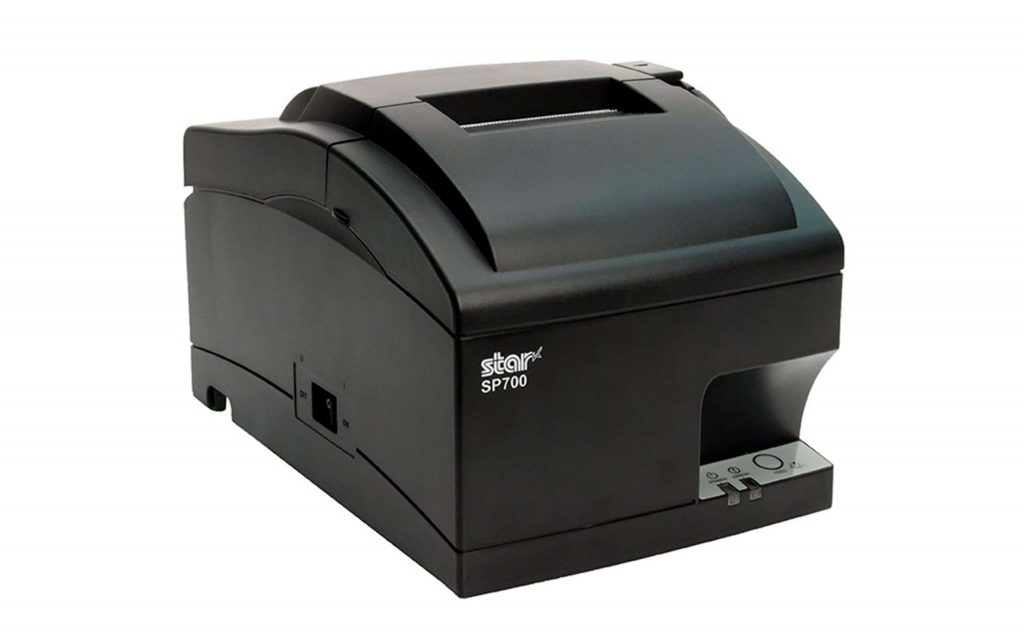
    Impact printers, like the SP700 from Star Micronics, are particularly useful in wash-and-fold laundry services for their ability to produce durable, long-lasting prints. Impact printers use ink ribbons to create clear, smudge-proof tags that can withstand the high temperatures and humidity commonly found in laundry environments.

    For laundry services, these printers can produce durable tags that are attached to customer orders for tracking. This ensures that clothes are easily identified and organized throughout the washing, drying, and folding processes.

    Additionally, most impact printers offer two-color printing, which allows for important details, like customer names or special instructions, to stand out on the tags, further improving efficiency and accuracy. Impact printers like the SP700 provide reliable performance in hot and humid settings, making them an ideal solution for laundromats or any business offering wash-and-fold services.

    SP700 Impact Printer

    With its robust design and consistent print quality, the SP700 impact printer enhances both operational efficiency and customer satisfaction by streamlining order management.
    Explore the SP700 >

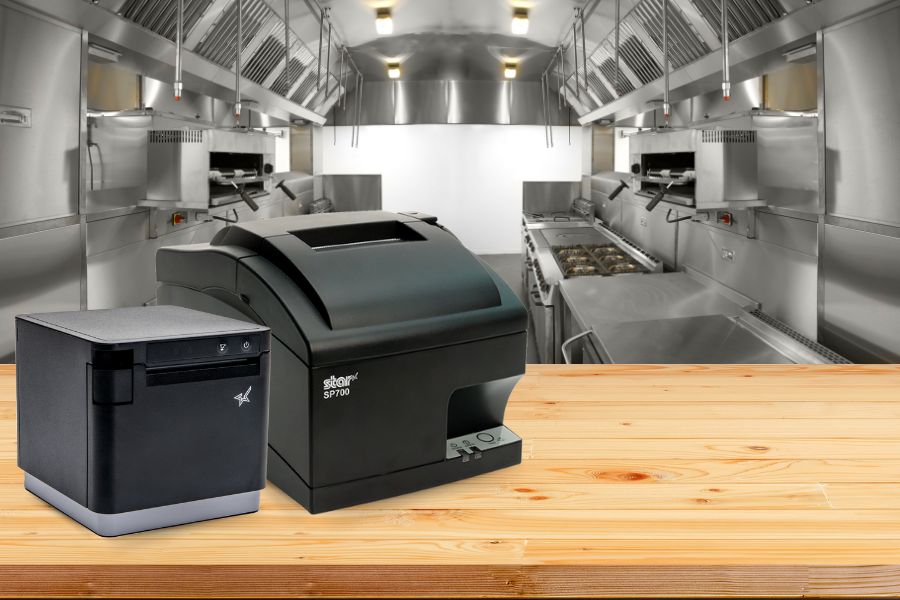
    The SP742 impact kitchen printer is great for online ordering.

    Star Micronics Has the POS Hardware Your Wash and Fold Service Needs

    As a trusted industry leader for over 60 years, Star Micronics offers a wide range of POS hardware solutions ideal for wash-and-fold laundry services. Our portfolio includes desktop, portable, and kiosk printers, cash drawers, barcode scanners, scales, and more—all designed to meet the demands of any retail or hospitality environment. Additionally, Star Micronics Cloud Services can help businesses engage customers with automated receipt marketing tools.

    At Star, we prioritize seamless integration across all POS hardware. That’s why we offer a complete solution for your POS system needs, including reliable receipt and label printers, trade legal POS scales, barcode scanners, and cash drawers—all backed by one dedicated support team.

    With partnerships with top POS software developers, Star provides the tools to keep your business running efficiently. Our expert support and integration teams will work diligently to get your wash-and-fold laundry business online quickly, ensuring smooth operations and happy customers.
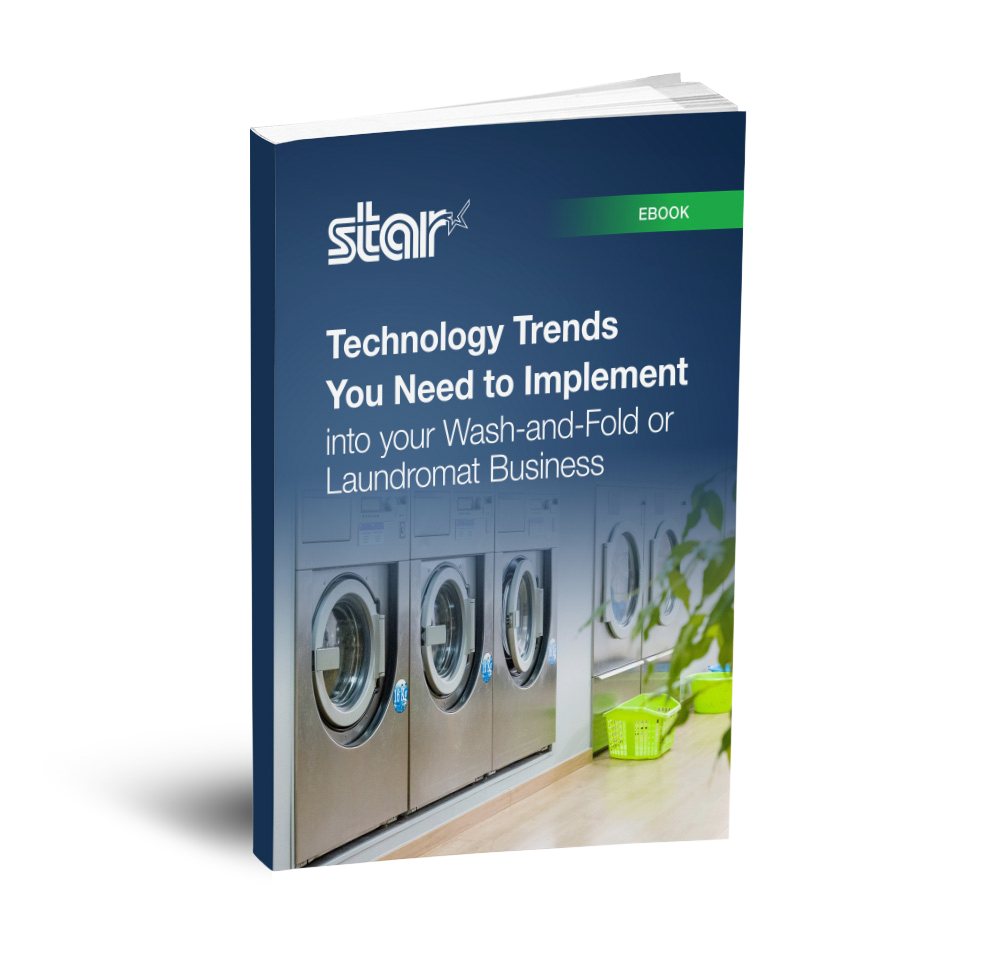
    Technology Trends You Need to Implement into your Wash-and-Fold or Laundromat Business ebook.

    Tech Trends You Need to Implement into your Wash-and-Fold or Laundromat Business

    Run your competitors through the rinse cycle using the POS technology explained in this helpful guide.
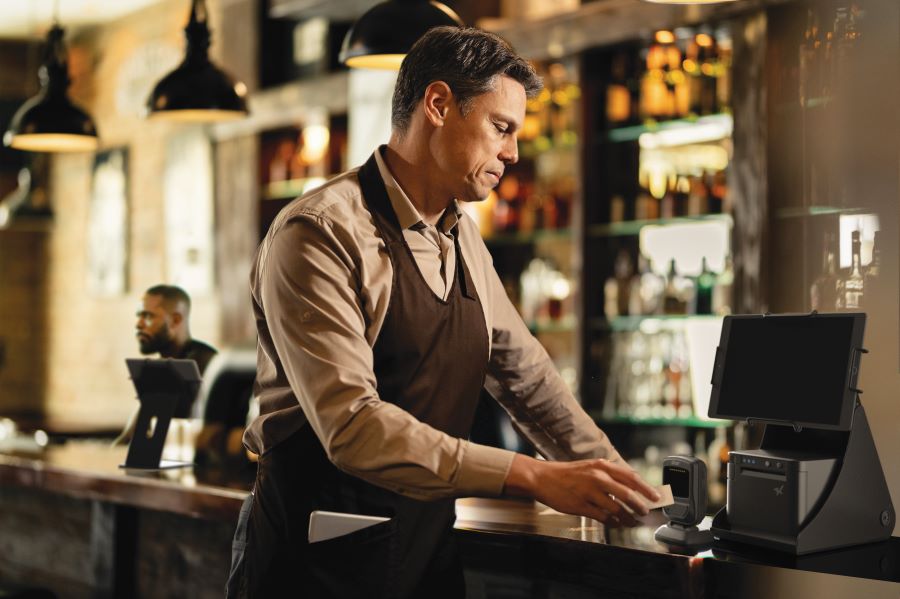
    Find Out Now

    Find out where you can get Star POS hardware today:

    Contact Star Now

  • 10 Top Uses of Restaurant Barcode Scanners to Dominate Efficiency

    10 Top Uses of Restaurant Barcode Scanners to Dominate Efficiency

    Success in the highly competitive restaurant industry requires more than just providing great food and service. It involves embracing technology to modernize your processes and create a more engaging customer experience. One technology that has become essential is barcode scanners. As part of a comprehensive point of sale (POS) solution, barcode scanners can reform restaurant operations for the better, from menus and ordering to inventory and labor management. 
    Explore Star’s Barcode Scanners

    Types of Barcodes and Barcode Scanners

    There are a few different types of barcodes and scanners. One-dimensional (1D) barcodes or universal product code (UPC)-style barcodes consist of vertical black and white lines of varying width and are read using a laser scanner. Two-dimensional (2D) barcodes or quick response (QR) codes are square, pixelated codes that require camera-operated scanners to be read. Both types encode product information in a compact form that a machine can read.

    Barcode scanners are wired or wireless handheld devices or desktop/presentation scanners. Codes can also be read by a smartphone camera. A 2D code holds more information than a 1D code, and a 2D scanner can read 1D and QR codes, whereas a 1D scanner reads only 1D barcodes.

    The type of barcode scanner that best suits your restaurant depends on how you plan to use this technology. Here are the top ten uses for barcode scanners in restaurants:

    1. Streamlined Menus and Order Processing

    One of the most prevalent uses of QR codes in restaurants is providing digital menus. Customers can use their phones to scan a code from a table tent, poster, or placemat to access the menu and even place their orders. They can access detailed item descriptions, including nutritional and ingredient information, without needing to touch publicly-handled print menus. 

    Placing orders this way reduces errors, enhances accuracy, and improves kitchen communication and overall efficiency. All of these benefits increase customer satisfaction.

    2. Food Safety and Allergen Management

    The increased menu information available to customers through barcode scanning often includes allergen alerts. Barcode labels on ingredients can also be scanned in the kitchen to ensure compliance with food safety regulations. Both uses boost customer trust and confidence in the restaurant’s offerings.

    3. Tableside Service and Mobile Ordering

    Implementing QR codes and barcode scanners in handheld devices can enhance tableside service and guest experiences. They can enable not only tableside and mobile ordering but also payment processing. Diners can start a tab and order as they like. Then, instead of waiting for the check to take their payment, customers can enjoy expedited, contactless checkout. 

    Discover Portable Printers from Star

    4. Age Verification

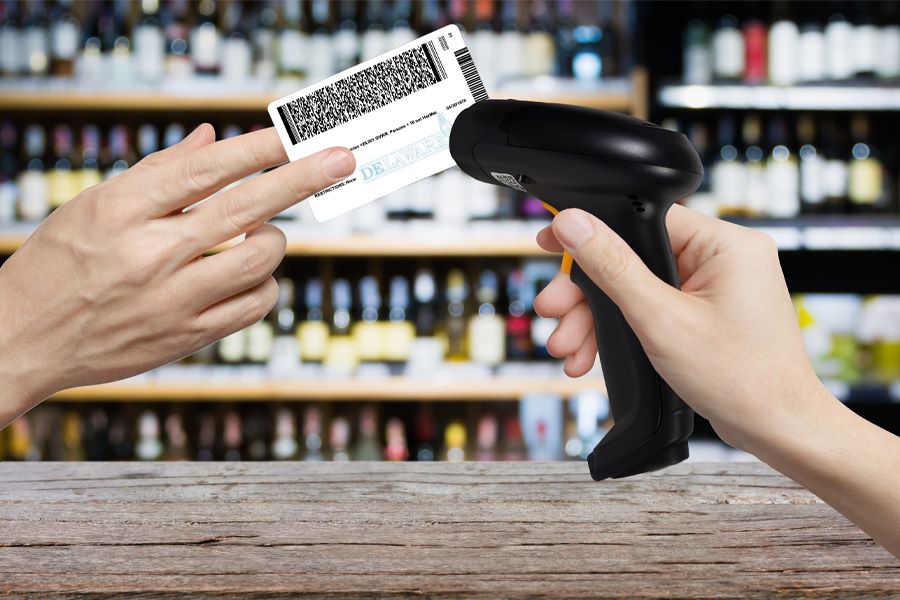
    If your restaurant serves alcohol, you know the importance of age verification. Barcode scanners are essential in checking IDs. Using scanners for this purpose will:

    • Reduce human errors and eliminate fraud;
    • Help you stay up to date with compliance monitoring;
    • Enhance safety and your brand’s reputation.
    Bluetooth wireless barcode scanners by Star Micronics can scan and parse barcodes on driver's licenses.

    5. Inventory Management

    Another primary use for incorporating barcode scanners with your restaurant POS system is automated inventory management. Automating your inventory system is far more efficient and accurate than manual methods.

    Barcode scanners can quickly read pantry shelf labels and monitor ingredient usage, sending the information back to the inventory management software. This helps to minimize food waste, optimize stock levels, and simplify restocking procedures. 

    6. Vendor and Supplier Management

    Using barcode scanning for inventory management also streamlines communication with vendors and suppliers. It can help you place reorders, track deliveries, and check incoming inventory. In addition, it can ensure consistency in product quality and pricing.

    7. Loyalty Programs and Customer Engagement

    There are several advantages to using barcode scanners in your customer engagement strategies. QR codes and mobile apps can make it easy for diners to join your loyalty program, check their point balances, and redeem rewards, raising their satisfaction and rate of return visits. 

    The data gleaned from this usage can help you track customer preferences and behaviors and create personalized promotions and bonuses. You can also use QR codes to direct patrons to your social media accounts for further engagement.

    From the Blog: Why Food Packaging Labels are Essential to Online Order Fulfillment

    Consumers are sold on the convenience of food delivery. Statista reports that online food delivery orders worldwide are projected to reach $1.22 trillion in 2024 and will continue to grow…

    Read the Blog Now

    8. Staff Attendance and Time Tracking

    Another use for restaurant barcode scanners is labor management. Barcode-based time clock systems for employees offer advantages, including reducing errors, simplifying payroll management, and monitoring staff efficiency and productivity.

    9. Reporting and Analytics

    Restaurant barcode scanners improve reporting and analytics. Utilizing barcode data from the previously discussed uses provides the business insights you need to make informed decisions about your operations and workflow. For example, identifying popular menu items and trends through customer and inventory data leads to menu optimization, ultimately cutting costs. 

    10. Automated Accounting Processes

    Using barcode scanners paired with your accounting system streamlines financial management by automating transactions, expense tracking, and reconciliation. This reduces manual entry errors and significantly improves financial visibility, making it easier to track income, manage costs, and maintain accurate records for tax and reporting purposes.

    The Ultimate Guide to Barcode Scanner Types and Applications ebook by Star Micronics.

    The Ultimate Guide to Barcode Scanner Types and Applications

    Reviewing this will ensure you make informed decisions when deciding what barcode scanner to buy for your business’s success.

    Find Out Now

    Embrace Restaurant Technology and Stay Ahead of the Curve

    Barcode scanners have already become “must-have” restaurant equipment, and the technology will continue innovating. Advancements in barcode scanning technology may soon include merging with AI and machine learning for predictive analytics and potential applications of blockchain for supply chain transparency. 

    Technology will continue to shape the future of the restaurant industry, and businesses that don’t modernize their operations and keep up with these innovations risk being left behind.  

    Restaurant barcode scanners are helpful in many aspects of the business, providing menu, ordering, and engagement options for customers and inventory, labor, and reporting functions for employees and owners. When you’re ready to adopt this technology and experience better restaurant management, find a trusted provider who can guide you to the right solution.

    Find Your Restaurant Barcode Scanner Today!

    Contact Star Now

  • Choosing the Best Thermal Receipt Printer for Your QSR

    Choosing the Best Thermal Receipt Printer for Your QSR

    Providing fast, efficient customer service and communicating orders quickly and accurately to food prep areas are absolutely vital to a quick-service restaurant (QSR) operation. Thermal receipt printers will help you achieve those objectives if you choose a model with the right features and design for your operation. 

    Answer these questions to narrow your choices decision-tree-style to make a confident thermal receipt printer choice for your business.

    Visit Star’s QSR Solutions

    What Do You Need the Thermal Printer to Do?

    The best place to start with any technology purchasing decision is by identifying gaps in your operation or developing plans for a more efficient operation. Are you looking for an efficient printer for receipts? Do you plan to deploy printers in the kitchen? Or do you need a model designed for both uses? 

    Do you need a printer that can generate labels for efficient online order fulfillment in addition to printing receipts and chits? Once you define your needs, you can narrow your choices to thermal receipt printer models designed for your applications.

    Star Micronics has the kitchen printers you need for your restaurant, QSR, and cafe, including the SP742 impact printer, the mC-Label3 multimedia printer, and the mC-Print3 thermal printer.

    Where Do You Need Printers?

    Another question you need to ask before you begin to search for point of sale (POS) printers or kitchen printers is where it makes the most sense to implement them in your operation. 

    In a modern, fast-paced QSR, it’s not practical for employees to walk to a wired printer to generate a receipt for drive-thru customers or pick up kitchen orders. If you can save steps and time by deploying printers where wired connections aren’t possible, narrow your choices to printers that can connect via WLAN, Wi-Fi, or Bluetooth. 

    Restaurants choose impact printers for hot, humid kitchens that could impact the quality of thermal-printed chits and receipts. Impact printers remain a good choice; however, more kitchens are now heat-controlled, allowing restaurants to use thermal printers for better speed and connectivity options. 

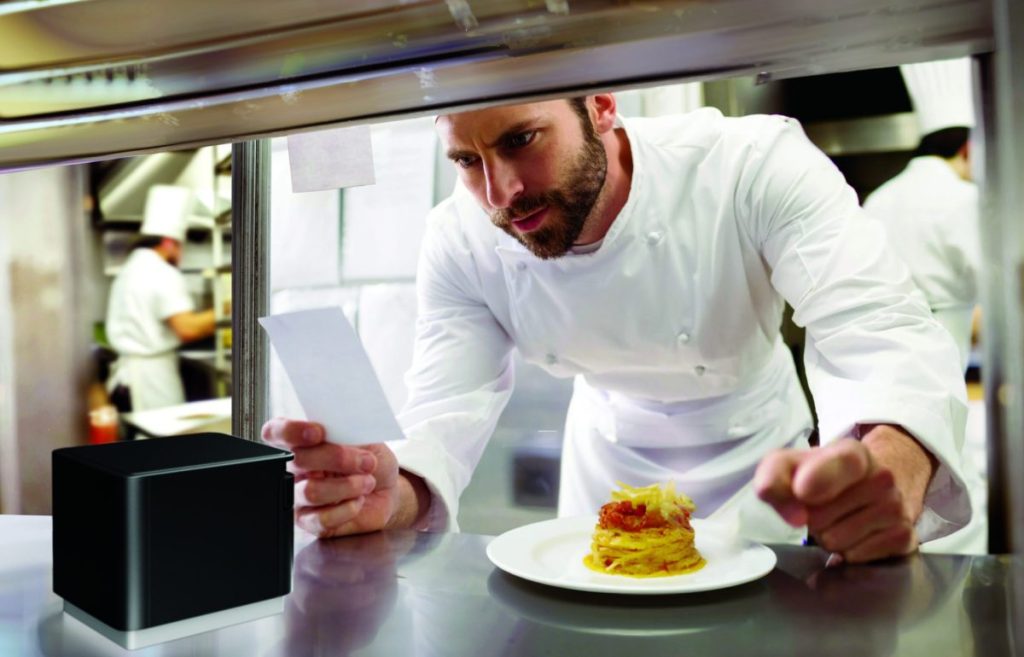
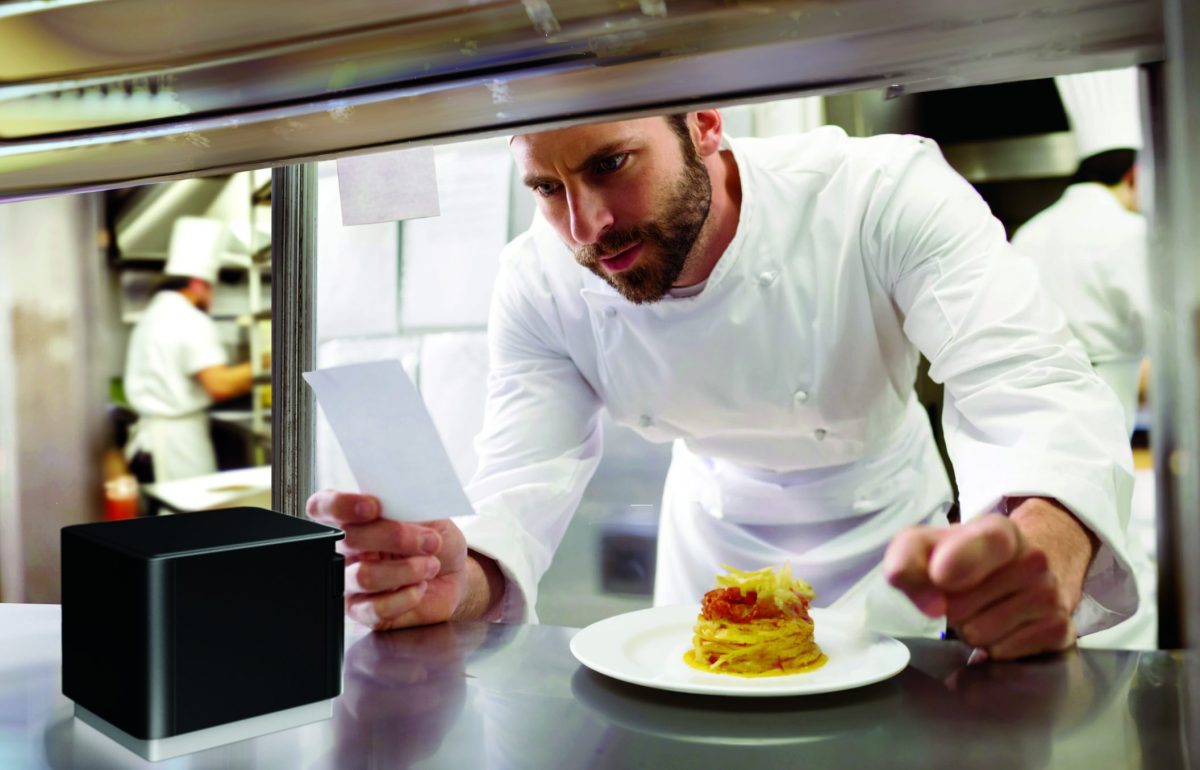
    Chef in modern, professional kitchen looking at ticket from mC-Print3 thermal receipt and restaurant printer by Star Micronics.

    If you plan to deploy your printer in the kitchen, limit your choices to models with IP ratings for resistance to damage from dust, dirt, and liquid splashes or sprays to minimize repair and replacement costs. Easy maintenance is also a must!

    Learn “Why Thermal Printers Have A Place In Today’s Modern Kitchens” >

    Where Are Customers Placing Orders?

    The days of only taking orders at the counter are over. Drive-thru traffic rose 30% from 2019 to 2022 and continues. Nearly 45% of QSRs plan to add self-service kiosks this year, and restaurants continue to take orders from third-party ordering and delivery services. Plus, many establishments are now taking orders from their own websites or apps. 

    While giving customers the freedom to choose how they interact with your restaurant can increase satisfaction, loyalty, and revenue, it also creates operational complexity. A printer that can print orders, labels, and receipts directly from a web application or cloud-based software eliminates the need for additional devices and simplifies the IT environment necessary to make an omnichannel operation work.

    Star Printers Compatible with Online Ordering

    How Fast Do You Need to Print Labels and Receipts?

    Your customers expect fast, accurate service. Delaying food prep because a kitchen printer queue is backed up or serving the wrong order because employees mixed up slow-printing chits can hurt your brand and negatively impact loyalty. Narrow your choices only to options with print speeds that can keep up with peak traffic. 

    The Best Thermal Receipt Printer Choice

    After you answer these questions, you’ll have a clearer picture of the best thermal receipt printer for your business. Following this decision-making process may guide you straight to the best printers for business — or convince you that you need more help to find the right model for your restaurant. 

    The good news is that Star Micronics has a full line of printers for QSRs with models that meet every need–backed by world-class support. Contact us to connect with an expert who knows your industry and printer technology options and can help you explore your options.

    Star Micronics has a wide range of receipt, label, and kiosk printers for ChromeOS and Google Chromebooks.

    Additional Resources

    Learn more about these Star Micronics products for your QSR: 

    • The mC-Label3 Multifunctional Printer prints permanent or repositionable sticky labels on linered or linerless media and also provides thermal receipt printing. 
    • The mC-Print3 series of thermal receipt printers are lightning-fast with robust connectivity options, CloudPRNT Next capability, and compact, splash-proof designs–perfect for demanding, high-traffic environments.
    • The TSP143IV SK is a compact, sticky linerless label printer that can help increase efficiency in order preparation and fulfillment processes. Linerless labels are also the more eco-friendly label media.
    • The TSP143IV thermal receipt printer delivers high print quality and offers multiple connectivity options and high-speed printing. 
    • Star’s CloudPRNT technology stores and creates print jobs and offers cloud-based printing capabilities, allowing QSRs to print directly from web apps and cloud applications.
    • The mPOP® multifunction “mobile point of purchase” system combines a printer and cash drawer into one sleek solution.
    • The SP742 impact printer is a high-speed, reliable solution for hot, humid kitchens. It features multiple connectivity options, including cloud-based printing.
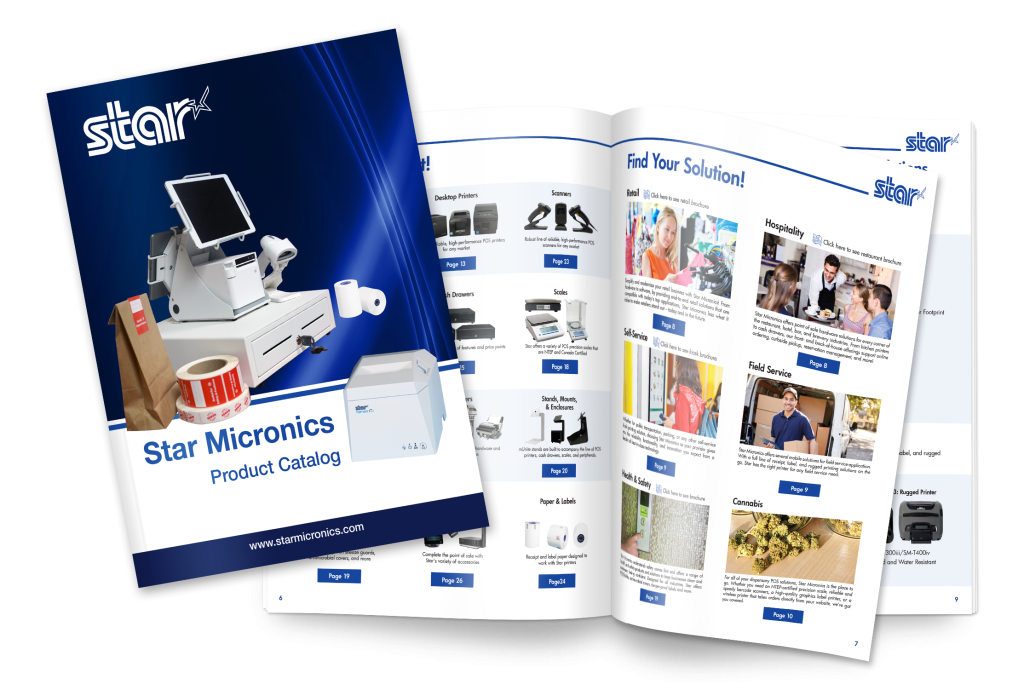
    Star Micronics full catalog of POS and labeling solutions.

    Star Micronics Product Catalog

    Explore Star’s Product Catalog today to discover the perfect printer solutions tailored for your QSR’s unique needs.

    Explore Star’s Catalog

    Find Your Thermal Receipt Printer Today!

    Contact Star Now

  • The Easy Way to Implement Library Book Barcodes and Maximize Their Benefits

    The Easy Way to Implement Library Book Barcodes and Maximize Their Benefits

    Implementing library book barcodes offers readers and librarians the best of both the physical and digital worlds. Despite the trend toward digital information, physical books remain the preferred choice for many. 

    Discover Star’s Library Solutions

    Professionals using reference books with maps or schematics often find it easier to see the entire image in a physical book rather than scrolling on a screen. Students may also benefit more from reading physical books. A Cambridge study reported in Yahoo! News found that students reading printed material comprehend six to eight times better than those reading from digital devices.

    Additionally, many people who read for pleasure simply enjoy the tactile experience of turning pages as they anticipate the next sentence in a thriller or romance.

    The continued demand for printed books underscores the importance of libraries to their communities. However, as more books join the classics and centuries of reference materials on the shelves, the task of classifying, organizing, and protecting them becomes increasingly complex. Library book barcodes simplify the management of these physical assets, making storing, organizing, and tracking books easier.

    The Benefits of Library Book Barcodes

    When library administrators choose to barcode library books and other assets in their collections, they take a major step toward greater efficiency and visibility. Using barcodes for library books optimizes:

    Inventory Management

    Scanning a permanent barcode label on a library book informs the library’s system that the title is on the shelf and available for patrons to borrow. Additionally, when librarians scan library book barcodes upon return, their management system can direct them to the exact floor, stack, and shelf for reshelving.

    Barcodes for library books streamline inventory management by providing a digital representation of all titles, saving time, and ensuring proper storage and display.

    Get the ideal library printers and scanners from Star Micronics.

    Online Services

    Library barcode systems are essential to publishing a collection online, giving patrons the convenience of reserving titles for pickup via a device. Libraries that work cooperatively can also use data from barcodes to find titles in other locations and arrange for their patrons to borrow them.

    Book Borrowing

    Barcodes for library books eliminate the need to glue library cards inside books. Librarians simply scan patrons’ library cards and the barcodes on the titles they’re borrowing. The library management system then tracks who borrowed the books and their due dates. Additionally, the system can send email or text reminders to help patrons avoid fines.

    Self-Service Returns

    Library barcode systems enhance the efficiency of dropbox returns. Patrons scan the barcodes at a kiosk when returning books, confirming the return and logging the time. The library’s system immediately updates the status, making the books available for borrowing sooner, benefiting patrons waiting for those titles.

    The Right Tools to Generate and Read Library Book Barcodes

    While library barcode systems offer numerous benefits, the value they provide depends on the quality of labels and the library’s barcode scanner capabilities.

    Library Barcode Label Printers

    Printers for library book barcodes must produce high-quality images for accurate scans. Printers that are flexible enough to work with the library’s label software will result in higher-quality barcode labels and make the labeling process easier. 

    The printer should also accommodate the label media the library chooses. It should be versatile enough to print permanent linerless or die-cut labels for book spines and repositionable sticky labels that librarians can use for holds or titles that patrons reserve online. A printer that accommodates linerless labels–labels without a silicone backing–can streamline labeling processes and reduce clutter and paper waste.

    mC-Label2 Multifunction Printer

    The mC-Label2 packs powerful features into a compact, front-loading design, including 300 dpi resolution, support for linerless, die-cut, receipt, and continuous media, and connectivity options like USB-C, LAN, WLAN, Bluetooth, and Apple MFi-certified pairing (X4 models only).

    Explore the mC-Label2 >

    The mC-Label2 multifunction label printer by Star Micronics.
    The mC-Label3 multifunction label and receipt printer from Star Micronics.

    mC-Label3 Multifunction Printer

    The Star Micronics mC-Label3 is a versatile multimedia printer that prints a wide range of labels and receipts, including both permanent and repositionable sticky linerless. It features cloud connectivity and innovative technologies like SteadyLAN and TetherLAN for enhanced printing convenience.

    Discover the mC-Label3 >

    Library Barcode Scanners

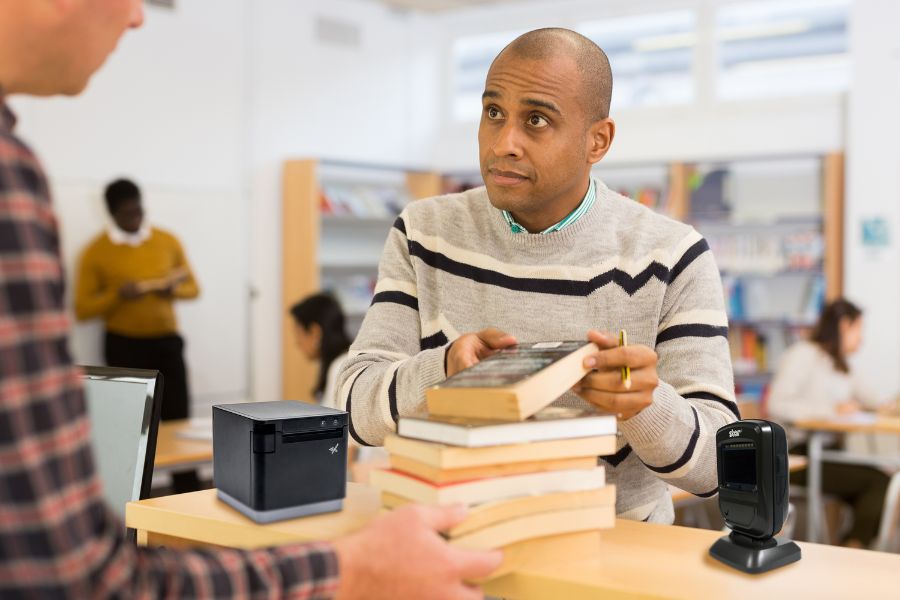
    In addition to printing high-quality labels, libraries also need reliable barcode scanners to read them. Scanners should read both one-dimensional, also known as 1D or linear barcodes, and 2D barcodes, like QR codes, to collect information from different types of codes the library uses. 

    Because labels on book spines or assets could become distorted, libraries will benefit from scanners that can read barcodes on uneven surfaces. The scanner should also work reliably in different lighting conditions, giving accurate reads even in low-light areas. 

    Libraries will also benefit from desktop scanners for use at the front counter and wireless handheld scanners for use by librarians when managing inventory.

    Star’s 1D/2D Barcode Scanners

    Star offers a comprehensive range of IP-rated 1D/2D barcode scanners, ideal for diverse business needs. From retail to healthcare, our versatile scanners excel in parsing driver’s license and ID barcodes, ensuring swift and accurate data capture. Choose the perfect fit for your setup—desktop, handheld, or wireless Bluetooth options available.

    Star Micronics has the latest in retail barcode technology solutions with a range of desktop, USB handheld, and wireless handheld scanners.

    Future-Proof Operations with a Barcode Library System

    As library collections expand and the labor shortage persists, libraries must find ways to operate more efficiently. Implementing barcodes for library books allows librarians to accurately manage inventory and gain instant visibility into their collections.

    Barcode technology transforms the management of physical books, making it as streamlined as handling digital assets. This advancement ensures libraries can continue to provide patrons with the benefits of printed works well into the future.

    Beyond the Label: Elevating Brand Connection and Loyalty ebook by Star Micronics.

    Beyond the Label: Elevating Brand Connection and Loyalty

    Discover how strategic labeling can redefine customer engagement and boost brand loyalty in this digital age.

    Find Out Now

    Learn More About Star’s Library Solutions:

    Find Your Library Solution

  • Making the Right Investment: Wired vs. Wireless Barcode Scanners

    Making the Right Investment: Wired vs. Wireless Barcode Scanners

    Barcode technology offers many benefits to retail, manufacturing, healthcare, and other industries. For example, they enable more accurate inventory management, real-time visibility into products and stock, and more efficient checkout processes. However, businesses need the proper hardware, including a choice between a wired or wireless barcode scanner, to get the most value from their barcode solutions. 

    Explore Star Barcode Scanners

    What Wired and Wireless Barcode Scanners Have in Common

    Both wired and wireless barcode scanners share several hardware features. For instance, you can find both types in laser scanners or imagers designed for reading 1D barcodes (like UPC codes) and 2D scanners capable of reading both 1D and QR codes.

    Additionally, both wired and wireless scanners are available with various ingress protection (IP) ratings. These ratings indicate the level of resistance to dust and liquid infiltration. For example, an IP rating of 42 means the device is protected from solid objects larger than 1 mm (indicated by the first number, “4”) and from water droplets (indicated by the second number, “2”).

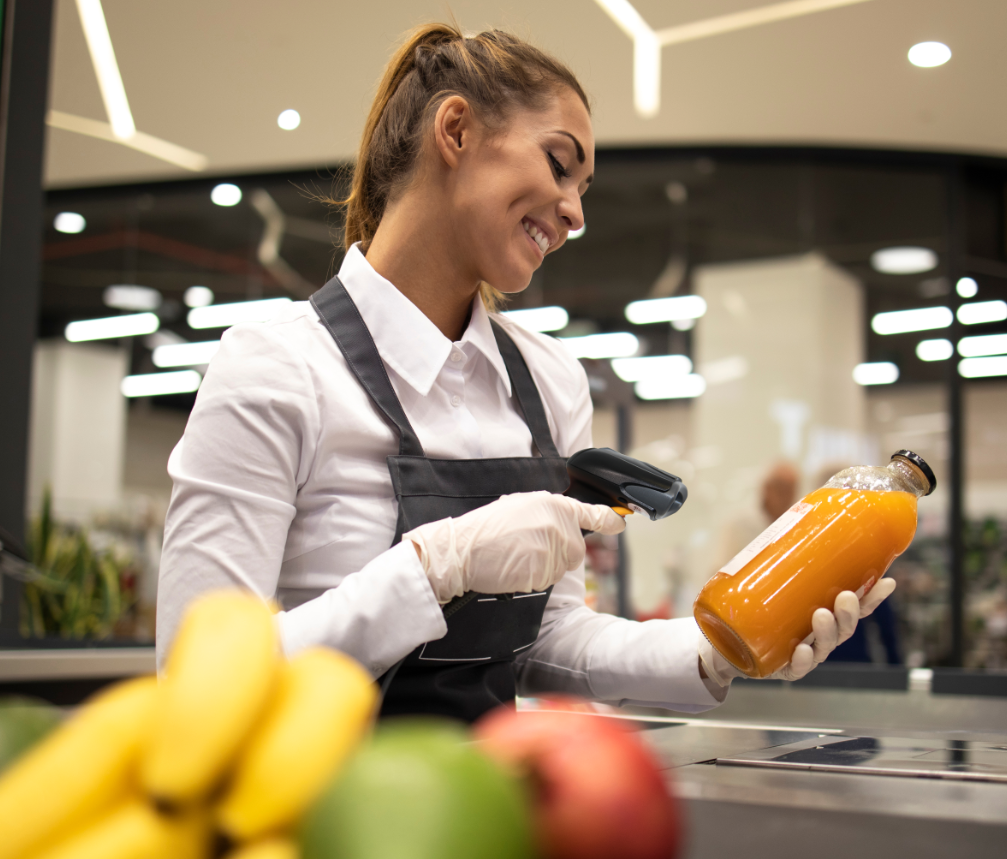
    Woman ringing up groceries with wireless barcode scanner by Star Micronics.

    There is also a range of scanner form factors, including handheld, presentation, fixed-mount, and in-counter models. The choice depends on your specific needs, such as scanning groceries at a checkout counter or shelf tags during inventory counts. It’s also essential to consider the environment in which you’ll use the scanner.

    The following comparison of wired and wireless barcode scanners will help you choose the best option based on your application needs and other crucial business factors.

    Advantages of Wired Barcode Scanners

    Wired barcode scanners are ideal for fixed locations like checkout counters or back-of-house workstations. They provide reliable, fast data transmission without the risk of interference from other devices. Wired scanners are typically plug-and-play, making them easy to set up and use quickly.

    These scanners are also generally more affordable than their wireless counterparts and don’t require battery replacements, reducing their total cost of ownership (TCO).

    Depending on the model, wired scanners can deliver fast, accurate scanning of 1D and 2D barcodes on various surfaces, including paper, uneven packaging, and screens with protective film. For example, Star’s BSH-20U and BSH-32U handheld barcode scanners can function as both a presentation scanner on a counter and a handheld device. This model offers a large field of view, onscreen barcode capture, and an infrared sensor for efficient scanning, even in low-light conditions.

    Advantages of Wireless Barcode Scanners

    Barcode scanning typically requires you to take the product to the scanner, not the other way around. Wireless barcode scanners free you from cords and cables that limit movement and allow you to use presentation or fixed-mount scanning when wired connectivity isn’t available. 

    Leading wireless barcode scanners have a long battery life with up to 12 hours of continuous use and offer reliable wireless data transmission. Star’s wireless barcode scanners, such as the BSH-32B and BSH-HR2081BT, are also easy to move between locations and have plug-and-play setup with any point-of-sale (POS) software.

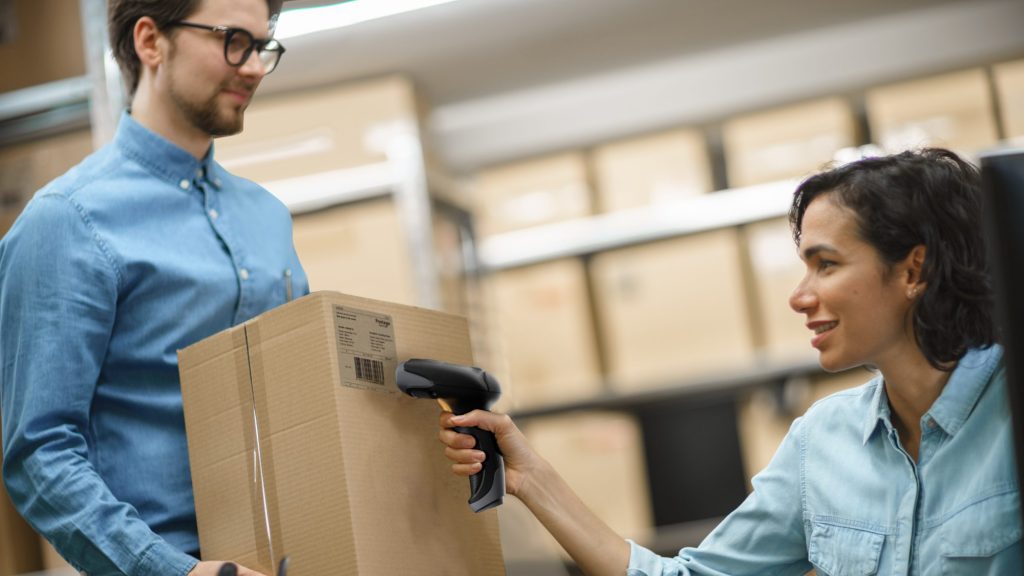
    Woman scans inventory with wireless barcode scanner by Star Micronics.

    Simply connect via Bluetooth or the included USB dongle (USB dongle is imbedded in the charging cradle for the BSH-32B), and the scanner immediately works – no need to download any additional drivers. Star’s wireless scanners also have six scanning modes for convenience and capture images on paper, uneven media, and onscreen.

    Wireless scanners add flexibility to operations, allowing you to quickly accommodate changes in workflow, like when consumer behaviors shift to curbside pickup. They’re ideal for inventory management, stock takes, and cycle counts, enabling employees to capture data instantly and accurately.

    Wireless barcode scanners are also easily scalable. If you need to equip extra employees, you can add more scanners without altering your business infrastructure. 

    Explore Star Barcode Scanners

    3 Factors to Consider When Choosing Between Wired and Wireless Barcode Scanners

    Overall, your choice between wired and wireless barcode scanners comes down to the following:

    1. Workflow Requirements

    Consider whether employees work at a checkout counter, stationary workstation, or need mobility. Also, don’t forget to take ergonomics into account. Repeatedly using a handheld might lead to fatigue and injury, whereas a wired fixed-mount scanner could prevent those issues. 

    Additionally, ensure the model has the power to provide the speed necessary to keep up with the scanning volume employees need to do their jobs efficiently.

    2. Budget

    Consider both upfront costs and TCO, including batteries for wireless scanners and ongoing maintenance costs. Remember to review the warranty to ensure you get the most out of your investment

    3. Environmental Considerations

    Determine where employees will use the scanner. A wireless barcode scanner may be the only choice if a wired connection isn’t possible. If a wired connection is possible, you may want to consider whether interference from other devices could diminish a wireless scanner’s performance. In that case, go with a wired barcode scanner.

    The Ultimate Guide to Barcode Scanner Types and Applications ebook by Star Micronics.

    The Ultimate Guide to Barcode Scanner Types and Applications

    Navigate the world of barcodes with clarity and confidence, ensuring the right fit for your business needs.

    Discover Scanners

    Make an Informed Choice

    Both wired and wireless barcode scanners have pros and cons, but when you consider workflow requirements, budget, and environmental factors, you’ll make the optimal choice for your application. 

    You can also contact your barcode technology solution provider to find the best scanner for your business. For example, antimicrobial scanners are available for companies in the healthcare industry, while rugged scanners are for more industrial or outdoor settings.

    Find the right wired or wireless barcode scanner for your application:

    Contact Star Now

  • Reusable Cups: The Growing Trend and the Need for Linerless Sticky Labels

    Reusable Cups: The Growing Trend and the Need for Linerless Sticky Labels

    Since 2020, restaurants have significantly changed their operations. They adapted to regulations and mandates during the COVID-19 pandemic. They added online ordering and curbside pickup options to offer customers new ways to engage. They deployed self-service ordering and payment kiosks to meet changing consumer preferences. 

    However, the evolution of this industry isn’t over. Now, chains are prioritizing sustainability, transitioning to reusable cups. Repositionable linerless sticky labels will be vital to making that strategy work.

    Explore Star Labeling Solutions

    The Challenge of Beverage Cup Waste

    Stopping for coffee on the way to work or between errands is routine for many consumers. However, the cups they use are piling up. The Guardian reports that the U.S. landfills about 25 billion polystyrene cups each year, and that material takes about 500 years to decompose. 

    However, polystyrene isn’t the only type of cup that negatively impacts the environment. The estimated 16 billion paper cups that U.S. consumers use each year require cutting down about 6.5 million trees. Furthermore, adding up the cup, sleeve, production, and shipping, each paper cup is responsible for 110g of carbon dioxide emitted into the environment. 

    While protecting the environment and complying with new regulations for sustainable operations are driving changes in how restaurants serve to-go beverages, another factor is cost. Every 1,000 cups and lids cost about $75-$150, and with traditional processes, it’s equivalent to paying for something that immediately heads to a landfill. It’s one more reason that restaurants are taking a serious look at joining the reusable cup trend.

    Why Every Café and Coffee Shop Needs a Linerless Sticky Label Printer

    Chains Trailblazing the Transition to Reusable Cups

    One chain that has launched a program to serve beverages in reusable cups is Tim Hortons. The brand, which had used this model before the pandemic, offers a 10-cent discount to customers who bring a clean reusable cup for their hot or cold beverage orders. Tim Hortons reports that, in 2019, it was able to reduce the number of disposable cups it used by 15 million for hot beverage orders alone. 

    Starbucks is also emerging as a leader in this area, becoming the first to accept reusable cups at the drive-thru and for mobile orders at participating locations in the U.S. and Canada. When customers place their orders at the drive-thru or with the Starbucks app, they let the barista know they brought a reusable cup. When they arrive at the pickup window or the counter, the barista collects the cup in a contactless vessel to ensure hygiene.

    After baristas prepare orders, they serve them in customers’ cups. These customers receive a 10-cent discount, 25 Bonus Stars, and the satisfaction of supporting Starbucks’ commitment to reduce waste by 50% by 2030.

    Repositionable Linerless Sticky Labels Make Serving Beverages in Reusable Cups Practical

    When serving beverages in customers’ reusable cups, it’s essential to ensure employees can quickly identify which cup belongs to which customer. Repositionable sticky labels allow restaurants and cafes to keep the order and customer information with the cup to avoid mix-ups. If the goal is to reduce waste, ensuring the correct order is poured into the right cup is essential. Otherwise, employees would have to discard the beverage and remake the order. 

    Also, repositionable labels are durable enough to stay attached throughout the process but are easy for customers to remove. Therefore, they don’t have to scrape off a permanent label so they can use the cup again. 

    An even more environmentally friendly option is to use repositionable linerless sticky labels. These labels don’t have a backing that employees must remove before applying them. This streamlines processes, allowing employees to even apply labels with one hand. Linerless labels also decrease the waste that the restaurant or café produces and clutter from paper backing on counters or the floor. 

    Additionally, linerless rolls contain 60% more labels, so employees spend less time replacing label rolls and more time serving customers. 

    Star Blue thermal paper rolls by Star Micronics. Receipt, linerless, sticky, traditional, permanent, thermal, bond, label.
    Linerless labels have no backing, giving more labels per roll with less waste.

    Read Decoding Labels: The Importance of Permanent Linerless Labeling in Modern Business >

    Restaurants Need Flexible Print Capabilities

    Printing repositionable linerless sticky labels for reusable cups is just one of the print jobs required at cafes and restaurants. They also need to print receipts and may need to print permanent labels for prepared foods or shelf labels for inventory control. 

    Brands that partner with third-party delivery services may want to generate tamper-proof labels to assure customers of quality and safety. The restaurant or café may also want to create custom QR codes or branded labels on demand to enhance customer engagement. 

    The best investment is in a printer capable of handling a variety of linerless label sizes to meet all of the business’s needs. This printer will also allow a restaurant or café to keep up with emerging restaurant trends, like “bring your own cup” (BYOC) or other labeling use cases on the horizon. 

    Recommended Linerless Label Printers

    TSP143IV SK Sticky Label Printer

    The TSP143IV SK by Star Micronics sets a new standard for compact, eco-friendly thermal linerless label printing, offering advanced connectivity options like Wi-Fi and AOA, and efficient, residue-free labels for diverse business needs.

    Find out more >

    TSP143IV SK Thermal Linerless Sticky Label Printer by Star Micronics.
    The mC-Label3 multifunction label and receipt printer from Star Micronics.

    mC-Label3 Multimedia Printer

    The Star Micronics mC-Label3 is a versatile multimedia printer that prints a wide range of labels and receipts, including both permanent and repositionable sticky linerless. It features cloud connectivity and innovative technologies like SteadyLAN and TetherLAN for enhanced printing convenience.

    Discover the mC-Label3 >

    The restaurant industry’s evolution will continue as consumer behaviors and regulations change, technology advances, and new challenges arise. The best strategy is to stay agile, open to adapting to what lies ahead, and informed about solutions that make new processes practical and cost-effective.

    Beyond the Label: Elevating Brand Connection and Loyalty ebook by Star Micronics.

    Beyond the Label: Elevating Brand Connection and Loyalty

    Discover how strategic labeling can redefine customer engagement and boost brand loyalty in this digital age.

    Power-Up Your Brand with Labels

    Get the Best for Your Business:

    Contact Star Now

  • Why Thermal and Impact Printers Remain Essential in High-Tech Restaurant Operations

    Why Thermal and Impact Printers Remain Essential in High-Tech Restaurant Operations

    Efficiency is the lifeblood of successful restaurant operations, especially when soaring food and labor costs threaten profitability. To combat these challenges, restaurants are increasingly turning to technology to streamline processes and cut expenses. Some forward-thinking chains are even exploring the feasibility of fully automated operations, testing robots and intelligent systems for food prep, service, and even bussing tables.

    But let’s face it: most restaurants aren’t ready to jump straight into a futuristic, AI-powered world. Instead, the majority are adopting a more pragmatic approach, carefully selecting technologies that offer the greatest value. Time and again, the winning strategy is a blend of innovative new solutions and dependable classics, such as thermal and impact printers, which bridge the gap between the cutting-edge and the tried-and-true.

    Restaurant & Bar Point-of-Sale Systems

    Impact Printers in the Modern Restaurant Kitchen

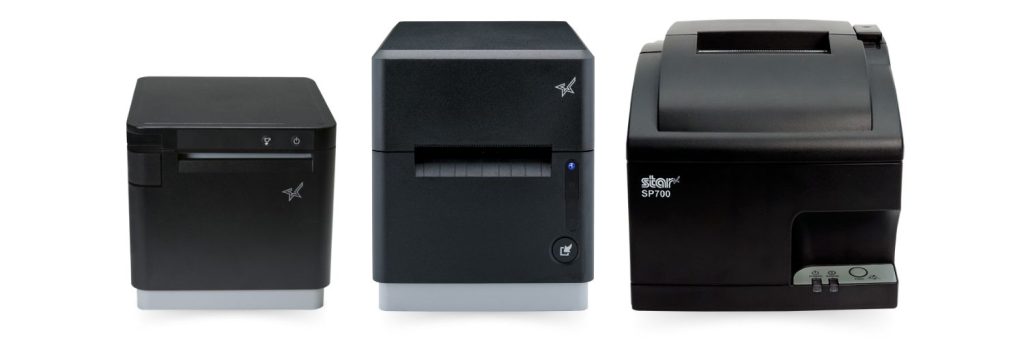
    The SP742 impact kitchen printer is great for online ordering.
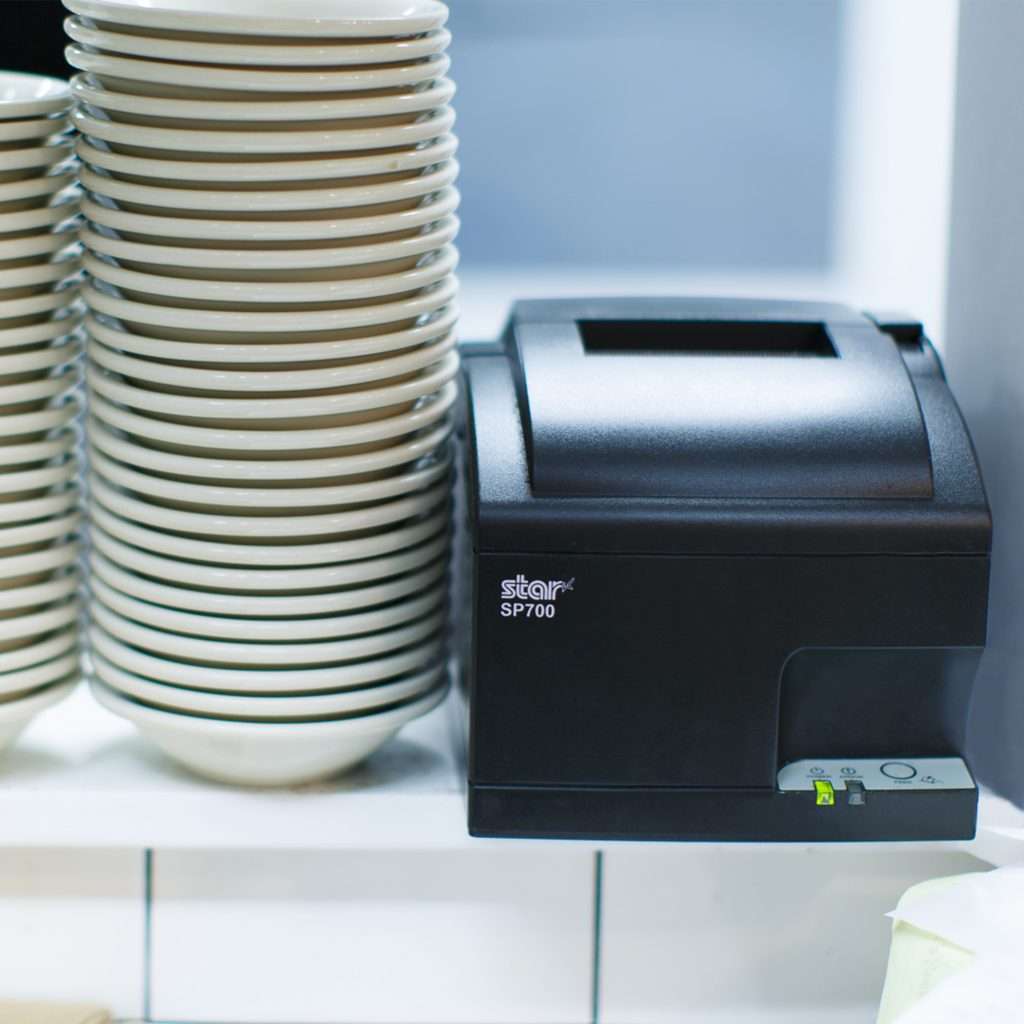
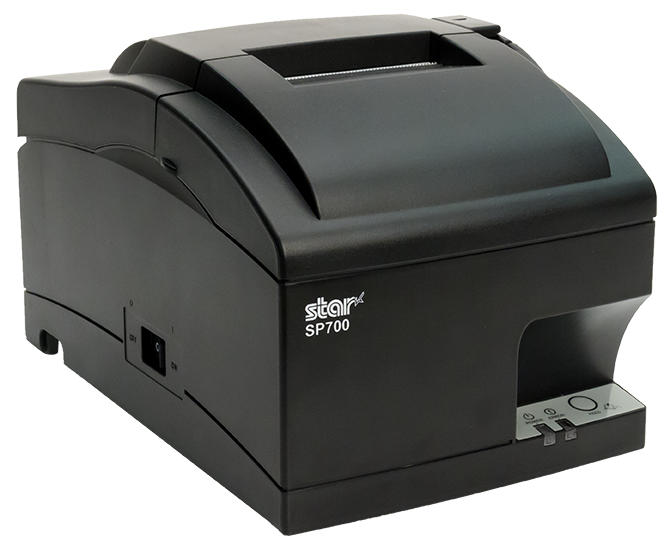
    The SP700 impact kitchen printer by Star Micronics is one of the most trusted on the market.

    Printers, paired with the point-of-sale (POS) or restaurant management system, are essential for clear communication. When a server takes an order, the printer instantly generates a ticket for the back of the house. This technology replaces handwritten notes with printed chits, ensuring all orders are legible. As accuracy improves, the positive impact on service, customer experiences, and the bottom line is substantial.

    Impact printers are the top choice for hot, humid restaurant kitchens. Orders printed on thermal printers can become illegible when exposed to steam and high temperatures. In contrast, chits from an impact printer remain clear and readable throughout the food prep process.

    Moreover, restaurants benefit from rugged, reliable models that ensure legibility and uninterrupted service, even when splashed with liquids during order preparation. Compact models with versatile connectivity options allow managers to position printers in optimal locations within food prep areas.

    Additionally, restaurants can choose impact printers that are easy to load, making them ideal for operations requiring two-color and carbon copy printing.

    The SP742 impact kitchen printer is great for online ordering.

    Discover the SP742: The Ultimate Kitchen Printer

    The SP742 printer excels in the demanding kitchen environment, offering high-speed, two-color printing for clear orders and a user-friendly design for easy handling. Enhanced with CloudPRNT and Bluetooth, it streamlines online ordering, ensuring seamless front-to-back-of-house operations.

    Discover the SP742 Series

    Role of Thermal Printers in Modern Restaurants

    While advancements in impact kitchen printers have made them indispensable in many restaurant operations, modern eateries often require a printer with broader capabilities. Multi-function thermal receipt printers fit this need perfectly, allowing restaurants to print everything from permanent food and shelf labels to repositionable sticky labels for online orders.

    These versatile printers can also generate unique, branded labels and tamper-proof labels for deliveries, enhancing both functionality and brand integrity.

    Moreover, as more modern kitchens become heat-controlled, thermal printers are emerging as attractive options. With a thermal printer at each food prep station, there’s no need for carbon copies, reducing the risk of losing important order information.

    Features such as a compact design, multiple connectivity options, cloud printing technology, and the flexibility to print labels, receipts, and orders make the right thermal printer a smart investment for any contemporary restaurant.

    The mC-Print3 thermal receipt printer is an invaluable asset for any professional kitchen. Learn more here >

    Chef in modern, professional kitchen looking at ticket from mC-Print3 thermal receipt and restaurant printer by Star Micronics.
    The mC-Print3 by Star Micronics is ideal for professional, heat-controlled kitchens.

    Label Printing to Improve Inventory Management

    Modern restaurants deploy technology to increase efficiency and operate more cost-effectively. According to the National Restaurant Association, with food costs accounting for 33 cents of every dollar sold and overhead totaling 29 cents, pretax profit for most restaurants is only about 5 percent. Furthermore, as food costs continue to rise, there’s no margin for error.

    Accurate inventory management is essential for cost control and maintaining a viable restaurant business. Technology empowers restaurants to manage inventory effectively, decreasing waste and ensuring customer satisfaction by always serving fresh, high-quality foods.

    High-ROI inventory management solutions include barcode and RFID technology, which provide staff with visibility into inventory from receiving to food preparation and sales. These solutions also enable quick and precise identification of foods subject to recall, minimizing losses.

    Using technology to track inventory requires labels on stock and shelves. Label printers allow restaurants to create labels on demand for flawless inventory tracking. These inventory tracking solutions also provide managers with invaluable data, revealing sources of shrinkage and waste. This insight allows managers to take corrective action to keep their restaurants profitable.

    Explore Star Labeling Solutions

    The Case for Kitchen Printers in High-Tech Environments

    Although technology continues to advance, allowing restaurants to implement sophisticated solutions and automate processes, tried-and-true solutions like kitchen impact printers remain essential. These reliable traditional technologies bridge the gap between cutting-edge innovations and established methods, ensuring seamless operations during the industry’s digital transformation.

    For operators considering technology upgrades to increase efficiency, control costs, and manage inventory, it’s crucial to recognize how kitchen printers, including dependable impact printers, can strengthen their IT ecosystems.

    These printers are not just tools but foundational elements that enhance the effectiveness of modern, integrated solutions.

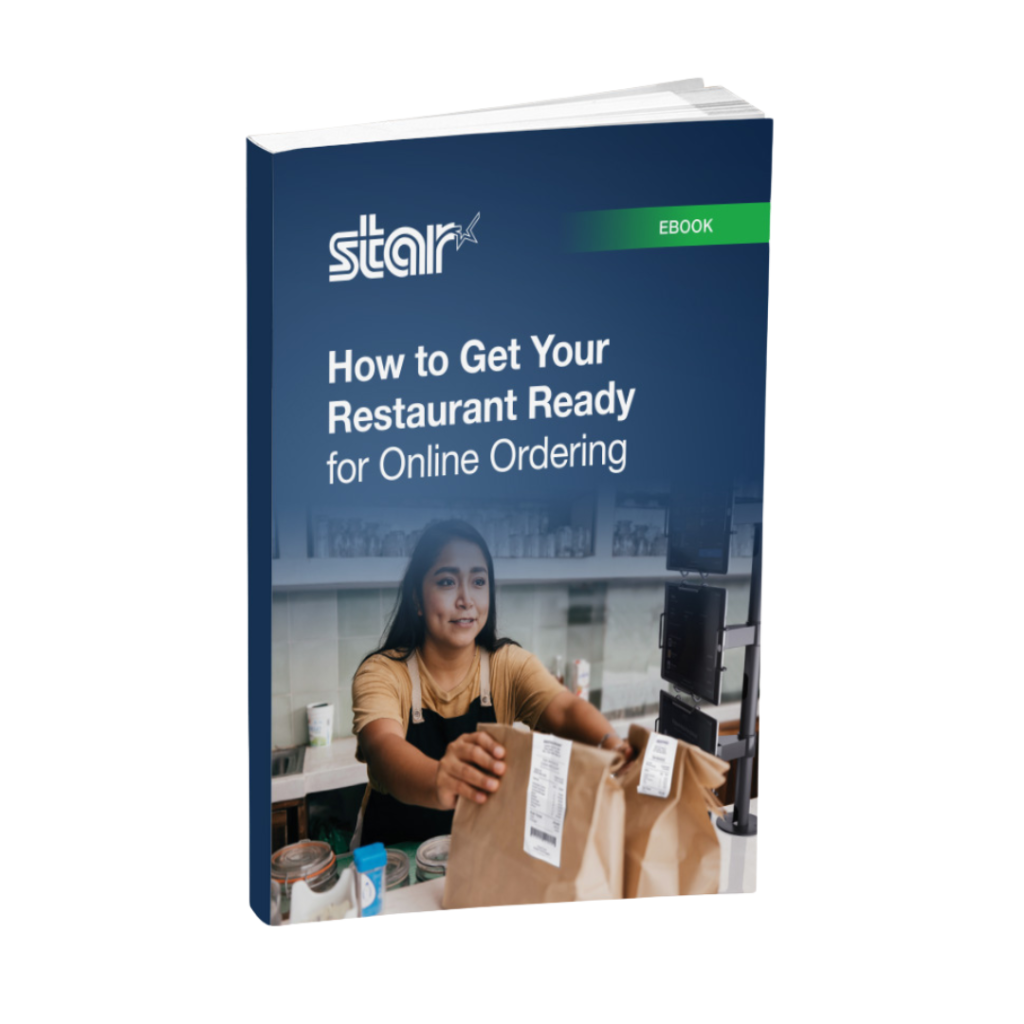
    How to Get Your Restaurant Ready for Online Ordering ebook by Star Micronics.

    How to Get Your Restaurant Ready for Online Ordering

    Are you looking for a new way to grow your restaurant business? Accepting online orders keeps you relevant and competitive.

    Find Out Here

    Find Out Where You Can Get Star Kitchen Printers

    Contact Star Now

  • The 5 Best Star Receipt Printers

    The 5 Best Star Receipt Printers

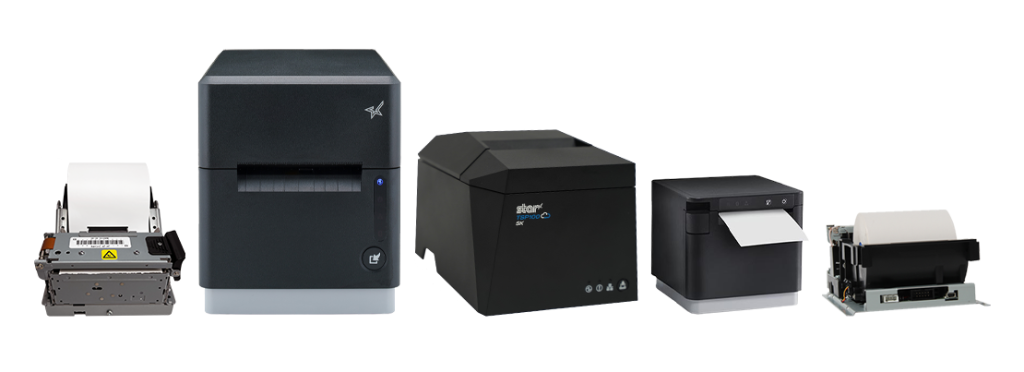
    Star Micronics offers a diverse range of thermal receipt printers designed to meet the unique demands of different work environments. Whether you seek a stylish printer to complement your aesthetic or a robust model capable of withstanding temperature fluctuations, liquids, dust, and intensive usage, there’s a Star receipt printer for you.

    Our lineup spans thermal and impact printers, each tailored to specific business needs. For those aiming to enhance promotional strategies, Star provides comprehensive solutions to craft receipts, coupons, and promotional messages with ease.

    Unsure which Star receipt printer aligns best with your business? Discover our top picks, perfect for various retail, restaurant, and hospitality settings:

    Browse all Star Solutions

    1. The TSP143IV Series

    The sleek TSP143IV series sets new standards in thermal printing with its compact design, reducing its footprint by 20% compared to the TSP143III. Ideal for mPOS and POS systems, it offers versatile connectivity (including Android Open Accessory (AOA) support and WLAN) and seamless integration with Windows, iOS, and Android. This series excels in cloud-based applications with CloudPRNT technology support and connects to Star Micronics Cloud Services for enhanced device monitoring and promotional capabilities. 

    TSP143IV SK Thermal Linerless Sticky Label Printer by Star Micronics.

    The TSP143IV series also includes a sticky linerless label model, the TSP143IV SK, expanding its online ordering and delivery capabilities. Its efficient “drop-in and print” paper loading and internal power supply make it an indispensable tool in retail or hospitality.

    2. The mC-Label3 Multimedia Printer

    The mC-Label3 multifunction label and receipt printer from Star Micronics.

    The mC-Label3 from Star Micronics is a multifunctional printer that excels in versatility, supporting a wide range of media from linerless labels (permanent and sticky) to die-cut labels and standard receipt paper. Its Cloud Ready capability enables connection to Star Micronics Cloud Services and Label Builder for customized label solutions. 

    With One Touch Label, users can easily print pre-set labels or receipts with the touch of a button. Its compatibility with iOS, Android, and Windows devices, combined with advanced connectivity options like SteadyLAN® and TetherLAN, positions the mC-Label3 as a top choice for diverse printing needs.

    Discover Star’s wide range of printing technologies >

    3. The mC-Print3 Series

    The premier mC-Print3 series combines style and next-gen functionality in a compact cube design, perfect for busy retail and restaurant spaces. It has an IP22 splash-proof rating and withstands harsh environments, including professional kitchens and outdoor venues. It excels in speed (400 mm/second) and connectivity, supporting various USB peripherals and offering access to Star CloudPRNT Next and Star Micronics Cloud Services.

    The mC-Print3 thermal receipt printer by Star Micronics.

    Its small footprint and robust design, coupled with multiple connection options (including CloudPRNT and SteadyLAN), make the mC-Print3 a powerful solution for any modern POS system.

    Explore CloudPRNT

    4. The mPOP® Multifunction System

    Star Micronics’ mPOP redefines the tablet POS experience by combining a cash drawer with a 2-inch thermal printer into one innovative solution. It fits perfectly in boutique or salon settings, offering a sleek and ergonomic design without sacrificing functionality. It supports all major operating systems, providing versatility for diverse POS software. The addition of USB ports enhances its functionality, enabling connections with external devices like the optional Star 2D barcode scanner.

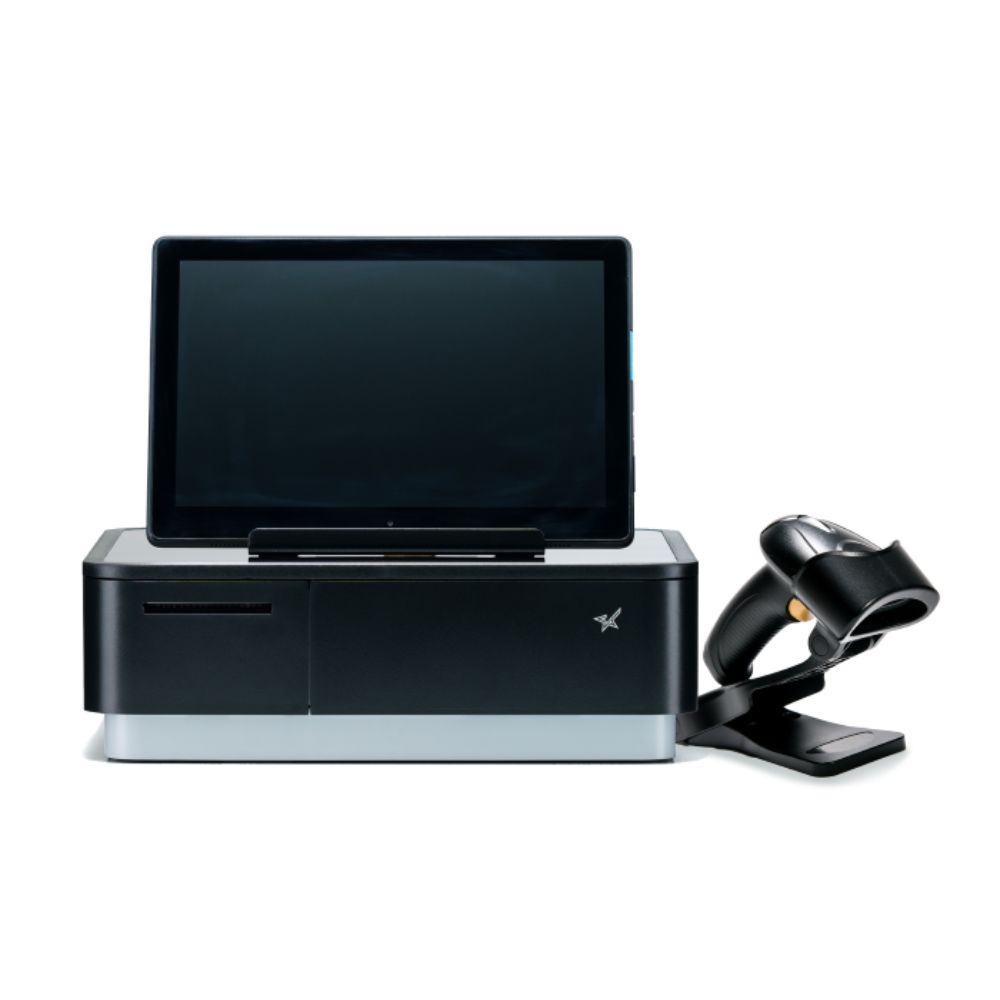
    Black mPOP with optional 2D Scanner shown with Tablet
    Tablets not included

    5. The TSP143III Series

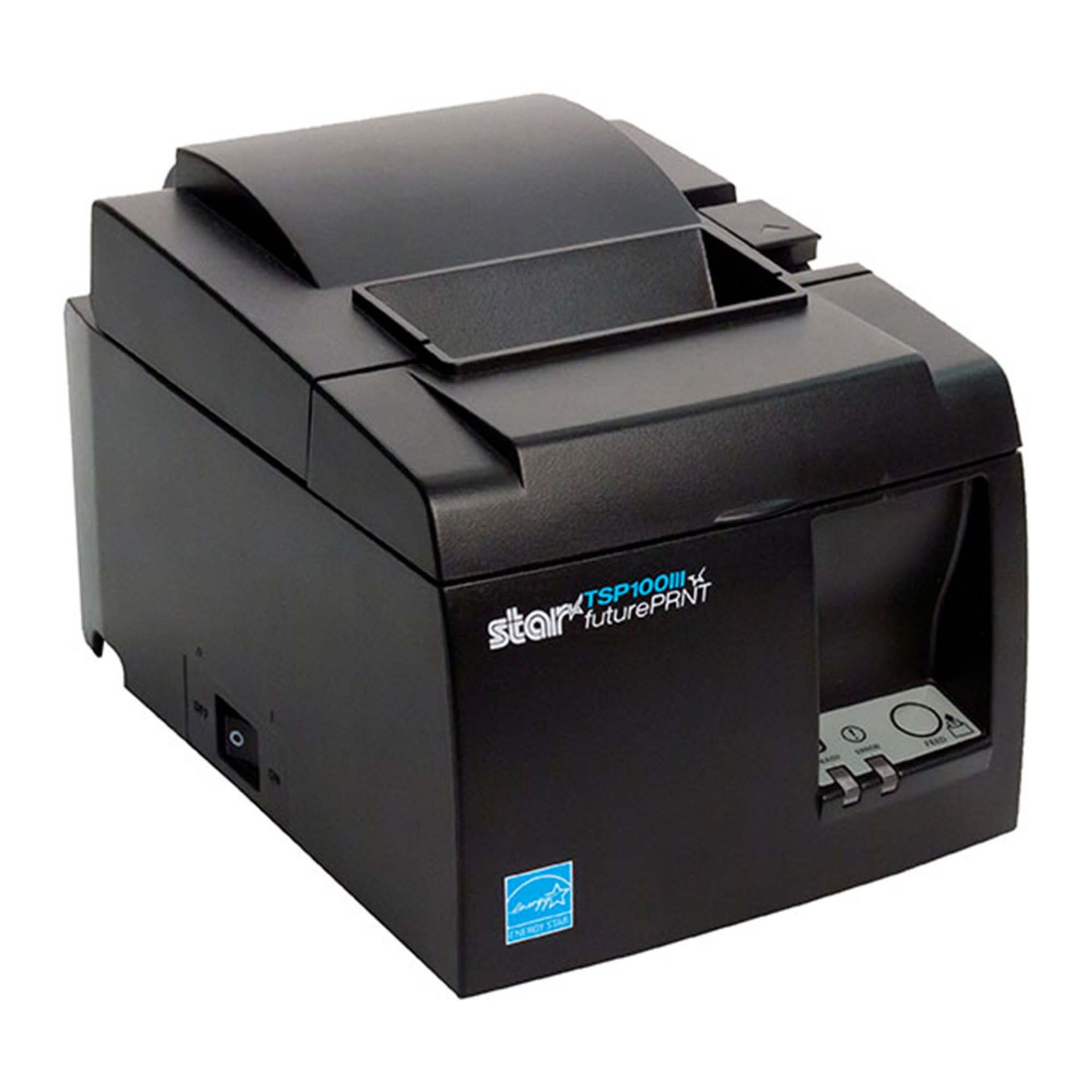
    The TSP143III thermal receipt printer by Star Micronics.

    The acclaimed TSP143III is a thermal receipt printer designed for businesses seeking reliable, high-quality printing solutions. Its diverse connectivity options, including USB, Bluetooth, LAN, and WLAN, make it suitable for various industries. With features like USB charging for mobile devices and access to futurePRNT software for receipt customization, it’s an adaptable solution for any retail or hospitality environment. It comes with a complete package for immediate setup, enhancing its appeal for businesses looking for an easy-to-use, comprehensive printing solution.

    How to Get Your Restaurant Ready for Online Ordering ebook by Star Micronics.

    How to Get Your Restaurant Ready for Online Ordering

    Are you looking for a new way to grow your restaurant business? Accepting online orders keeps you relevant and competitive.

    Learn How Today

    Star Micronics’ printer lineup complements any device and includes options for every type of business and environment, even where space is limited. The company’s roster of printers includes thermal units for clear printing, impact printers for harsh work stations, and hardware with functional, compact footprints.

    Learn more about Star Solutions:

    Contact Star Now

    Original article written by Heidi Orpilla and published on January 10, 2019.

  • 8 Essential Must-Haves in a Linerless Label Printer

    8 Essential Must-Haves in a Linerless Label Printer

    Operational efficiency and sustainability are more critical than ever in today’s fast-paced business world. A linerless label printer can transform your operations, reducing waste and boosting productivity. To make the most of this technology, you must know what features to look for. This guide will help you identify the key elements that make a linerless label printer stand out and meet your business needs.

    Explore Star Labeling Solutions

    1. Media Compatibility & Printing Quality

    A high-quality, linerless label printer should be able to handle diverse media sizes and widths. Optimally, it should handle all linerless media types, both permanent linerless and removable sticky linerless, but one type will suffice if it meets your business requirements.

    Ensuring crisp, high-resolution prints is vital whether you’re printing barcodes, product tags, or delivery labels. This guarantees that essential information like barcodes, pricing, and product details are easily readable and professionally presented.

    Additionally, check that the printer supports different media widths and types to accommodate various applications and operational needs, as not all linerless label printers can take different types of label paper or widths.

    2. Cutting Mechanism

    An efficient cutting mechanism significantly impacts the speed and consistency of your label production. For linerless labels, a reliable auto-cutter can enhance productivity by delivering precise cuts that optimize material use. The cutter should also handle various media types without frequent maintenance or jamming issues.

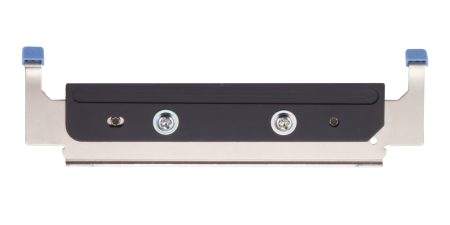
    The cutter for the mC-Label3 multimedia linerless label printer is easy to replace.
    The cutter for the mC-Label3 multimedia linerless label printer handles most media types.

    3. Durability & Reliability

    Linerless label printers often function in demanding environments like retail, warehouses, logistics, and healthcare. The printer’s components must be rugged and resistant to wear and tear from constant use. Consider models with a sturdy frame and high-quality internal parts to minimize downtime and maintenance.

    If you’re operating in challenging conditions, look for a printer with dust and moisture resistance, which ensures dependable performance day in and day out. Additionally, consider the warranty provided to ensure long-term reliability and that the brand stands behind its product.

    4. Connectivity

    With businesses relying on diverse systems and devices, seamless connectivity is essential. A versatile linerless label printer should offer multiple connectivity options, including USB, Ethernet, Bluetooth, and Wi-Fi, to integrate effortlessly with your existing infrastructure.

    Ensure compatibility with your software systems, whether you’re using legacy systems or modern cloud-based solutions. Direct connectivity to mobile devices and tablets can further streamline printing operations.

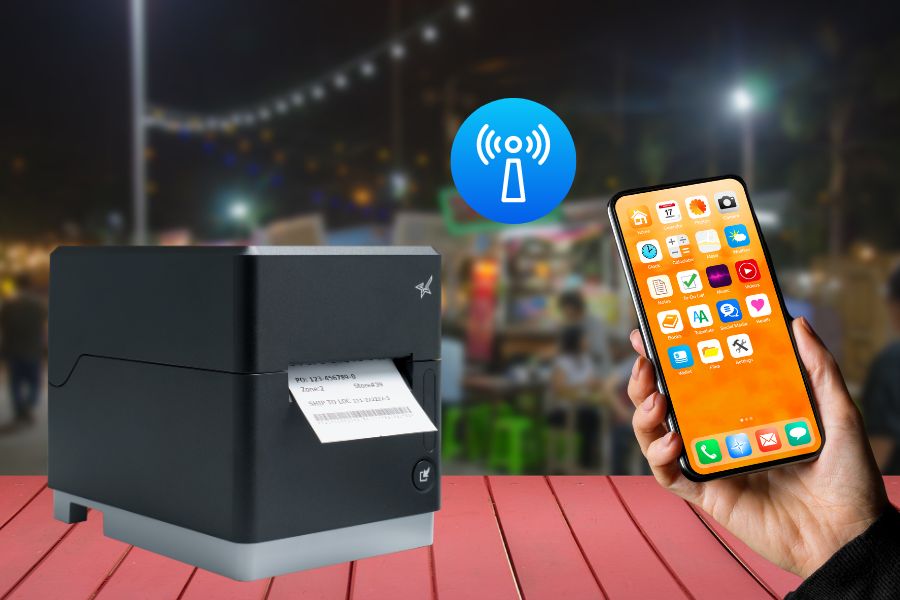
    Advanced connectivity features like SteadyLAN, TetherLAN, and CloudPRNT can expand business operations into new areas, like mobile and outdoor vending, enhancing your overall point-of-sale (POS), so look into printing technologies like these.

    TetherLAN technology in the mC-Label3 allows the tablet or device to share internet service with the printer.
    The mC-Label3 multimedia and linerless label printer uses TetherLAN technology.

    5. Integration

    For independent software vendors (ISVs) looking for linerless label printing solutions, proper integration is crucial. Look for printers that come with comprehensive SDKs to facilitate seamless integration with your software and other existing systems.

    Additionally, having access to a knowledgeable support team can help guide the integration process and troubleshoot any issues that arise.

    Integrate with Star

    6. Cost-Effectiveness

    While investing in a high-quality printer is crucial, ensure it’s also cost-effective. Consider not just the initial price but the overall cost of ownership. This includes consumable expenses like label rolls, replacement parts, and maintenance requirements.

    Linerless label printers already reduce material waste by eliminating label liners, and a cost-effective model will amplify your ROI through efficient media use, high-speed printing, and minimized downtime. Look for a printer that will offer high ROI and significant value for your investment.

    7. User-Friendly Operation

    A linerless label printer’s interface and operational workflow should be intuitive, reducing training time and minimizing operational errors. Features like user-friendly maintenance, accessible loading mechanisms, and intuitive controls make it easy to train staff quickly.

    Some printers also offer maintenance alerts and cloud-management features for updating firmware, reducing downtime and ensuring maintenance is handled proactively.

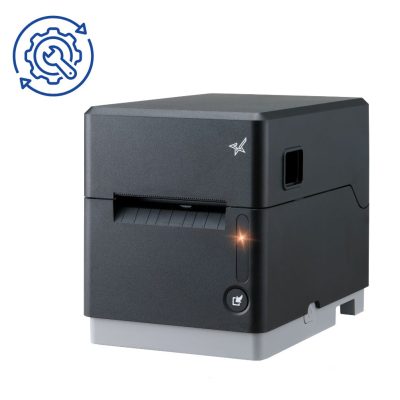
    The mC-Label3 multifunction label printer has convenient maintenance alerts.
    The mC-Label3 multimedia linerless label printer has convenient maintenance alerts.

    8. Brand Support

    Choosing a trusted brand can significantly improve your long-term satisfaction with your linerless label printer. Strong customer support, robust warranties, and accessible technical resources ensure you can rely on prompt assistance if any issues arise.

    Additionally, readily available replacement parts and supplies ensure your printer continues to function optimally over its lifespan. A brand with a reputation for excellence and extensive experience can provide the reliability and trust you need.

    Top Star Micronics Linerless Label Printers to Consider

    Star Micronics offers a range of linerless label printers designed to meet various business needs. Here are a couple of standout models that deliver exceptional performance and reliability:

    TSP143IV SK Sticky Label Printer

    The TSP143IV SK by Star Micronics sets a new standard for compact, eco-friendly thermal linerless label printing, offering advanced connectivity options like Wi-Fi and AOA, and efficient, residue-free labels for diverse business needs.

    Find out more >

    TSP143IV SK Thermal Linerless Sticky Label Printer by Star Micronics.
    The mC-Label3 multifunction label and receipt printer from Star Micronics.

    mC-Label3 Multimedia Printer

    The Star Micronics mC-Label3 is a versatile multimedia printer that prints a wide range of labels and receipts, including both permanent and repositionable sticky linerless. It features cloud connectivity and innovative technologies like SteadyLAN and TetherLAN for enhanced printing convenience.

    Discover the mC-Label3 >

    Final Considerations for Linerless Label Printers

    Investing in the right linerless label printer can streamline your labeling operations and align with your business’s sustainability goals. By focusing on crucial features like print quality, durability, connectivity, and user-friendliness, you can select a printer that meets your specific business needs. Choose a printer that enhances your operational capabilities and supports your long-term business objectives by helping you achieve more efficiency, profitability, and customer satisfaction.

    Compliance Ebook Transparent PNG

    Mastering Label Compliance in the U.S.

    Grasp the essentials of U.S. label compliance with this insightful guide, designed to navigate the complexities of label regulations across multiple industries.

    Know the Essentials

    Ready to find your linerless label printer?

    Contact Star Now

  • The Ultimate Buyer’s Guide to Choosing the Right POS Scale for Your Business

    The Ultimate Buyer’s Guide to Choosing the Right POS Scale for Your Business

    Selecting the perfect point-of-sale (POS) scale for your business is a crucial decision that can significantly impact your efficiency and customer satisfaction. With countless options available, finding the right one can be overwhelming. This comprehensive buyer’s guide aims to simplify the process by outlining the key factors to consider when choosing a POS scale for your business.

    Explore Star’s POS Scales

    Factors to Consider When Choosing a POS Scale

    Selecting the appropriate POS scale involves various crucial factors that can significantly influence your business operations and customer interactions.

    1. Business Type and Application

    Your business type and the specific applications for which you’ll use the scale play a significant role in determining the ideal POS scale. Different industries require unique features and capabilities. For instance, a grocery store might need a scale that can handle large volumes of produce, while a jewelry store requires a scale with high precision for small items.

    2. Weighing Capacity

    Consider the scale’s maximum weight capacity, ensuring it meets your specific business requirements. For instance, a grocery store selling bulk items might need a scale with a higher capacity, while a coffee shop measuring beans may require a lower capacity.

    The mG-T POS scale by Star Micronics is the ideal point of sale scale.

    3. Accuracy

    Accuracy is critical when it comes to POS scales, as precise weight measurements ensure fair pricing and minimize the potential for customer disputes. Look for a scale that offers the accuracy your business needs, whether high precision for small items or more general measurements for larger products.

    4. Size and Design

    The available space in your retail environment will influence your choice of POS scale. If your store has limited space, opt for a compact, space-saving design, while larger businesses might have more flexibility regarding scale size.

    5. Ease of Use

    A user-friendly scale with an intuitive interface and easy-to-read display is essential for streamlining the checkout process and minimizing errors. Look for a scale that simplifies the weighing process, ensuring employees can quickly and accurately measure items.

    6. Connectivity

    First, ensure your POS scale is compatible with your existing POS system, including the software you want to use. Seamless connectivity is critical for maintaining efficiency and minimizing disruptions to your business operations. Modern POS scales offer a variety of connectivity options to suit diverse technological environments.

    USB-C is popular for its fast data transfer and power supply capabilities, making it ideal for newer systems. Bluetooth connectivity allows for wireless communication with a range of devices, including tablets and smartphones, supporting both iOS and Android platforms. Additionally, traditional Serial interfaces are available for systems requiring a robust wired connection.

    Ultimately, choosing a POS scale with flexible connectivity options that include many choices ensures it can connect to your current and future POS setups, enhancing your business’s overall system adaptability and user experience.

    Explore Star’s POS Technology

    Point-of-sale (POS) hardware for delis, butcher shops, and fish markets by Star Micronics.

    Ensuring Compliance with Trade Legal Scales

    A key consideration when selecting a POS scale for your business is ensuring it is trade-legal and certified by reputable standards such as the National Type Evaluation Program (NTEP) and Measurement Canada. NTEP certification ensures that a scale meets the stringent standards for accuracy and reliability set by the National Conference on Weights and Measures (NCWM). Scales with NTEP certification have undergone rigorous testing and evaluation to ensure precision, making them legally approved for commercial transactions.

    Similarly, Measurement Canada certification is crucial for businesses operating in Canada, as it assures compliance with the Canadian standards for measuring devices. This certification indicates the scale has passed accuracy and performance tests under specific conditions, adhering to the Measurement Canada guidelines.

    By choosing a trade-legal scale with both NTEP and Measurement Canada certifications, you demonstrate your commitment to fair and accurate pricing and ensure compliance with industry regulations in both the United States and Canada, protecting your business from potential fines and penalties. This dual certification can be especially important for companies that operate or plan to expand across North American markets, providing a level of reliability and trust in the measurements provided by their POS systems.

    Benefits of Investing in a High-Quality POS Scale

    Investing in a high-quality POS scale offers numerous advantages for your business, including:

    • Improved Efficiency: A reliable, accurate scale streamlines the checkout process, reducing wait times and enhancing the customer experience.
    • Better Inventory Management: Accurate weight measurements allow for more precise inventory control, helping you optimize stock levels and reduce waste.
    • Increased Customer Satisfaction: Fair, accurate pricing builds trust with your customers, leading to increased loyalty and repeat business.

    Star Micronics POS Scale Options: An Overview

    Star Micronics proudly offers a variety of POS precision scales that are NTEP and Measurement Canada certified with modern connectivity options, ideal for use in groceries, cannabis dispensaries, jewelry stores, pawn shops, and more.

    Star Micronics offers mG-T and mG-S series of POS scales.
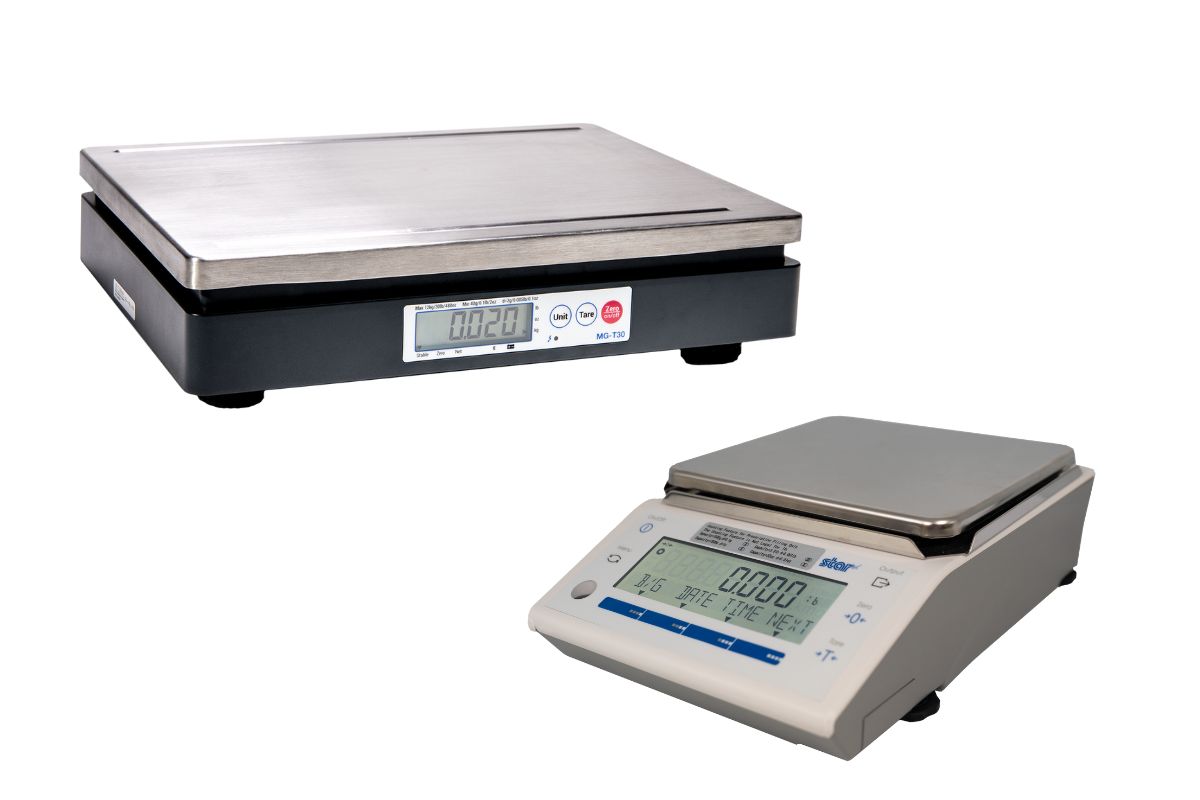
    Star’s mG-T series on the top left & mG-S series POS scales on the bottom right.

    mG-T Series POS Scales

    The Star Micronics mG-T Series POS scales are designed for a wide range of retail applications, such as grocery produce, deli products, salad bars, and bulk items. Key features include:

    • High-precision measurement, accurate down to 0.01g
    • Compact, space-saving design
    • Bluetooth, serial & USB-C connectivity (mG-TUDB models only)
    • Easy integration with various POS systems
    • Suitable for retail, hospitality, grocery, and more
    • Durable construction for long-lasting performance
    • NTEP & Measure Canada-certified
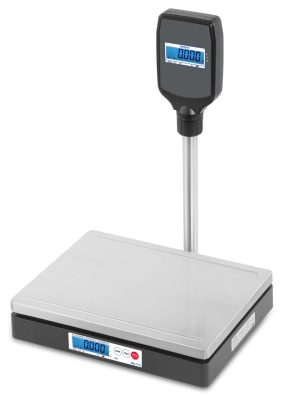
    • Optional pole display for added convenience (mG-TUDB models only)
    The mG-TUDB digital pole display for POS scales by Star Micronics.
    The mG-TUDB model POS scale with optional pole display.

    Explore mG-TUDB Pole Display

    mG-S1501 POS Scale

    Ideal for coffee shops, candy stores, and delis, the mG-S1501 POS scale offers precise weight measurements and NTEP certification. Its features include:

    • Capacity: 0 – 300g x 0.1g; 300 – 1500g x 0.5g
    • RS-232C and USB interfaces for easy integration
    • Internal rechargeable battery for portability
    • Stainless steel weighing pan for durability
    • NTEP certified

    mG-S322 POS Scale

    The mG-S322 POS scale is perfect for pharmacies, dispensaries, and jewelry stores, providing highly accurate weight measurements for small items. Key features include:

    • Capacity: 0 – 100g x 0.01g; 100 – 320g x 0.1g
    • NTEP certified, ensuring accuracy and compliance
    • RS-232C and USB interfaces for easy integration
    • Stainless steel weighing pan for durability
    • NTEP certified

    mG-S8200 POS Scale

    For businesses such as warehouses, shipping centers, grocery stores, and cannabis retailers, the mG-S8200 POS scale is an ideal choice. Its features include:

    • Capacity: 0 – 500g x 0.01g; 500 – 8200g x 0.1g
    • NTEP certified, ensuring accuracy and compliance
    • RS-232C and USB interfaces for easy integration
    • Stainless steel weighing pan for durability
    • NTEP certified

    Explore Star’s POS Scales

    Applications for Star Micronics POS Scales

    Star Micronics POS scales cater to various business types and applications, such as:

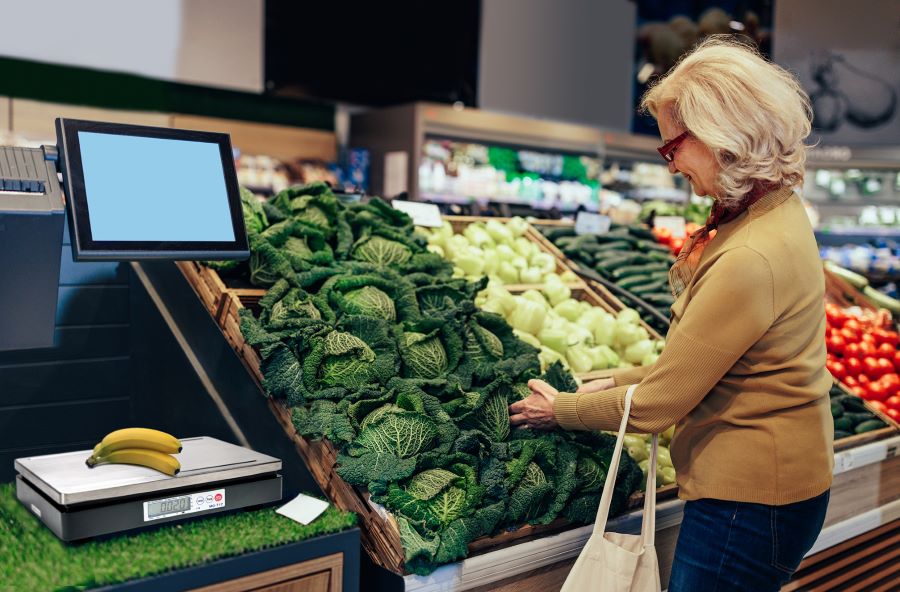
    • Grocery Produce: Accurately weigh fruits and vegetables for precise pricing.
    • Deli Products: Efficiently measure and price meats, cheeses, and other deli items.
    • Butcher Shops: Ensure correct weight and pricing for various cuts of meat.
    • Salad Bars: Easily measure and charge customers for their customized salads.
    • Bulk Items: For grains, nuts, dried fruit, candy, coffee, tea, and more.
    • Ice Cream & Frozen Yogurt Shops: Weigh and price frozen treats for a seamless customer experience.
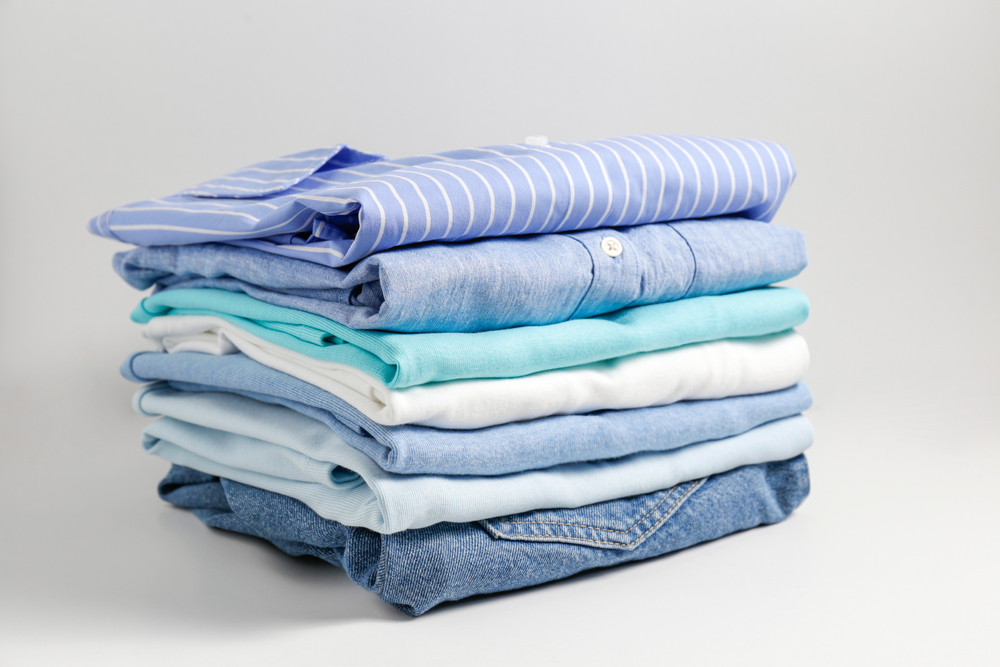
    • Wash-and-Fold Laundry Services: Accurately charge customers based on the weight of their laundry.
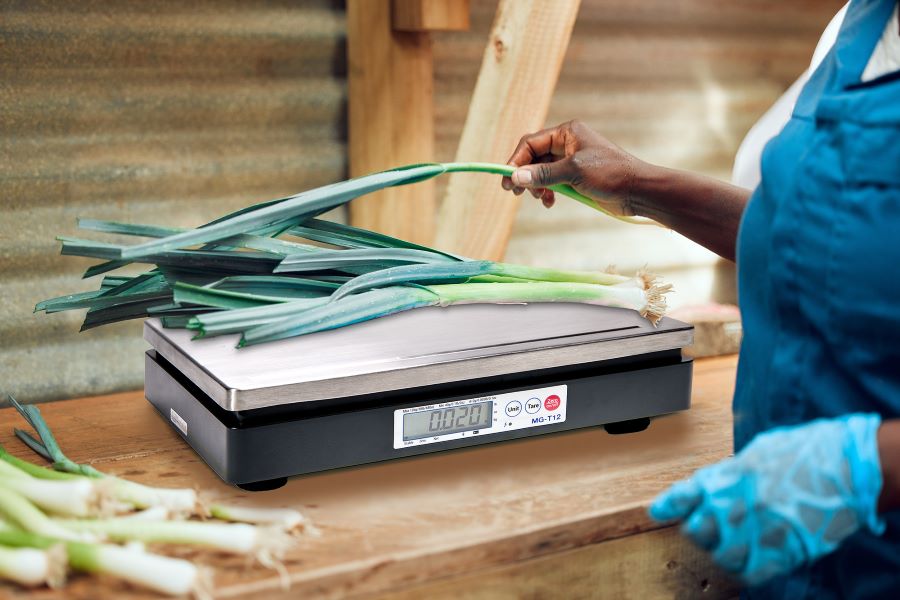
    • Farmer’s Markets: For fresh produce, meats, and other locally-sourced bulk products.

    By understanding your business’s specific needs and selecting the appropriate Star Micronics POS scale, you can enhance the efficiency and accuracy of your transactions, leading to improved user and customer satisfaction.

    3 Ways POS Technology and Hardware Can Improve Your Deli Business ebook

    3 Ways POS Technology and Hardware Can Improve Your Deli Business

    Get the latest point-of-sale (POS) technology and hardware to streamline deli, butcher shop, or fish market operations.

    Download Now

    Love industry news? Get into our podcast:

    Original article written by the author and published on March 15, 2023.

    Rising Stars Podcast