Tag: Receipt Paper

  • Choosing the Best Thermal Receipt Printer for Your QSR

    Choosing the Best Thermal Receipt Printer for Your QSR

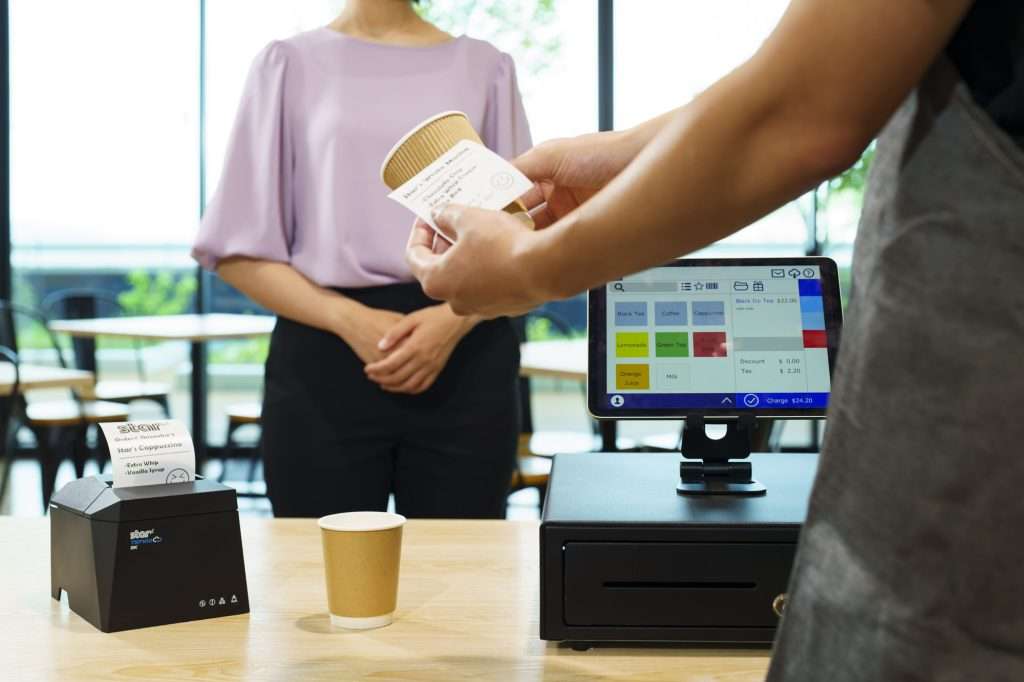
    Providing fast, efficient customer service and communicating orders quickly and accurately to food prep areas are absolutely vital to a quick-service restaurant (QSR) operation. Thermal receipt printers will help you achieve those objectives if you choose a model with the right features and design for your operation. 

    Answer these questions to narrow your choices decision-tree-style to make a confident thermal receipt printer choice for your business.

    What Do You Need the Thermal Printer to Do?

    The best place to start with any technology purchasing decision is by identifying gaps in your operation or developing plans for a more efficient operation. Are you looking for an efficient printer for receipts? Do you plan to deploy printers in the kitchen? Or do you need a model designed for both uses? 

    Do you need a printer that can generate labels for efficient online order fulfillment in addition to printing receipts and chits? Once you define your needs, you can narrow your choices to thermal receipt printer models designed for your applications.
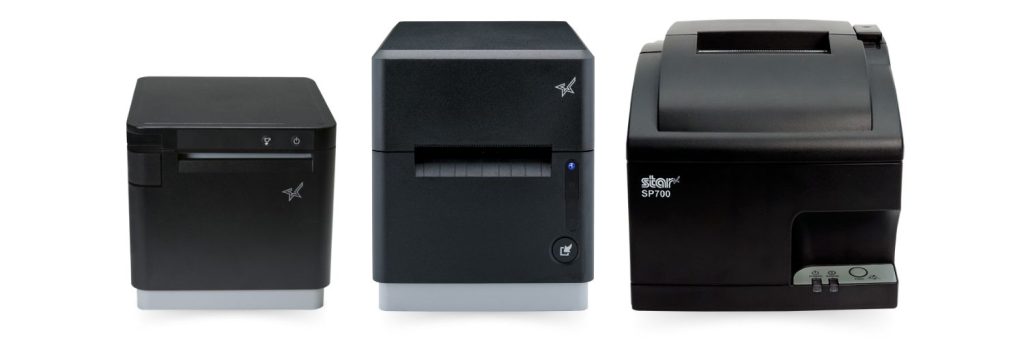
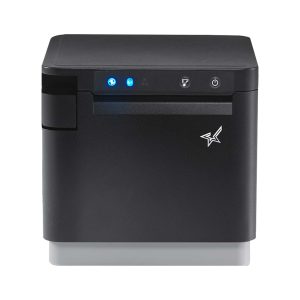
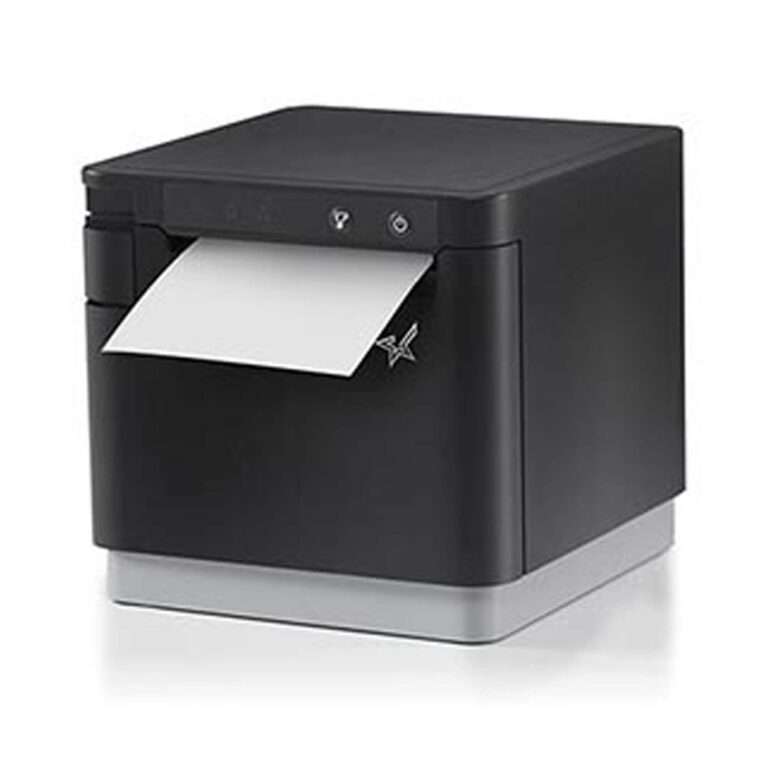
    Star Micronics has the kitchen printers you need for your restaurant, QSR, and cafe, including the SP742 impact printer, the mC-Label3 multimedia printer, and the mC-Print3 thermal printer.

    Where Do You Need Printers?

    Another question you need to ask before you begin to search for point of sale (POS) printers or kitchen printers is where it makes the most sense to implement them in your operation. 

    In a modern, fast-paced QSR, it’s not practical for employees to walk to a wired printer to generate a receipt for drive-thru customers or pick up kitchen orders. If you can save steps and time by deploying printers where wired connections aren’t possible, narrow your choices to printers that can connect via WLAN, Wi-Fi, or Bluetooth. 

    Restaurants choose impact printers for hot, humid kitchens that could impact the quality of thermal-printed chits and receipts. Impact printers remain a good choice; however, more kitchens are now heat-controlled, allowing restaurants to use thermal printers for better speed and connectivity options. 
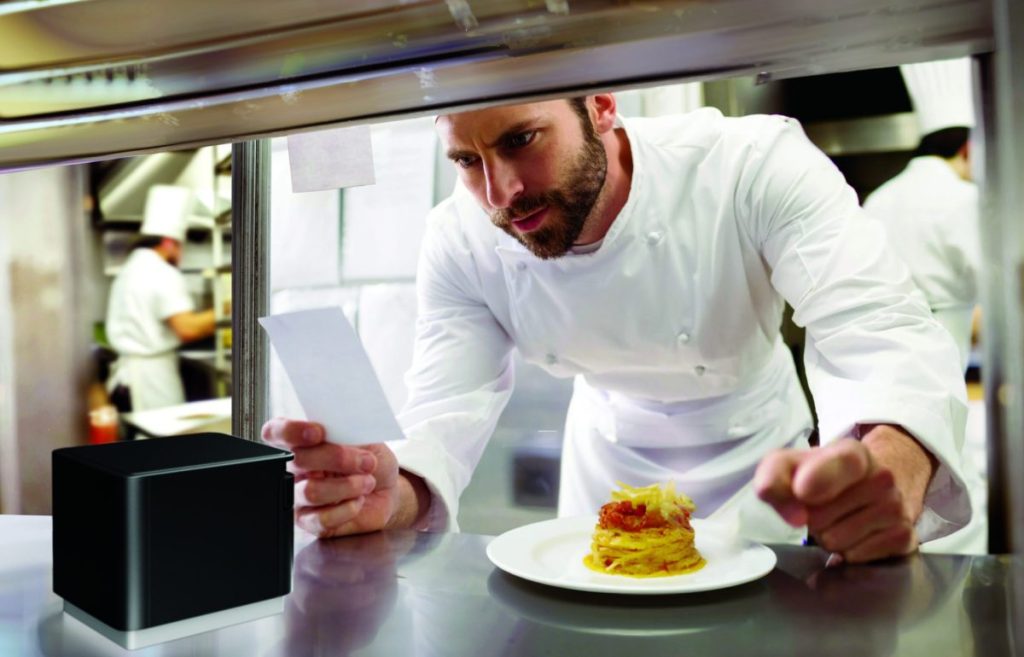
    Chef in modern, professional kitchen looking at ticket from mC-Print3 thermal receipt and restaurant printer by Star Micronics.

    If you plan to deploy your printer in the kitchen, limit your choices to models with IP ratings for resistance to damage from dust, dirt, and liquid splashes or sprays to minimize repair and replacement costs. Easy maintenance is also a must!

    Learn “Why Thermal Printers Have A Place In Today’s Modern Kitchens” >

    Where Are Customers Placing Orders?

    The days of only taking orders at the counter are over. Drive-thru traffic rose 30% from 2019 to 2022 and continues. Nearly 45% of QSRs plan to add self-service kiosks this year, and restaurants continue to take orders from third-party ordering and delivery services. Plus, many establishments are now taking orders from their own websites or apps. 

    While giving customers the freedom to choose how they interact with your restaurant can increase satisfaction, loyalty, and revenue, it also creates operational complexity. A printer that can print orders, labels, and receipts directly from a web application or cloud-based software eliminates the need for additional devices and simplifies the IT environment necessary to make an omnichannel operation work.

    How Fast Do You Need to Print Labels and Receipts?

    Your customers expect fast, accurate service. Delaying food prep because a kitchen printer queue is backed up or serving the wrong order because employees mixed up slow-printing chits can hurt your brand and negatively impact loyalty. Narrow your choices only to options with print speeds that can keep up with peak traffic. 

    The Best Thermal Receipt Printer Choice

    After you answer these questions, you’ll have a clearer picture of the best thermal receipt printer for your business. Following this decision-making process may guide you straight to the best printers for business — or convince you that you need more help to find the right model for your restaurant. 

    The good news is that Star Micronics has a full line of printers for QSRs with models that meet every need–backed by world-class support. Contact us to connect with an expert who knows your industry and printer technology options and can help you explore your options.
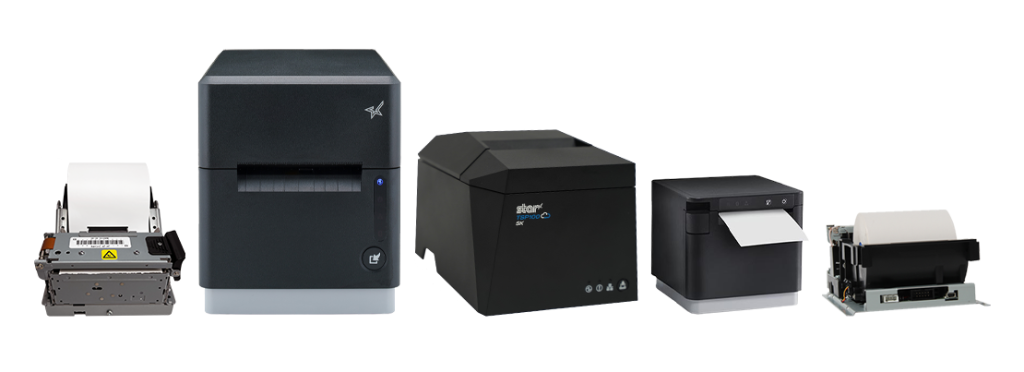
    Star Micronics has a wide range of receipt, label, and kiosk printers for ChromeOS and Google Chromebooks.

    Additional Resources

    Learn more about these Star Micronics products for your QSR: 

    • The mC-Label3 Multifunctional Printer prints permanent or repositionable sticky labels on linered or linerless media and also provides thermal receipt printing. 
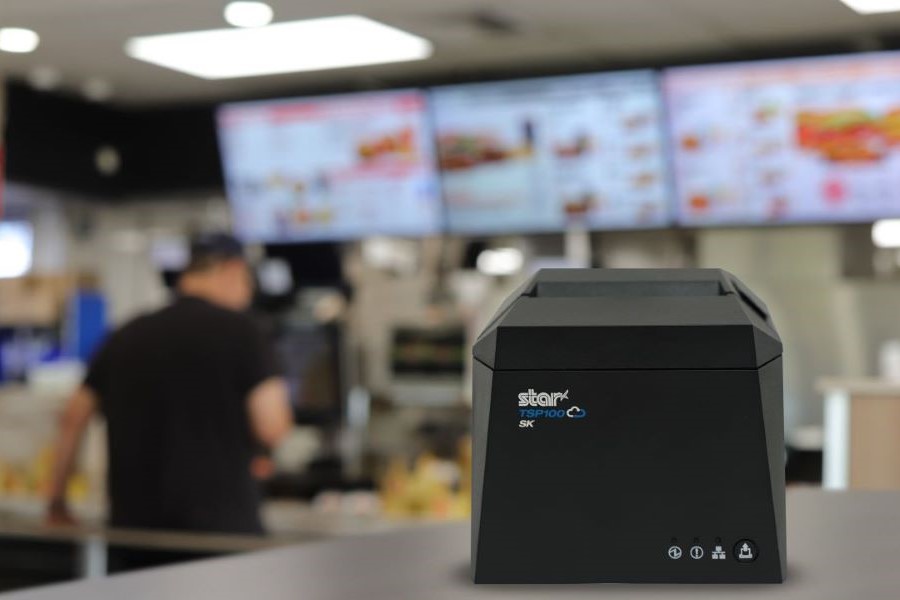
    • The mC-Print3 series of thermal receipt printers are lightning-fast with robust connectivity options, CloudPRNT Next capability, and compact, splash-proof designs–perfect for demanding, high-traffic environments.
    • The TSP143IV SK is a compact, sticky linerless label printer that can help increase efficiency in order preparation and fulfillment processes. Linerless labels are also the more eco-friendly label media.
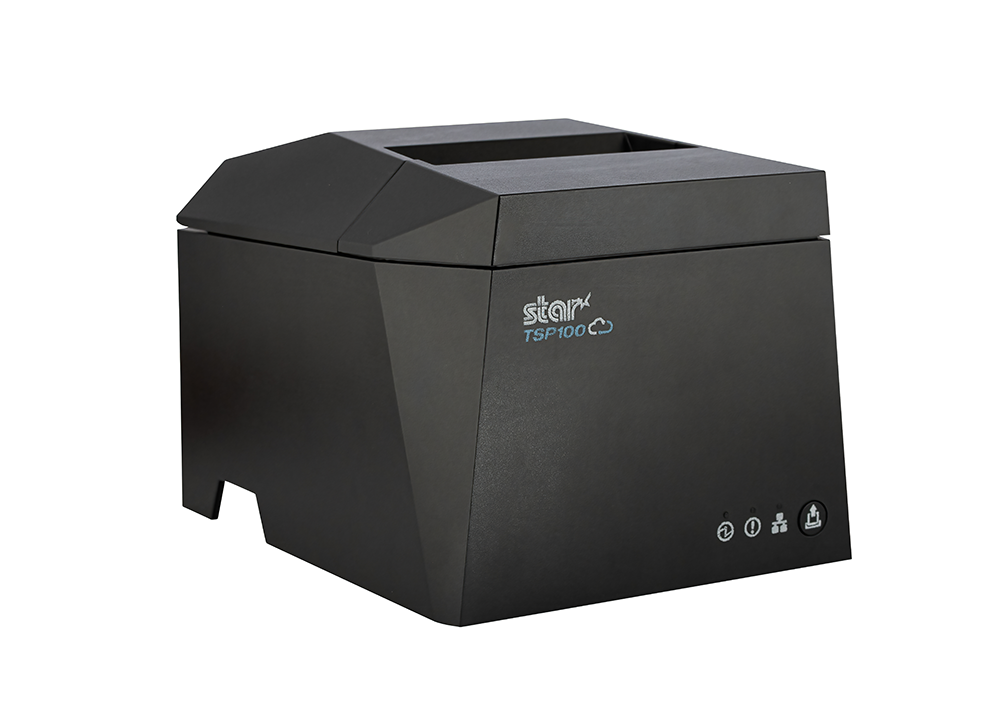
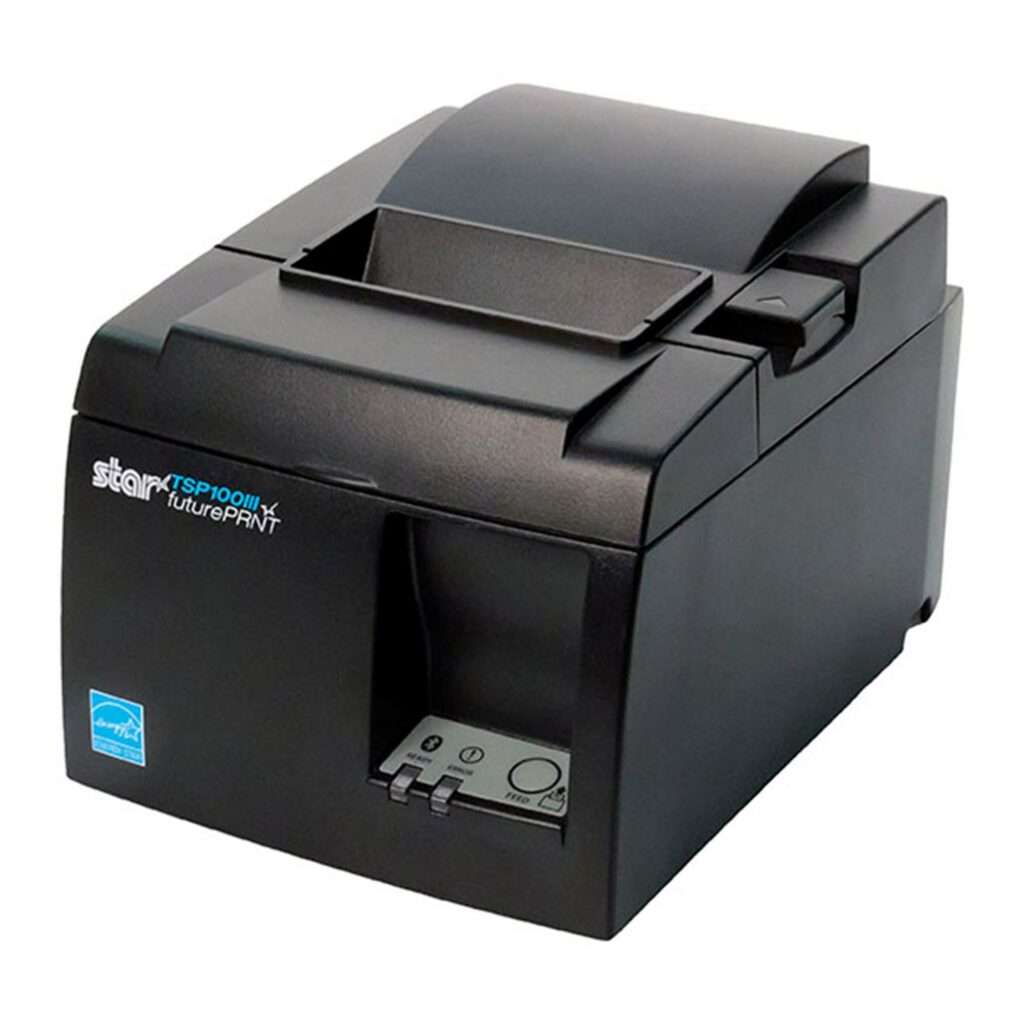
    • The TSP143IV thermal receipt printer delivers high print quality and offers multiple connectivity options and high-speed printing. 
    • Star’s CloudPRNT technology stores and creates print jobs and offers cloud-based printing capabilities, allowing QSRs to print directly from web apps and cloud applications.
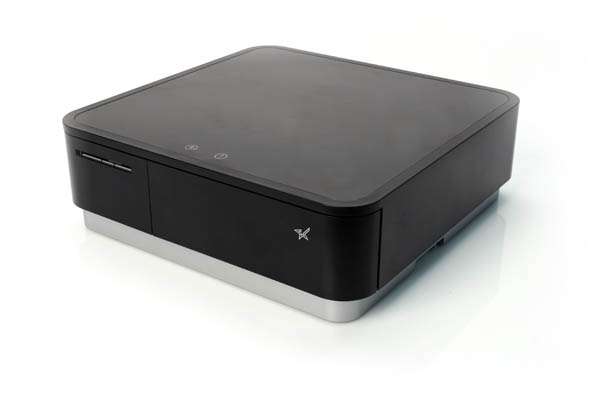
    • The mPOP® multifunction “mobile point of purchase” system combines a printer and cash drawer into one sleek solution.
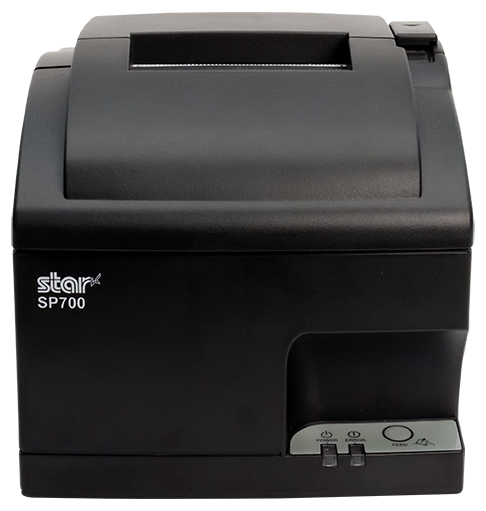
    • The SP742 impact printer is a high-speed, reliable solution for hot, humid kitchens. It features multiple connectivity options, including cloud-based printing.
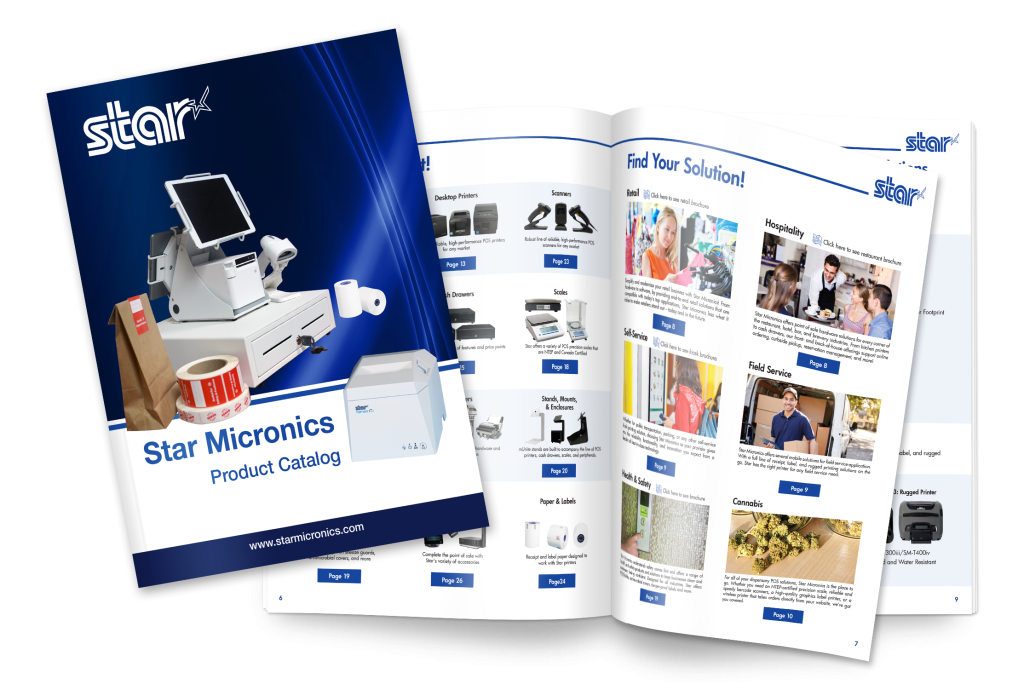
    Star Micronics Product Catalog

    Explore Star’s Product Catalog today to discover the perfect printer solutions tailored for your QSR’s unique needs.


    Find Your Thermal Receipt Printer Today!

  • Smarter Cafe Management with Linerless Sticky Labels

    Smarter Cafe Management with Linerless Sticky Labels

    In this episode of the Rising Stars Podcast, “Smarter Cafe Management with Linerless Sticky Labels,” host Kate Orara uncovers the many benefits of linerless sticky label printers for cafes and coffee shops. As Partner Development Manager at Star Micronics, Kate shares her expertise on how this technology can streamline daily operations while offering a sustainable solution for labeling.

    This quick episode highlights the key benefits of linerless printing, from speeding up order labeling and minimizing customer wait times to reducing environmental waste by eliminating non-recyclable liners. Kate discusses how these printers offer flexible label sizing, catering to a variety of needs from small coffee cups to larger takeout containers, making them a game-changer for both front-of-house and back-of-house operations.

    Power-Up Your Cafe with Linerless Label Printing

    Listeners will gain insights into how linerless sticky label printers can boost productivity, enhance customer service, and contribute to sustainability efforts. Kate also emphasizes the long-term cost savings and operational advantages that make these printers a must-have for any cafe looking to stay competitive in today’s fast-paced environment.

    Whether you’re looking to enhance order management or explore eco-friendly solutions, this episode provides valuable guidance on making the switch to linerless technology. With real-world examples and expert advice, Kate makes the case for why linerless sticky labels are the future of efficient cafe management.

    Subscribe and listen now to discover how linerless sticky label printers can elevate your cafe’s operations.

    Read the blog post, “Why Every Café and Coffee Shop Needs a Linerless Sticky Label Printer,” here >

    Loving the podcast? Subscribe now, and let us know what you think by leaving a review!

    Stay up-to-date on all things Star, don’t forget to follow us on X, LinkedIn, Facebook, Instagram, and YouTube.

    The Rising Stars Podcast

    Immerse yourself in the world of point-of-sale (POS) with the Rising Stars Podcast by Star Micronics, hosted by industry pro, Kate Orara. Twice a month, we explore the fascinating journeys of innovators and businesses navigating the challenges of POS technology’s rapid pace.

    In every episode, Kate Orara, Star Micronics’ Partner Development Manager, discusses emerging retail technology trends and strategies with global industry giants. She’s spent her entire career meeting all the right people, and now listeners everywhere can benefit from this vast network of channel gurus.

    Always leading and always innovating, Star Micronics, a pioneer in POS and customer experience technology for over 60 years, welcomes you to join us in shaping a brighter future in the retail, hospitality, and cannabis industries.

    Want more industry news?

    Episode Transcript

    [Music]

    Kate Orara: Hey there, retail tech enthusiasts. Welcome to the Rising Stars podcast, your go-to source for all things retail technology and the ever-evolving world of point of sale. I’m your host, Kate Orara, Partner Development Manager at Star Micronics, and I am thrilled to be your guide on this exciting journey. Here at Rising Stars, we’re not just keeping up with the trends—we’re setting them. We dive deep into the tech landscape with global industry leaders, unpacking strategies, and discussing the latest innovations that shape the future of retail IT. Whether you’re a tech aficionado, business owner, or just curious about the dynamic world of retail, this podcast is your backstage pass to insider knowledge. And hey, it’s not just about the tech, it’s about the community. Join me and the Star Micronics team as we lead and innovate, shaping a brighter future for the retail, hospitality, and cannabis industries, as well as beyond. Together, we rise. So hit that subscribe button, stay in the loop, and let’s make waves in the retail tech space. This is the Rising Stars podcast, where innovation meets inspiration. Let’s rise together.

    Kate Orara: Hey y’all, welcome back to the Rising Stars podcast. I’m your host, Kate Orara, and in today’s episode, we’re diving into a game changer for cafes and coffee shops—the linerless sticky label printer. If you’ve ever wondered why every cafe needs one, you’re in the right place—or shall I say, you’re listening to the right podcast. We’ll actually be summarizing an insightful blog from Star Micronics that breaks down the benefits. If you’re not already subscribed to Star’s blog, be sure to visit Star Micronics’ website, go to the resources tab at the top, and select Star POS Blog. Scroll all the way down to the bottom of the page and complete the two-field form so you never miss an insightful piece from the resourceful marketing team at Star.

    Kate Orara: With that being said, grab your favorite brew—of the coffee variety—and let’s get started.

    Kate Orara: First off, what’s all the fuss about linerless sticky label printers? Well, imagine a world where labeling your coffee cups, food items, and merchandise is not only quick and easy but also eco-friendly. That is the power of linerless printing technology. The blog emphasizes a key point: efficiency. Picture a bustling morning rush in your cafe—orders are flying, and every second counts. With a linerless printer, you can print labels faster than ever before, reducing wait times and keeping your customers happy. That’s what it’s all about, right?

    Kate Orara: But it’s not just about speed—it’s also about versatility. Linerless printers can produce labels of various lengths, which is perfect for everything from small espresso cups to large venti-to-go containers. Plus, they’re compatible with a range of label materials, ensuring durability without the waste of traditional label rolls.

    Kate Orara: Now, let’s talk about waste reduction. Traditional label rolls come with a backing material called liner, and with linerless printing—well, you see where we’re going—that liner is not often recyclable. So by switching to linerless printing, cafes can significantly reduce their environmental footprint. It’s a win-win for both your business and the planet.

    Kate Orara: But wait, there’s more. Linerless printers aren’t just for labeling cups and containers—they can also streamline your back-of-house operations. From labeling ingredients to organizing inventory, these printers are a game changer for cafe management.

    Kate Orara: So why aren’t all cafes jumping on the linerless bandwagon? Well, like any technology, there is an initial investment involved. But as Star’s blog points out, the long-term benefits far outweigh the upfront costs. Think of it as an investment in the future of your cafe.

    Kate Orara: So, to wrap up, it’s clear that linerless sticky label printers are revolutionizing the way cafes and coffee shops operate. From boosting efficiency to reducing waste, these devices are truly a must-have for any modern cafe looking to stay ahead of the curve.

    Kate Orara: That’s it for today’s episode of the Rising Stars. I hope you’ve enjoyed our dive into the world of linerless printing. Just a reminder, be sure to check out the full blog on Star Micronics’ website for more details. And do not forget to subscribe so you can get all sorts of great information on a regular basis. Until next time, keep brewing excellence in your cafe.

    Kate Orara: And that’s a wrap for this episode of the Rising Stars podcast. A huge thanks to our incredible listeners for tuning in, and to our phenomenal guests for sharing their insights. Don’t forget to subscribe, rate, and leave us a review. Let us know what you want to hear more about. Give us your feedback, because it fuels our journey to bring you the best in retail technology. Stay connected with us on social media for updates and behind-the-scenes content. As we sign off, remember, the future of retail technology is in our hands, and together, we’re shaping it. Keep innovating, keep rising, and until next time, this is Kate Orara signing off. Together, we rise.

    [Music]

  • The Easy Way to Implement Library Book Barcodes and Maximize Their Benefits

    The Easy Way to Implement Library Book Barcodes and Maximize Their Benefits

    Implementing library book barcodes offers readers and librarians the best of both the physical and digital worlds. Despite the trend toward digital information, physical books remain the preferred choice for many. 

    Professionals using reference books with maps or schematics often find it easier to see the entire image in a physical book rather than scrolling on a screen. Students may also benefit more from reading physical books. A Cambridge study reported in Yahoo! News found that students reading printed material comprehend six to eight times better than those reading from digital devices.

    Additionally, many people who read for pleasure simply enjoy the tactile experience of turning pages as they anticipate the next sentence in a thriller or romance.

    The continued demand for printed books underscores the importance of libraries to their communities. However, as more books join the classics and centuries of reference materials on the shelves, the task of classifying, organizing, and protecting them becomes increasingly complex. Library book barcodes simplify the management of these physical assets, making storing, organizing, and tracking books easier.

    The Benefits of Library Book Barcodes

    When library administrators choose to barcode library books and other assets in their collections, they take a major step toward greater efficiency and visibility. Using barcodes for library books optimizes:

    Inventory Management

    Scanning a permanent barcode label on a library book informs the library’s system that the title is on the shelf and available for patrons to borrow. Additionally, when librarians scan library book barcodes upon return, their management system can direct them to the exact floor, stack, and shelf for reshelving.

    Barcodes for library books streamline inventory management by providing a digital representation of all titles, saving time, and ensuring proper storage and display.

    Get the ideal library printers and scanners from Star Micronics.

    Online Services

    Library barcode systems are essential to publishing a collection online, giving patrons the convenience of reserving titles for pickup via a device. Libraries that work cooperatively can also use data from barcodes to find titles in other locations and arrange for their patrons to borrow them.

    Book Borrowing

    Barcodes for library books eliminate the need to glue library cards inside books. Librarians simply scan patrons’ library cards and the barcodes on the titles they’re borrowing. The library management system then tracks who borrowed the books and their due dates. Additionally, the system can send email or text reminders to help patrons avoid fines.

    Self-Service Returns

    Library barcode systems enhance the efficiency of dropbox returns. Patrons scan the barcodes at a kiosk when returning books, confirming the return and logging the time. The library’s system immediately updates the status, making the books available for borrowing sooner, benefiting patrons waiting for those titles.

    The Right Tools to Generate and Read Library Book Barcodes

    While library barcode systems offer numerous benefits, the value they provide depends on the quality of labels and the library’s barcode scanner capabilities.

    Library Barcode Label Printers

    Printers for library book barcodes must produce high-quality images for accurate scans. Printers that are flexible enough to work with the library’s label software will result in higher-quality barcode labels and make the labeling process easier. 

    The printer should also accommodate the label media the library chooses. It should be versatile enough to print permanent linerless or die-cut labels for book spines and repositionable sticky labels that librarians can use for holds or titles that patrons reserve online. A printer that accommodates linerless labels–labels without a silicone backing–can streamline labeling processes and reduce clutter and paper waste.

    mC-Label2 Multifunction Printer

    The mC-Label2 packs powerful features into a compact, front-loading design, including 300 dpi resolution, support for linerless, die-cut, receipt, and continuous media, and connectivity options like USB-C, LAN, WLAN, Bluetooth, and Apple MFi-certified pairing (X4 models only).

    Explore the mC-Label2 >

    mC-Label3 Multifunction Printer

    The Star Micronics mC-Label3 is a versatile multimedia printer that prints a wide range of labels and receipts, including both permanent and repositionable sticky linerless. It features cloud connectivity and innovative technologies like SteadyLAN and TetherLAN for enhanced printing convenience.

    Discover the mC-Label3 >

    Library Barcode Scanners

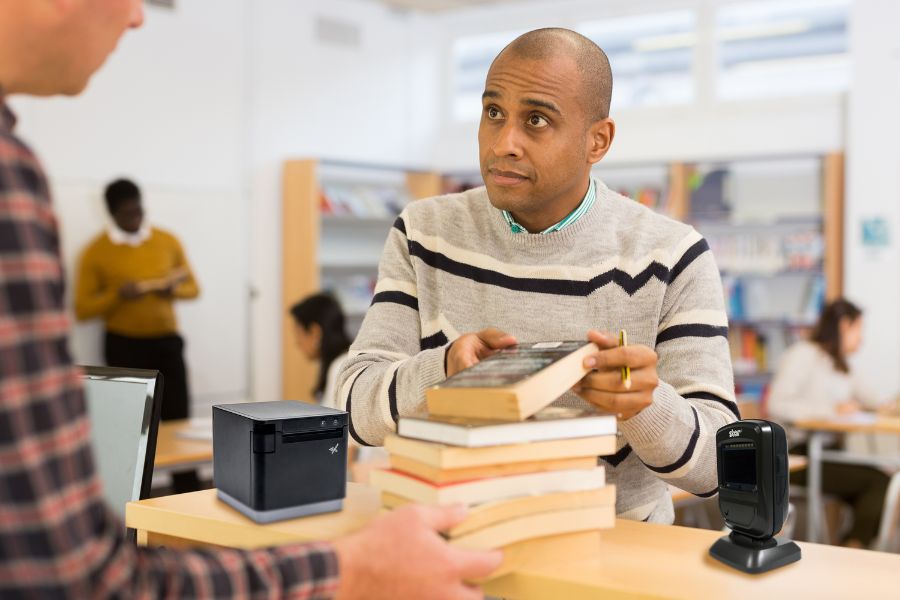
    In addition to printing high-quality labels, libraries also need reliable barcode scanners to read them. Scanners should read both one-dimensional, also known as 1D or linear barcodes, and 2D barcodes, like QR codes, to collect information from different types of codes the library uses. 

    Because labels on book spines or assets could become distorted, libraries will benefit from scanners that can read barcodes on uneven surfaces. The scanner should also work reliably in different lighting conditions, giving accurate reads even in low-light areas. 

    Libraries will also benefit from desktop scanners for use at the front counter and wireless handheld scanners for use by librarians when managing inventory.

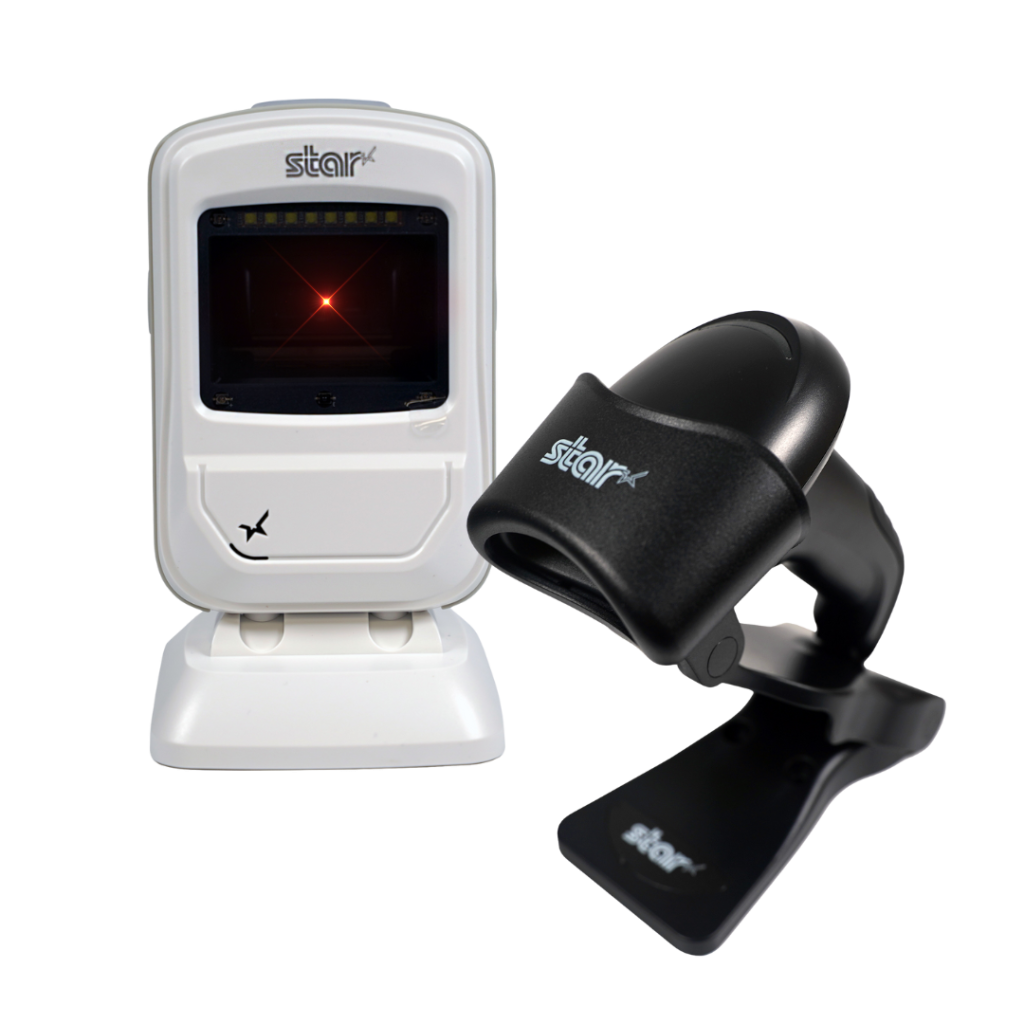
    Star’s 1D/2D Barcode Scanners

    Star offers a comprehensive range of IP-rated 1D/2D barcode scanners, ideal for diverse business needs. From retail to healthcare, our versatile scanners excel in parsing driver’s license and ID barcodes, ensuring swift and accurate data capture. Choose the perfect fit for your setup—desktophandheld, or wireless Bluetooth options available.

    Future-Proof Operations with a Barcode Library System

    As library collections expand and the labor shortage persists, libraries must find ways to operate more efficiently. Implementing barcodes for library books allows librarians to accurately manage inventory and gain instant visibility into their collections.

    Barcode technology transforms the management of physical books, making it as streamlined as handling digital assets. This advancement ensures libraries can continue to provide patrons with the benefits of printed works well into the future.

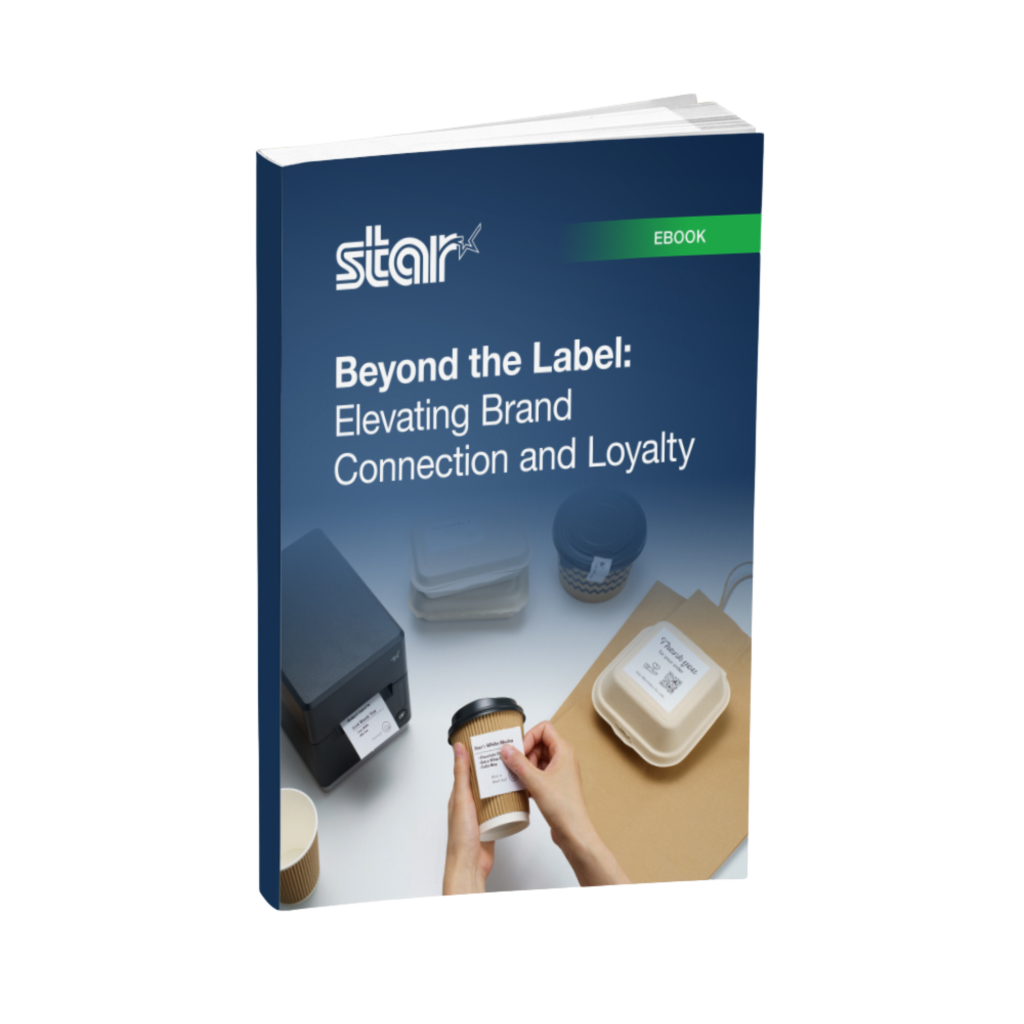
    Beyond the Label: Elevating Brand Connection and Loyalty

    Discover how strategic labeling can redefine customer engagement and boost brand loyalty in this digital age.

    Learn More About Star’s Library Solutions:

  • 8 Essential Must-Haves in a Linerless Label Printer

    8 Essential Must-Haves in a Linerless Label Printer

    Operational efficiency and sustainability are more critical than ever in today’s fast-paced business world. A linerless label printer can transform your operations, reducing waste and boosting productivity. To make the most of this technology, you must know what features to look for. This guide will help you identify the key elements that make a linerless label printer stand out and meet your business needs.
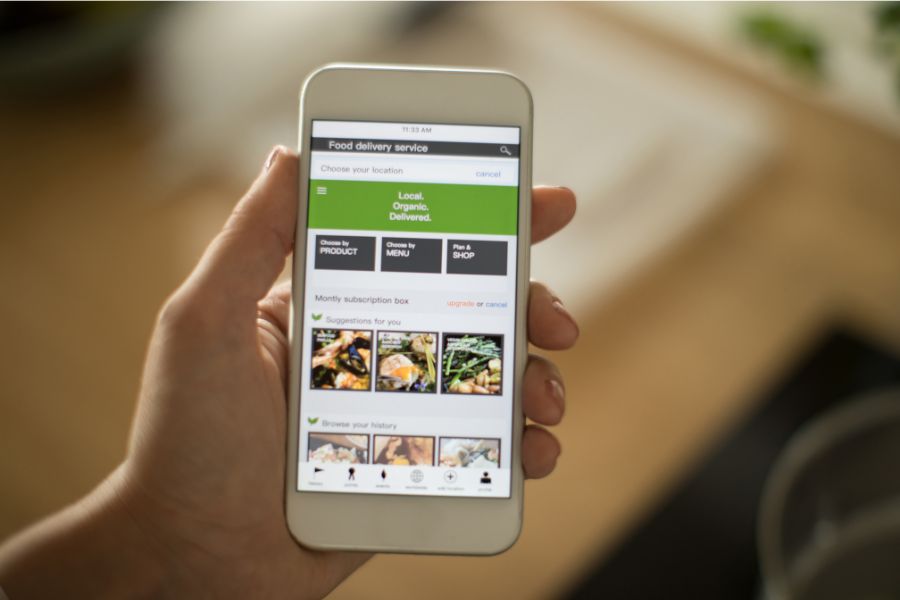
    1. Media Compatibility & Printing Quality

    A high-quality, linerless label printer should be able to handle diverse media sizes and widths. Optimally, it should handle all linerless media types, both permanent linerless and removable sticky linerless, but one type will suffice if it meets your business requirements.

    Ensuring crisp, high-resolution prints is vital whether you’re printing barcodes, product tags, or delivery labels. This guarantees that essential information like barcodes, pricing, and product details are easily readable and professionally presented.

    Additionally, check that the printer supports different media widths and types to accommodate various applications and operational needs, as not all linerless label printers can take different types of label paper or widths.

    2. Cutting Mechanism

    An efficient cutting mechanism significantly impacts the speed and consistency of your label production. For linerless labels, a reliable auto-cutter can enhance productivity by delivering precise cuts that optimize material use. The cutter should also handle various media types without frequent maintenance or jamming issues.


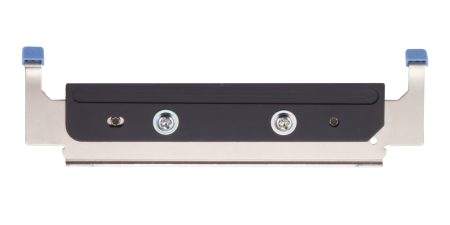
    The cutter for the mC-Label3 multimedia linerless label printer is easy to replace.
    The cutter for the mC-Label3 multimedia linerless label printer handles most media types.

    3. Durability & Reliability

    Linerless label printers often function in demanding environments like retail, warehouses, logistics, and healthcare. The printer’s components must be rugged and resistant to wear and tear from constant use. Consider models with a sturdy frame and high-quality internal parts to minimize downtime and maintenance.

    If you’re operating in challenging conditions, look for a printer with dust and moisture resistance, which ensures dependable performance day in and day out. Additionally, consider the warranty provided to ensure long-term reliability and that the brand stands behind its product.

    4. Connectivity

    With businesses relying on diverse systems and devices, seamless connectivity is essential. A versatile linerless label printer should offer multiple connectivity options, including USB, Ethernet, Bluetooth, and Wi-Fi, to integrate effortlessly with your existing infrastructure.

    Ensure compatibility with your software systems, whether you’re using legacy systems or modern cloud-based solutions. Direct connectivity to mobile devices and tablets can further streamline printing operations.

    Advanced connectivity features like SteadyLAN, TetherLAN, and CloudPRNT can expand business operations into new areas, like mobile and outdoor vending, enhancing your overall point-of-sale (POS), so look into printing technologies like these.


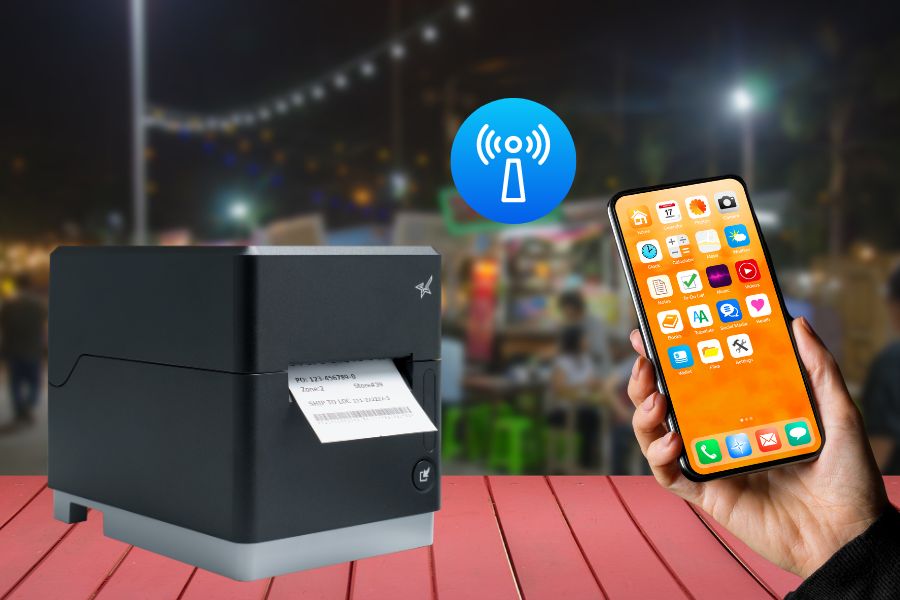
    TetherLAN technology in the mC-Label3 allows the tablet or device to share internet service with the printer.
    The mC-Label3 multimedia and linerless label printer uses TetherLAN technology.

    5. Integration

    For independent software vendors (ISVs) looking for linerless label printing solutions, proper integration is crucial. Look for printers that come with comprehensive SDKs to facilitate seamless integration with your software and other existing systems.

    Additionally, having access to a knowledgeable support team can help guide the integration process and troubleshoot any issues that arise.

    6. Cost-Effectiveness

    While investing in a high-quality printer is crucial, ensure it’s also cost-effective. Consider not just the initial price but the overall cost of ownership. This includes consumable expenses like label rolls, replacement parts, and maintenance requirements.

    Linerless label printers already reduce material waste by eliminating label liners, and a cost-effective model will amplify your ROI through efficient media use, high-speed printing, and minimized downtime. Look for a printer that will offer high ROI and significant value for your investment.

    7. User-Friendly Operation

    A linerless label printer’s interface and operational workflow should be intuitive, reducing training time and minimizing operational errors. Features like user-friendly maintenance, accessible loading mechanisms, and intuitive controls make it easy to train staff quickly.

    Some printers also offer maintenance alerts and cloud-management features for updating firmware, reducing downtime and ensuring maintenance is handled proactively.


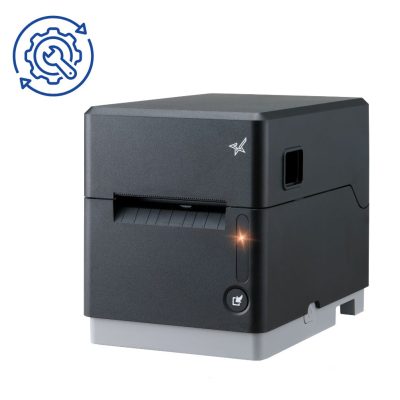
    The mC-Label3 multifunction label printer has convenient maintenance alerts.
    The mC-Label3 multimedia linerless label printer has convenient maintenance alerts.

    8. Brand Support

    Choosing a trusted brand can significantly improve your long-term satisfaction with your linerless label printer. Strong customer support, robust warranties, and accessible technical resources ensure you can rely on prompt assistance if any issues arise.

    Additionally, readily available replacement parts and supplies ensure your printer continues to function optimally over its lifespan. A brand with a reputation for excellence and extensive experience can provide the reliability and trust you need.

    Top Star Micronics Linerless Label Printers to Consider

    Star Micronics offers a range of linerless label printers designed to meet various business needs. Here are a couple of standout models that deliver exceptional performance and reliability:
    TSP143IV SK Sticky Label Printer

    The TSP143IV SK by Star Micronics sets a new standard for compact, eco-friendly thermal linerless label printing, offering advanced connectivity options like Wi-Fi and AOA, and efficient, residue-free labels for diverse business needs.

    Find out more >

    mC-Label3 Multimedia Printer

    The Star Micronics mC-Label3 is a versatile multimedia printer that prints a wide range of labels and receipts, including both permanent and repositionable sticky linerless. It features cloud connectivity and innovative technologies like SteadyLAN and TetherLAN for enhanced printing convenience.

    Discover the mC-Label3 >

    Final Considerations for Linerless Label Printers

    Investing in the right linerless label printer can streamline your labeling operations and align with your business’s sustainability goals. By focusing on crucial features like print quality, durability, connectivity, and user-friendliness, you can select a printer that meets your specific business needs. Choose a printer that enhances your operational capabilities and supports your long-term business objectives by helping you achieve more efficiency, profitability, and customer satisfaction.
    Mastering Label Compliance in the U.S.

    Grasp the essentials of U.S. label compliance with this insightful guide, designed to navigate the complexities of label regulations across multiple industries.

    Ready to find your linerless label printer?

  • Optimizing Omnichannel Experiences with Best Labeling Practices for SMBs

    Optimizing Omnichannel Experiences with Best Labeling Practices for SMBs

    Omnichannel commerce has become a cornerstone for small and medium-sized businesses (SMBs) aiming to thrive in the digital age. With customers shifting between online, in-store, and mobile engagement, strategic labeling has become crucial in enhancing omnichannel experiences for customers. 
    To meet this need for your retail or restaurant business, Star Micronics offers solutions like the mC-Label3 multimedia printer, the TSP143IV SK sticky label printer, permanent linerless labels, and Label Builder from Star Micronics Cloud Services. These smart labeling solutions have the features and flexibility to optimize omnichannel commerce.

    Understanding Omnichannel Commerce

    Omnichannel retail expands traditional in-store or digital shopping methods by connecting different points of engagement to create cohesive customer experiences. Labeling plays a pivotal role in ensuring that orders from different channels are processed accurately and efficiently in an organized manner, streamlining operations and helping to keep customers happy.

    Customized Labeling for Diverse Order Types

    Customized labels are vital for managing omnichannel retail orders. Best practices require using the proper labels for different order types, for example:

    • In-Store Purchases: Labels used in-store can include item details, prices, sale information, and QR codes for digital receipts.
    • Online Orders: Labels should list order numbers, customer information, and package handling instructions.
    • BOSS and BOPIS/Curbside Pickups: Buy online, ship to store (BOSS), buy online, pickup in-store (BOPIS), and curbside pickup require labels that clearly distinguish them from regular orders, possibly with color codes or distinct symbols.

    Customizing labels for each process streamlines order processing and minimizes errors, enhancing the customer’s omnichannel experience.

    Star Micronics has the POS hardware small businesses need to create the best omnichannel experience.

    Enhancing Inventory Management through Strategic Labeling

    Efficient inventory management is crucial in omnichannel commerce. Labels that include barcodes or RFID tags help track inventory levels in real time, ensuring that stock information is accurate across all sales channels. This approach not only streamlines inventory management but also supports better purchasing decisions and demand forecasting.

    Customized Labeling Solutions for Increased Operational Efficiency

    As e-commerce and omnichannel commerce continue to represent a larger portion of retail sales, you must ensure your business’s processes are as efficient as possible. As order volumes increase, saving minutes at each step in processing and fulfilling them can add up to significant cost savings each year.

    The right labeling solutions for your small business can make all the difference. For instance, Star Micronics’ One Touch Label printing feature allows you to create three distinct label images for different types of orders to store on the mC-Label3 multimedia printer and printed with the multifunction button.

    Additionally, linerless labels allow employees to retrieve a label from a printer and apply it with one hand. There’s no paper backing to remove, saving time – and helping your business operate more sustainably.

    Star Micronics’ Labeling Solutions for SMBs

    The mC-Label3 Multifunction Printer by Star Micronics great for delivery take out online ordering and QSRs.

    The mC-Label3 multimedia printer is at the forefront of addressing the labeling needs of SMBs, especially for those looking to create better omnichannel experiences. It offers:

    • Compatibility with various media types, including permanent linerless labels, which are gaining popularity.
    • High-quality printing that ensures readability and durability.
    • Modern connectivity options like CloudPRNT, Android Open Accessory (AOA) support, TetherLAN, and SteadyLAN.
    • Access to Label Builder on Star Micronics Cloud Services, allowing businesses to create custom labels tailored to their specific needs.
    • Universal compatibility with Android, iOS, and Windows – a versatile choice for various business setups.


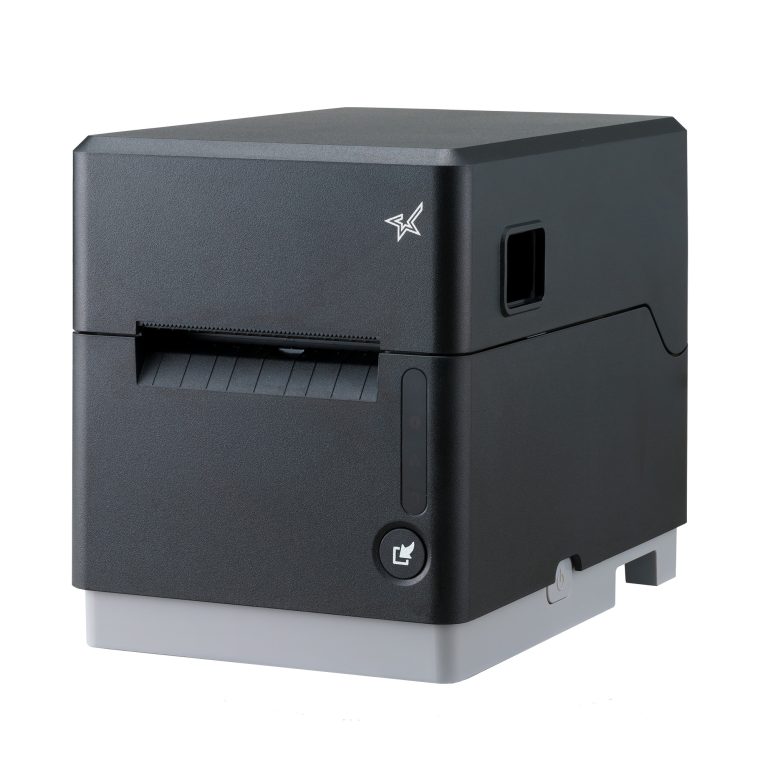
    The mC-Label3 multifunction label and receipt printer from Star Micronics.
    The mC-Label3 helps small businesses with strategic labeling for omnichannel commerce.

    Steps Toward Optimal Labeling Practices

    The steps toward improving omnichannel experiences by implementing labeling best practices are:

    1.  Assess your current processes and identify areas for improvement. To understand the impact of your current labeling practices, you can collect data from several sources. Talk to your employees to understand their pain points and suggestions for improving workflows.
    2.  Look at data from your point-of-sale (POS), ecommerce, or other system application to understand how often order errors occur and how accurate labeling could have prevented them. Include the cost of mistakes and how labeling can reduce them in your assessment.
    3.  Consider customer feedback, looking for trends that reveal how a better approach to labeling can increase customer satisfaction.
    4.  Invest in reliable hardware like the mC-Label3 and quality labeling materials once you have defined your needs for a new solution. Ensure the solution is correctly set up and configured for online order fulfillment, in-store pickup, or other processes for the best omnichannel experience.
    5.  Train your staff on how to get the most value from your new labeling solutions and encourage feedback for continuous improvement.

    Conquering Omnichannel Order Management with Cloud-Based Technology Solutions

    Consumers have spoken! The future of retail and hospitality is omnichannel, cloud-based, and connected. Is your business prepared?

    Compete on Omnichannel Experience

    Effective labeling is more than a functional necessity; it’s a strategic tool that can significantly enhance customers’ omnichannel experience. By adopting the best practices outlined here and leveraging solutions like those offered by Star Micronics, SMBs can streamline their operations and elevate customer service to new heights.

    Explore Star Micronics’ innovative labeling solutions and take the first step towards a more efficient and customer-friendly future.

    Find out how Star can elevate your brand:

  • The Impact of Food Packaging Labels on the Rising Stars Podcast

    The Impact of Food Packaging Labels on the Rising Stars Podcast

    In the latest episode of the Rising Stars Podcast, titled Kate’s Quick Take: The Big Impact of Food Labels,” host Kate Orara explores the crucial role of food packaging labels and strategic labeling within the food industry. This solo episode focuses on how innovations such as linerless labels are not only enhancing operational efficiency but also bolstering brand visibility and sustainability efforts.

    Kate discusses the transformative impact that thoughtful, strategic labeling can have on managing restaurants and online orders. With the adoption of eco-friendly practices like linerless labels, businesses can significantly reduce waste while improving workflow and customer satisfaction.

    Essential Listening for Food Industry Professionals

    Listeners will gain valuable insights into how proper labeling techniques can differentiate their services and boost customer engagement in a competitive market. Whether you’re a restaurant or grocery owner, this episode will provide you with the tools to leverage labeling for better business outcomes.

    Tune in to learn how you can elevate your business with just a few simple changes to how you manage and utilize labels.

    Read the original blog post here >

    Loving the podcast? Subscribe now, and let us know what you think by leaving a review!

    Stay up-to-date on all things Star, don’t forget to follow us on Twitter, LinkedIn, Facebook, Instagram, and YouTube.

    The Rising Stars Podcast

    Immerse yourself in the world of point-of-sale (POS) with the Rising Stars Podcast by Star Micronics, hosted by industry pro, Kate Orara. Twice a month, we explore the fascinating journeys of innovators and businesses navigating the challenges of POS technology’s rapid pace.

    In every episode, Kate Orara, Star Micronics’ Partner Development Manager, discusses emerging retail technology trends and strategies with global industry giants. She’s spent her entire career meeting all the right people, and now listeners everywhere can benefit from this vast network of channel gurus.

    Always leading and always innovating, Star Micronics, a pioneer in POS and customer experience technology for over 60 years, welcomes you to join us in shaping a brighter future in the retail, hospitality, and cannabis industries.

    Want more industry news?

  • Why Every Café and Coffee Shop Needs a Linerless Sticky Label Printer

    Why Every Café and Coffee Shop Needs a Linerless Sticky Label Printer

    Operating a coffee shop or café is an exercise in multitasking. Orders come in from self-service kiosks, online, the drive-thru, and the counter. Keeping customers happy requires a wide range of options, like offering the choice of whole, skim, 2%, almond, oat, or coconut milk, adding an extra shot of syrup, or topping off their beverages with whipped cream or a sprinkle of cinnamon.

    In such a dynamic setting, utilizing labels from a dependable linerless sticky label printer can significantly streamline operations and ensure each unique customer request is handled accurately and efficiently.

    The teams at these shops must ensure they work accurately; mistakes and shrinkage can account for 4-10% of inventory loss. However, they must also work quickly to keep lines short and accommodate busy customers.

    Furthermore, counter workers, baristas, and other employees must communicate effectively in noisy, tight spaces. Sticky labels help maintain necessary organization and increase efficiency, making them indispensable in your busy café or coffee shop environment.

    Another challenge labeling solutions can help you overcome is operating in markets with increasing competition. The U.S. coffee shop market expanded to more than 40K stores in 2023, 7% growth over 2019. Daily Coffee News reports that many of the new stores are part of large chains. Small coffee shop and café businesses need tools that help them enhance customer experiences and engagement to hold onto their share of the market as larger companies attempt to overtake it.

    Why Every Café and Coffee Shop Needs a Linerless Sticky Label Printer

    Overcome Challenges with a Linerless Sticky Label Printer

    Labels may seem like a simple operational tool, but they can significantly impact café and coffee shop efficiency, profitability, and customer loyalty. Using a label printer for coffee shop orders lets you automatically communicate every order detail to baristas and prep stations so they can delight customers every time. In addition, labels with clear instructions decrease errors, boosting profitability.

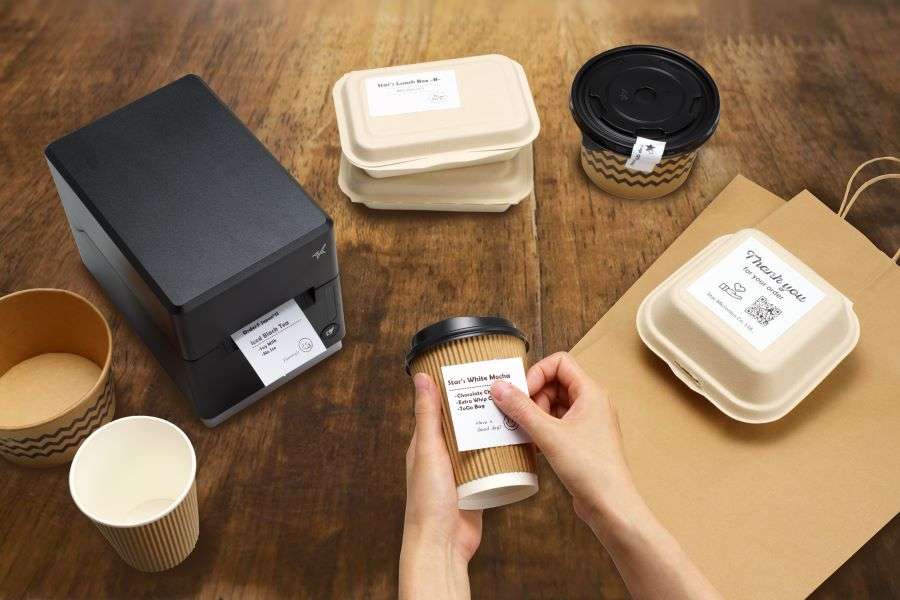
    Linerless sticky label solutions are an excellent choice for cafes and coffee shops. They allow employees to print labels for each order, stick them to their work area, reposition them as they complete orders, and then attach them to beverage cups. Employees don’t need to communicate orders verbally or in handwriting. Linerless sticky labels streamline work and enhance productivity. 

    Sticky labels can also give cafes and coffee shops an effective method to elevate their brands and engage customers beyond the order’s completion. Full-featured label printers for coffee shops allow you to enhance labels with your logo, QR codes that simplify loyalty rewards program sign-ups, or personalized thank you messages. Labels give you quick, creative opportunities to engage with customers long after the service is provided.

    Read: The Importance of Permanent Linerless Labeling in Modern Business >

    Choose the Right Sticky Label Solution

    To get the greatest value from a label printer, work with a value-added reseller to create a solution tailored to your business. Discuss these options with your provider:  

    Repositionable linerless sticky labels

    Labels that your team can peel and reapply as needed—from order to workstation and to the customer’s beverage cup—ensure accurate order prep. Linerless sticky labels add even more efficiency.

    Linerless labels have no silicone backing that employees must remove, eliminating waste that can clutter counters and floors and allowing you to operate more sustainably. Additionally, employees can easily print, apply, and reapply the removable label with one hand, saving time. 

    Linerless labels also increase operational efficiency in other ways. Since there’s no backing, linerless label rolls contain 40% more labels, so employees spend less time loading printers and more time serving customers. In addition, because you’ll need fewer rolls on hand, they help you conserve storage space for other essential supplies to keep your business running.

    Label design capabilities

    Make sure you deploy a label solution that allows you to print different labels and create designs that enhance your brand. Label design solutions enable you to build a template for the labels your team uses to communicate order details and to generate creative labels, even die-cut, brand-enhancing labels, on demand. 

    Star Micronics Label Builder, one of Star Micronics Cloud Services, is an ideal option for cafes and coffee shops. It allows you to build customized labels, combining text, barcodes, QR codes, images, and shapes to create unique designs.

    If you use a Star mC-Label3 multifunction printer, you can store up to three labels directly on the printer, and your team can easily print them with the One Touch button. It also prints with any paper roll width between 25mm and 80mm for further customization.

    Why Food Packaging Labels Are Essential to Online Order Fulfillment
    The mC-Label3 multimedia printer can use permanent or repositionable sticky linerless labels.

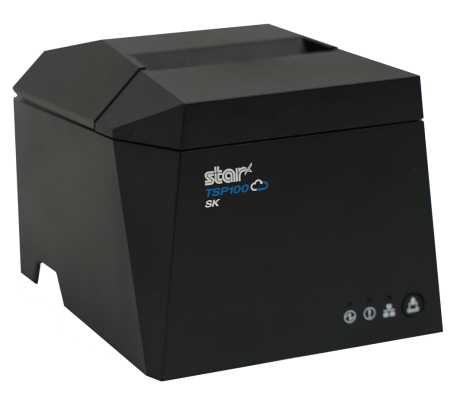
    If you use the TSP143IV SK linerless sticky label printer, your team can quickly customize Star’s Cloud Services image templates and print a variety of labels as needed. Flexible label widths of 40mm, 58mm, and 80mm cater to all your labeling needs as well, enabling you to print everything from slim drink labels to wider order details.

    Tsp100iv Sk Left2 Small 1
    The TSP143IV SK sticky label printer from Star Micronics is great for cafes and coffee shops.

    Flexibility with modern features

    Your labeling solution must also include a printer designed to work well in your environment. A small footprint and vertical mounting options will help you save counter space and workspace. The TSP143IV SK is currently the market’s most compact 3” desktop sticky label printer. It also has a built-in vertical mounting capability and internal power supply, freeing up valuable counter space and optimizing your service area like never before.

    The ideal printer for cafés and coffee shops should feature versatile connectivity options such as USB and Wi-Fi, enabling seamless pairing with any setup. As cloud-based operations gain popularity, the ability to print directly from the cloud is also essential.

    Additionally, the best sticky label printers in this sector are characterized by their rapid printing speeds and low total cost of ownership (TCO). This affordability stems from their reliability and durability, ensuring they meet the demands of busy environments without overly frequent maintenance or replacement.

    Café and Coffee Shop Sticky Label Printer ROI

    Investing in a high-quality sticky label printer can yield substantial returns for your café or coffee shop. The tangible benefits include increased employee productivity and higher throughput, directly contributing to a healthy return on investment (ROI).

    By using linerless sticky labels, your business can enhance order accuracy, significantly reducing shrinkage and boosting profitability. Additionally, this sustainable choice minimizes waste from both paper and ingredients.

    Conquering Omnichannel Order Management with Cloud-Based Technology Solutions

    Consumers have spoken! The future of retail and hospitality is omnichannel, cloud-based, and connected. Is your business prepared?

    Perhaps even more crucial is the impact on customer satisfaction. Delivering consistently accurate orders can dramatically boost the customer experience. Furthermore, sticky labels can play a pivotal role in your strategy to increase customer engagement and build loyalty, keeping you competitive in a whirlwind market. 

    These benefits are measurable and often happen swiftly after implementing a new streamlined labeling solution. Beyond these immediate advantages, employee satisfaction increases when they are equipped with tools that make their tasks more manageable.

    As the business landscape evolves, relying on legacy tools and outdated processes is no longer viable. Upgrading to modern solutions that utilize linerless sticky labels ensures that your business remains efficient and competitive.

    Ready to upgrade your sticky label game?

  • Restaurant Printer Solutions: Back-of-House vs. Front-of-House Essentials

    Restaurant Printer Solutions: Back-of-House vs. Front-of-House Essentials

    In today’s rapid-paced dining environment, coupled with high employee turnover, the efficiency and reliability of restaurant operations are more critical than ever. Leveraging the right printer technology can significantly streamline workflows, from the kitchen to the counter, enhancing both the staff and customer experience.

    This guide explores the essential types of restaurant printers, covering back-of-house, front-of-house, and label printers to ensure seamless service and operation.

    Kitchen Printers for Efficient Back-of-House Operations

    In the heart of any bustling restaurant, the kitchen demands resilient and adaptable tools to match its vigorous pace. While impact printers have long been the stalwarts of back-of-house operations, modern advancements have made thermal printers equally indispensable. Engineered to endure the challenging kitchen environment, both types of printers ensure clear, quick order communication.

    Thermal printers, with their specific features like splash resistance and insect-proof design, alongside traditional impact printers, which use bond paper known for its durability under heat and humidity, collectively offer comprehensive solutions that cater to the diverse needs of professional kitchens, enhancing efficiency and reducing order preparation errors.

    Impact Printers: The Backbone of Kitchen Printing

    Impact printers stand as the traditional choice for kitchens, where the physical impact of a printhead against an ink ribbon ensures orders are printed in a durable, dual-color format. Using bond paper, these printers produce orders that can withstand the harsh heat and humidity conditions in busy kitchens. Also, bond paper is typically multi-ply, a favorite in the industry, providing a practical solution for orders shared across multiple stations.

    The distinct advantage of using two colors—black for the main order and red for modifiers—alongside the audible printout delivery on 2-ply bond paper makes impact printers invaluable for maintaining clear communication with kitchen staff. It all helps to minimize preparation errors, ensuring coordinated efforts and flawless dish preparation.

    Chef in modern, professional kitchen looking at ticket from mC-Print3 thermal receipt and restaurant printer by Star Micronics.

    Thermal Printers: Embrace the Modern Kitchen

    Thermal printers, with their advanced features tailored for modern professional kitchens, offer a compelling alternative to impact printers. These printers thrive in environments where direct heat and grease are minimized, providing high-quality printouts without the need for ink or ribbons. Attributes such as splash resistance, warning buzzers for incoming orders, and an insect-proof design make thermal printers irreplaceable in today’s kitchen setups.

    As for having multiple tickets for the same order, thermal printers can print back-to-back copies of the same order at a rapid pace. This guarantees that every workstation receives its required orders for timely food preparation. In fact, many modern kitchens equip each station with a thermal printer, streamlining the entire process to ensure appetizers precede entrees and orders are sent out just as guests expect.

    Coupled with electronic kitchen display systems (KDS), thermal printers integrate seamlessly into digital workflows, offering a cleaner, more efficient alternative to traditional printing methods and supporting the dynamic nature of back-of-house operations.

    Here are Star’s recommendations for kitchen and back-of-house printers:

    SP742 Impact Printer

    The SP742 Impact Printer from Star Micronics offers a durable, efficient solution for kitchens, combining high-speed, two-color printing with seamless CloudPRNT and Bluetooth integration for streamlined online order processing.

    Explore the SP742 >

    mC-Print3 Thermal Printer

    The mC-Print3 stands out as a versatile and sleek POS receipt printer, ideal for both front- and back-of-house environments that are heat controlled. Thanks to its compact size, splash-proof design, and robust connectivity options, like CloudPRNT Next and enhanced Bluetooth, this future-proof printer is adaptable to any POS system changes.

    Learn more >

    POS Receipt Printers for Front-of-House Excellence

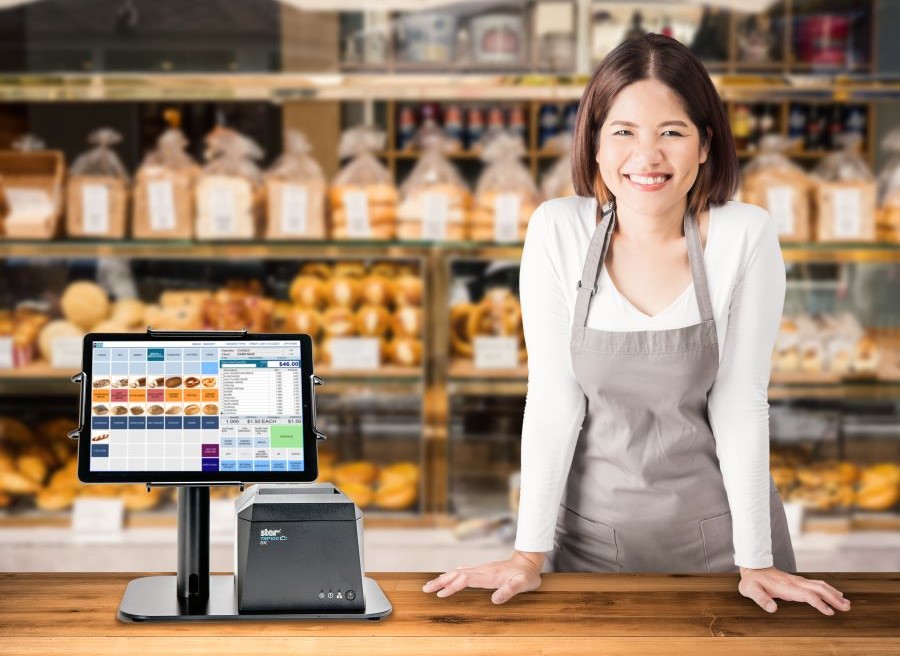
    In the front-of-house areas of restaurants, the selection of a POS receipt printer is crucial to creating lasting impressions and facilitating quick transactions. Thermal printers stand out as the preferred choice, offering rapid, high-quality printouts essential for fast-paced service environments. Equipped with features like wireless connectivity and cloud-based printing, these printers integrate seamlessly with various POS systems, catering to the evolving demands of restaurant operations.

    The design of front-of-house printers plays a significant role in maintaining the aesthetic and functional harmony of restaurant settings. Thermal printers boast a sleek, compact design that minimizes space usage and operates quietly, preventing disruption in bustling dining areas.

    Furthermore, these printers deliver exceptional resolution, enabling the production of detailed receipts, branded coupons, and promotional materials. This capability not only meets the essential requirement for clarity in customer receipts but also contributes to enhancing the dining experience and building customer loyalty through personalized touches.

    mC-Print3 Thermal Printer

    The Star Micronics mC-Print3 wins again. This compact and versatile 3-inch thermal printer excels in both front- and back-of-house settings. Its splash-proof design and multiple connectivity options, including CloudPRNT Next, make it an adaptable choice for any restaurant environment.

    Find out about the mC-Print3 >

    TSP143IV Thermal Printer

    The TSP143IV series thermal printer offers a compact, future-proof solution with enhanced connectivity options like Android Open Accessory (AOA). It’s Cloud Ready for Star Cloud Services and has easy installation, ideal for modern mPOS or POS systems.

    Discover more >

    TSP143III Thermal Printer

    The TSP143III sets the standard for thermal receipt printing, offering versatile connectivity options, easy setup, and customization capabilities, making it an all-in-one solution for retail, hospitality, and cannabis sectors.

    Learn about the TSP143III >

    mPOP® Multifunction System

    The Star Micronics mPOP combines a cash drawer and printer into a sleek, hybrid POS solution. Now with direct iOS connectivity, supporting Windows and Android, it’s an ideal choice for versatile mPOS systems.

    Explore the mPOP >

    Label Printers for Streamlined Order and Inventory Management

    Accuracy and organization are paramount in a restaurant’s service, making label printing solutions invaluable. These printers facilitate the production of custom labels for food items, identifying special orders, allergy information, or takeout packages, thus ensuring correct order fulfillment.

    Versatile label printers can handle a range of media types, from sticky labels for food packaging to die-cut labels for shelf labeling, enhancing the efficiency and accuracy of both kitchen and front-of-house operations.

    TSP143IV SK Sticky Label Printer

    The TSP143IV SK by Star Micronics sets a new standard for compact, eco-friendly thermal linerless label printing, offering advanced connectivity options like Wi-Fi and AOA, and efficient, residue-free labels for diverse business needs.

    Find out more >

    mC-Label3 Multimedia Label Printer

    The Star Micronics mC-Label3 is a versatile multimedia label printer that prints a wide range of labels and receipts, including both permanent and repositionable sticky linerless. It features cloud connectivity and innovative technologies like SteadyLAN and TetherLAN for enhanced printing convenience.

    Discover the mC-Label3 >

    mC-Label2 Multimedia Label Printer

    The mC-Label2 packs powerful features into a compact, front-loading design, including 300 dpi resolution, support for linerless, die-cut, receipt, and continuous media, and connectivity options like USB-C, LAN, WLAN, Bluetooth, and Apple MFi-certified pairing (X4 models only).

    Explore the mC-Label2 >

    POS Printers for Restaurant Success

    The choice of printing solutions within a restaurant significantly influences operational efficiency, accuracy, and customer satisfaction. Integrating the right mix of back-of-house, front-of-house, and label printers into your restaurant’s operations can lead to smoother service, better food management, and an overall enhanced dining experience.

    As technology evolves, staying informed about the latest printing solutions and how they can benefit your restaurant is essential for staying competitive and meeting the high expectations of today’s diners.

    4 Restaurant Technology Challenges for the Next Decade

    The wants and needs of the consumer are constantly evolving and changing. SMB restaurant owners can prepare for the shifts in the restaurant industry by deploying the right technology.

    Find Your Restaurant Printer Solution Today:

    Original article written by Brianna Moriarty and published September 6, 2018.

  • The Rise of Social Commerce: How Retailers Can Leverage Social Media

    The Rise of Social Commerce: How Retailers Can Leverage Social Media

    Something I find particularly exciting about the start of each new year is getting to look through the growing retail and e-commerce trends, and 2024 did not disappoint. At a time when digital storefronts and spaces are just as crucial as physical ones, the retail landscape is undergoing yet another epic transformation.

    Part of this shift is the emergence of social commerce, a trend that’s setting the stage for this next retail revolution. Combining mobile shopping and social media, two of the most popular contemporary pastimes, retailers are finding more creative ways to engage consumers, drive sales, and enhance the shopping experience. It’s never been easier to meet your customers where they already are.

    This blog post explores the rise of social commerce and how retailers can leverage this trend to their advantage. I will also show how Star Micronics is leading innovation in mobile point-of-sale (mPOS) hardware for businesses entering and thriving in the online ordering space.

    Understanding Social Commerce

    Social commerce, the process of selling products and services directly through social media platforms, is not just an extension of ecommerce; it’s a new frontier in retail, and still a relatively new one. Social commerce combines the interactive and social aspects of social media with the modern convenience of online shopping, creating a powerful tool for retailers.

    Compelling statistics support growth in this sector: According to Statista, sales through social commerce in the United States hit an estimated $64.8 billion and are expected to surge to around $150 billion by 2028, more than doubling. It would be a mistake for retailers not to pursue this market.

    The Rise of Social Commerce: How Retailers Can Leverage Social Media

    The Convergence of Mobile Ecommerce and Social Media

    The explosion of mobile ecommerce has been a critical driver for social commerce. Innovations in mobile technology have made smartphones the primary device for internet access, social interaction, and online shopping. Retailers leveraging mobile commerce hardware and technologies are uniquely positioned to capitalize on social commerce growth.

    Platforms like Facebook, Instagram, Pinterest, and TikTok have native shopping features, allowing users to purchase without leaving the app. This harmony of social media and ecommerce is transforming how consumers discover and buy products.

    Benefits of Social Commerce for Retailers

    The advantages of social commerce extend beyond just increased sales. Here are a few benefits that highlight its importance for retailers:

    • Enhanced Customer Engagement: Social commerce turns shopping into a social experience, encouraging users to share, like, and comment on products. This engagement builds a community around a brand, fostering loyalty and repeat business.
    • Direct Sales Channel: By selling directly on social media, retailers can reduce the steps in the buying process, making it easier for consumers and the potential for higher conversion rates.
    • Rich Customer Insights: Social commerce platforms offer detailed analytics about customer preferences and behavior. Retailers can use this data to modify their marketing strategies, product offerings, and even product development.
    • Credibility via Social Proof: Social commerce boosts brand visibility and trust by leveraging user reviews and recommendations as powerful forms of social proof.
    • Cost-Effective Marketing: Marketing on social media platforms is extremely cost-effective for merchants, allowing small businesses the chance to be competitive in the market.

    Implementing Social Commerce: Strategies for Retailers

    A successful social commerce initiative requires more than just setting up a shop on a social platform. Here are effective strategies retailers should consider:

    1. Cultivate a Robust Social Media Presence

    The foundation of successful social commerce lies in maintaining an active, engaging presence on social media. Retailers should craft content that resonates with their audience, prompts engagement, and showcases their products attractively.

    The Rise of Social Commerce: How Retailers Can Leverage Social Media

    2. Create and Nurture Online Communities

    Beyond posting content, use your social channels to foster vibrant online communities. Engage with your audience through interactive content, Q&A sessions, live footage, and community discussions to build a loyal customer base.

    3. Embrace Influencer Partnerships

    Influencers can significantly amplify your reach and credibility. But don’t pick just anyone! Work with influencers who align with your brand values and appeal to your target audience, leveraging their reach to introduce your products to real potential customers.

    4. Maximize Platform Shopping Features

    Leverage the built-in shopping functionalities of social platforms to facilitate easy purchases. Utilize features like Instagram’s Shopping tags and Facebook Marketplace to integrate seamless shopping experiences within your social profiles. Make sure your store is easily seen on your business profile.

    5. Offer Exclusive Social Media Discounts

    Encourage purchases directly through social platforms by offering special discounts and promotions exclusive to your followers. This not only rewards engagement but boosts followers and incentivizes direct sales through these channels. This activity can signal to platform algorithms that your store deserves to be seen by more people.

    6. Add User-Generated Content

    Encourage and share user-generated content (UGC) to enhance credibility and trust among potential customers. UGC, such as customer reviews, unboxing videos, and product photos, serves as authentic social proof that can influence buying decisions.

    7. Optimize for Mobile Shopping

    With most social media browsing done on mobile devices, ensure your social commerce experience is optimized for mobile users. This includes easy navigation, quick loading times, and a streamlined checkout.

    The Rise of Social Commerce: How Retailers Can Leverage Social Media

    8. Implement Targeted Social Media Advertising

    Utilize social media ads to get your message out to a broader audience with precision targeting. By running ads on platforms where your audience is most active, you can increase brand visibility, drive traffic to your social commerce channels, and boost conversions.

    Preparing for the Surge

    With social commerce set to continue its rapid growth, retailers must be prepared to adapt and refine. This means investing in mobile-friendly platforms, exploring new social media features, and finding creative ways to engage with your audience.

    Building a solid social media presence takes time and consistency, so start as soon as you can and keep going. Retailers that can effectively leverage social commerce will find themselves well-positioned to capitalize on it and drive significant business growth.

    Omnichannel Ordering with Social Commerce

    As retailers strive to provide the easiest shopping experience across all platforms, incorporating social commerce into an omnichannel strategy becomes essential. Omnichannel retail solutions ensure that whether a customer shops online from a mobile device, a laptop, their television, or in a brick-and-mortar store, the experience is consistent and complementary.

    For instance, a customer might see a product on a brand’s social media, purchase it through their mobile app, and choose to pick it up in-store. This streamlined process enhances customer satisfaction and loyalty, driving further growth in social commerce.

    Conquering Omnichannel Order Management with Cloud-Based Technology Solutions

    Consumers have spoken! The future of retail and hospitality is omnichannel, cloud-based, and connected. Is your business prepared?

    Navigating the Challenges of Social Commerce

    While the benefits of social commerce are clear, retailers must also be prepared for its challenges. Privacy concerns, the complexity of managing different social media platforms, and the need to craft engaging content require thoughtful strategy and execution.

    Consumer skepticism about data privacy on social platforms remains a barrier, especially for smaller businesses. Shoppers often show a preference for dealing with well-established retailers. Instances of counterfeit products and unsatisfactory delivery experiences reported by social commerce consumers could exacerbate this mistrust.

    Retailers must ensure they can handle these challenges by investing in technology with robust security, training their teams, and staying informed about changes in social media platform policies and consumer behavior.

    Equipping for Online Orders with Smart Hardware Solutions

    As social commerce amplifies online order volumes, having the proper hardware becomes crucial for managing this influx. Printers equipped with innovative technologies like CloudPRNT from Star Micronics offer seamless integration with cloud-based and mobile ordering systems, ensuring orders are processed swiftly and accurately.

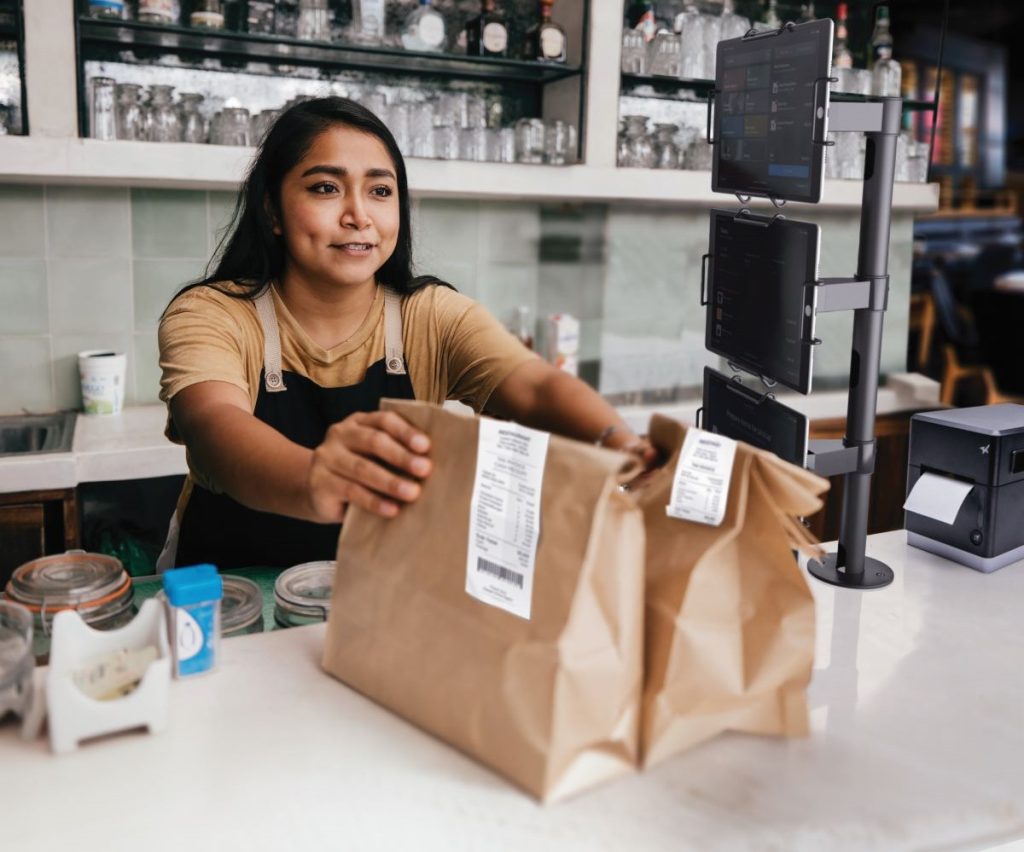
    Strategic labeling, facilitated by advanced printers such as the mC-Label3 multimedia printer, becomes indispensable for sorting and fulfilling online orders, enhancing operational efficiency. Additionally, organizing workstations with versatile solutions like the Tri-Mount from Star, which can secure three tablets simultaneously, allows for streamlined handling of orders from multiple online platforms.

    This suite of smart hardware solutions not only supports the rise in online orders but also helps maintain organized, efficient operations in the fast-paced world of social commerce.

    Takeout Restaurant Lifestyle 2 Small
    The mUnite Tri-Mount and mC-Label3 multimedia printer are perfect for online orders.

    Seizing the Social Commerce Wave with Star Micronics

    It’s clear that embracing social commerce is essential for retailers aiming to thrive in today’s digital-first marketplace. This digital revolution, powered by the fusion of social media and ecommerce, offers a platform for brands of any size to enhance engagement, drive sales, and solidify their market presence.

    Star Micronics offers innovative hardware solutions for every industry, including CloudPRNT technology and the versatile mC-Label3 multimedia printer. These solutions are designed to streamline online orders and enhance operational efficiency. By incorporating these tools into your omnichannel strategy, you can ensure a seamless, engaging shopping experience that aligns with the rising demands of mobile commerce and social media shopping.

    Retail is going places – get there first with the support of Star Micronics.

    Harness the Power of Social Commerce Today:

  • Optimize Senior Care with Assisted Living Technology

    Optimize Senior Care with Assisted Living Technology

    The senior living landscape is rapidly evolving as technology takes center stage, transforming elder care facilities. This blog post explores the impactful role of innovative point-of-sale (POS) technology in optimizing facility management. We will show how the proper assisted living technology reduces costs and enhances resident care.

    Moreover, we will highlight how Star Micronics healthcare solutions meet the unique needs of the senior care industry.

    Embracing Technology in the Senior Care Industry

    Like many industries, nursing homes and assisted living facilities are embracing technology. Advanced tools are no longer just a convenience – they help to provide senior residents with more efficient and high-quality care.

    As the demand for senior care increases, implementing effective, time-saving technologies becomes crucial. These advancements streamline facility operations and significantly improve the experience of residents.

    According to federal data, the number of people living in the United States who are 65+ represented 17.3% of the population in 2022 and is projected to reach 22% by 2040. An estimated 3,152 new senior care facilities will be required to accommodate the growing demand. Consequently, the urgency for advanced technology to enhance resident care is more critical than ever. 

    Ideally, the POS solutions in senior care facilities should go far beyond payment transactions. They should be pivotal in helping to manage daily operations like visitor check-ins, cafeteria services, and in-house pharmacy applications.

    Assisted Living Technology Makes an Impact

    Technology is used extensively in nursing homes and long-term care facilities. It helps to modernize operations, enhancing resident and visitor experience, while also improving overall workflow. Plus, technology empowers staff to focus on what matters most: providing care to residents.

    Here’s how assisted living technology contributes to cost savings and enriches the caregiving experience:

    1. Self Check-In Operations

    Firstly, assisted living technology is revolutionizing visitor check-in processes, traditionally a task requiring multiple staff members. Now, facilities can implement an automated system using kiosks equipped to print linerless or die-cut labels.

    Alternatively, self-service workstations can be set up with tablets, display stands, mounts, and label printers. This setup offers a versatile and cost-effective approach. 

    In both setups, visitors enter their details at the kiosk or scan their driver’s licenses or IDs, and a name tag is instantly printed for them. This automation not only eases the workload for staff but also enhances visitor monitoring capabilities.

    Notably, white desktop and handheld scanner models by Star Micronics feature antimicrobial housing, which is particularly important in environments with vulnerable residents, enhancing safety and hygiene standards.

    Simplify Guest Check-ins with the mUnite Kiosk Stand

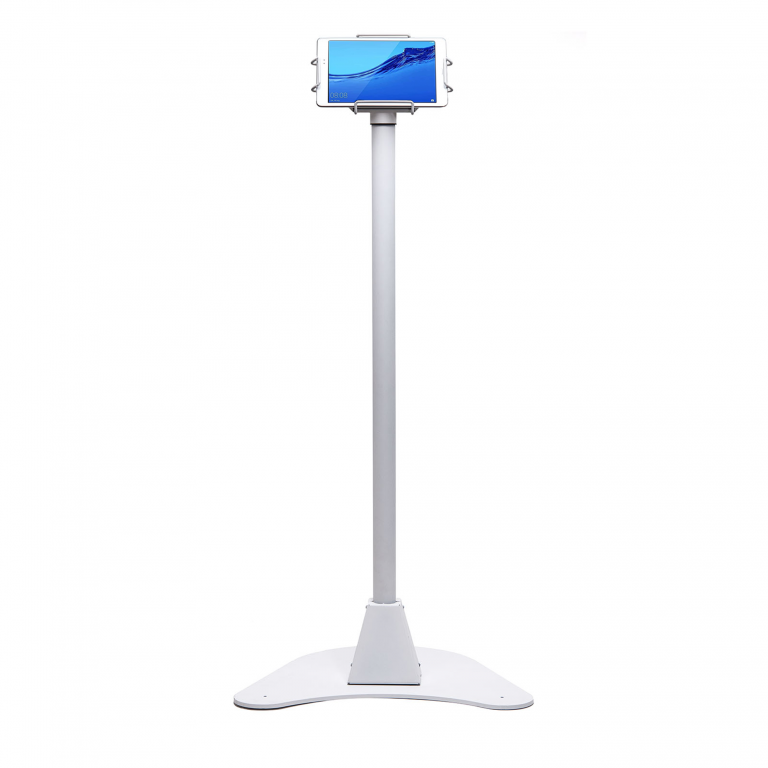
    Star Micronics’ mUnite Kiosk Floor Stand makes self-check-in easy for nursing homes and assisted living facilities. Its stable yet mobile and clean design is also perfect for displaying essential information and welcome messages to guests.

    2. Streamlined Cafeteria Services

    Optimize Senior Care with Advanced Assisted Living Technology

    Now, we all know that cafeterias in senior care facilities are essential for offering nutritious and delicious meals to residents. However, they often are there to serve visitors as well. To streamline the purchasing and checkout processes here, modern POS technology is indispensable.

    Star Micronics provides a comprehensive suite of POS hardware and technology ideally suited for both large and small nursing home cafeterias:

    Innovative Solutions for Small and Large Facilities

    Our range includes high-efficiency receipt printers, robust cash drawers, and versatile tablet POS stands. Each piece of equipment is designed to enhance operational efficiency, ensuring smooth transactions and a better dining experience. With Star Micronics, senior care facilities can equip their cafeterias with the latest in POS technology, ensuring every mealtime is as enjoyable as it is efficient.

    The Star Micronics mPOP® is an all-in-one healthcare technology solution that streamlines transactions and perfectly fits smaller facilities that don’t work with high amounts of cash. It includes an optional 2D handheld barcode scanner with antimicrobial housing in white models, adding extra peace of mind in assisted living facilities.

    Advanced Labeling for Diverse Requirements

    The mC-Label3 multimedia printer is an ideal solution for diverse cafeteria labeling requirements in nursing homes. These range from detailing ingredient lists and item descriptions to preparing labels for food delivered to residents’ rooms. This printer features a convenient One Touch function, enabling users to effortlessly print up to three preset label images with the press of a single button. 

    These labels, which can include important information like allergens and dietary restrictions, are preloaded onto the mC-Label3 through Star Micronics Cloud Services and can be printed without an internet connection.

    Additionally, Star Cloud Services offers a range of free receipt and label image templates tailored to specific dietary needs, ensuring clear and accurate communication of crucial information. This is especially critical in nursing home facilities.

    Multimedia Label Printer for Senior Care Facilities

    The mC-Label3 multimedia printer prints on most media types, including permanent and removable linerless sticky labels, die-cut labels, and receipt paper. This multifunctionality allows for one product for diverse applications.

    Self-Service Solutions for Visitor Convenience

    Furthermore, incorporating self-service kiosks or workstations in the cafeteria offers a cost-effective and versatile approach for visitors. These assisted living technology solutions especially cater to the needs of kitchens offering made-to-order food or self-checkout options. Self-checkout adds efficiency to the entire dining process, particularly helpful in senior care facilities.

    3. In-House Pharmacy Optimization

    In-house pharmacies in assisted living facilities are well-positioned to benefit from the reduced long-term costs due to technology. Multifunctional label printers like the mC-Label3 help with medication labels, resident record folders, and more.

    Star’s TSP847IIRx secure prescription printer is ideal for pharmacies in senior care facilities, with fast print speeds, built-in security features, and modern connectivity options.

    In addition, Bluetooth scanners enhance mobility for employees working at the customer counter and handling inventory.

    Enhanced Software Integration and Compatibility

    The ease of integrating Star Micronics solutions with existing nursing home software and healthcare POS systems is a significant advantage for developers and technology providers. Star also offers a wide range of software development kits (SDKs) that help developers get the most out of our POS hardware and technology. In turn, this aids in allowing their software to function the way it was intended. 

    Compatibility with popular software applications used in healthcare facilities ensures a seamless and interconnected ecosystem that works for everyone.

    Healthcare Goes High-Tech: How Technology is Solving Healthcare’s Operational Challenges

    The proper technology can help businesses in the healthcare industry streamline workflow and make up for employment shortages, helping to prevent costly errors.

    Stay Ahead of the Curve With Assisted Living Technology

    As we progress into the coming decade, the demand for senior care services is set to experience a remarkable rise. Star Micronics is at the forefront of this transformation, providing innovative technology solutions to address the unique challenges of senior living facilities.

    For administrators and caregivers, adopting these technological advancements represents not just a step toward the future but a commitment to elevating the standard of care for our aging population.

    Discover how Star Micronics can help your facility embrace this new era of senior care with innovative, efficient solutions.

    Modernize Your Senior Care Facility Today: