Tag: Label Printers

  • Use Repair Labels to Streamline Phone Repair Operations

    Use Repair Labels to Streamline Phone Repair Operations

    Smartphone repair is a growing business opportunity. But, with higher demand comes greater operational pressure. To stay efficient and meet customer expectations, repair shops must streamline how they track, manage, and return devices. 

    The right labeling solution can make a big difference, especially when it generates repair labels designed specifically for your workflow. It’s a simple upgrade that saves time, cuts costs, and keeps your entire operation moving smoothly.

    Why Demand is Growing

    The global smartphone repair market, valued at $215.2 billion in 2023, could grow at a 5% compound annual growth rate (CAGR) through 2032 to reach more than $333 billion. In the U.S. alone, 78 million consumers damaged their smartphone screens in 2023 and paid a total of $8.3 billion for repairs. 

    In the recent past, damage would have meant simply replacing the smartphone. However, the average replacement cycle has now extended to 21 months. Consumers are investing in devices they plan to use long term—and devices they count on for a range of activities day to day. 

    They’re most often sending devices for damaged screens, which account for 67% of repairs, but you’ll also see increased demand for fixes including Wi-Fi or connectivity issues, touchscreen malfunctions, damaged charging ports, and water damage.

    How to Increase Smartphone Repair Process Efficiency

    As repair volumes rise, smartphone service providers need a reliable way to track every device from intake to return—and ensure clear communication across the team. Repair labels are a simple but powerful tool to strengthen your repair management system.

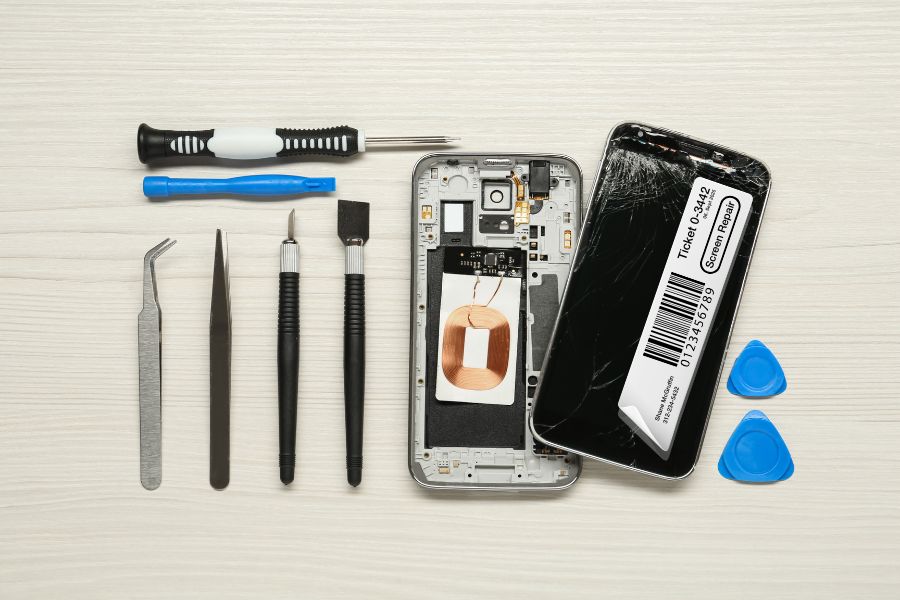
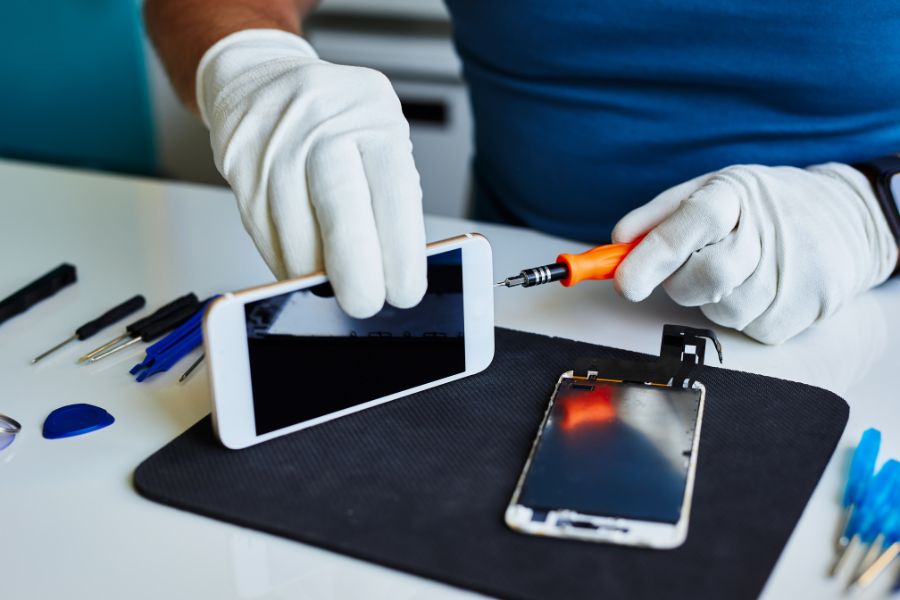
    Repositionable sticky labels help you tag each phone the moment it enters your workflow, whether dropped off in-store or received by mail. These labels identify the owner, the device’s repair destination, and any issues reported, like water damage, connectivity problems, or screen malfunctions. You can also use labels to flag parts needed for a repair, keeping your process organized from the start.
    Use Repair Labels to Streamline Phone Repair Operations

    Once the work is complete, labels can mark that the device passed QA/QC inspection, or even double as shipping labels when sending phones back to customers. If a repair isn’t possible, labeled devices can be routed for return or handled according to your recycling procedures.

    By using repair labels at every stage, you create a more efficient, traceable, and professional repair process.

    Choose the Right Labeling Solutions for Your Repair Management System

    To optimize your repair operation, you need technology with the right features to help you generate repair labels efficiently. Printing solutions features that will enhance your repair management system include:

    > Removable Label Printing

    Many repair shops currently rely on die-cut labels for tracking and managing smartphone repairs. While these labels get the job done, it’s worth considering linerless labels as a more efficient and flexible option, especially as repair volumes increase.

    Removable, or repositionable, labels are linerless labels that give your team the ability to move, remove, and reapply labels without leaving behind sticky residue. With no silicon liner to peel off, employees can print and apply labels with one hand, making the process faster and less error-prone.

    Linerless labels also deliver operational advantages. Because there is no backing, each roll holds more labels, which reduces the time spent on refills and maintenance and saves storage space. In addition, with less waste, your repair operation becomes more sustainable without compromising on performance.

    > Easy Label Design

    Look for a solution that allows you to design repair label templates for consistency and maximum efficiency. Leading solutions will allow you to use label builders in the cloud and make them available to your team directly on the printer, so you don’t add steps to employees’ workflows. 

    > One Touch Printing

    Repair labels should simplify your workflow, not slow it down. Choose a printer that lets your team quickly select the correct label template, enter any required details from your repair management system, and print instantly with one touch. This streamlines the process for both receiving and technicians, ensuring accurate labeling without extra steps.

    > Fast, High-Quality Printing

    Make sure the printer you choose can keep up with your workflow. A quick demo will show whether it can produce labels fast enough to avoid slowing down your team, while still delivering the print quality you need. 

    This is especially important if your repair process relies on barcodes. Sharp, high-resolution barcode printing ensures reliable scanning and accurate tracking, so you always know where each device is in your system.

    Where to Learn More About Repair Label Solutions

    As demand—and your operation—grows, you’ll need to deploy technology to keep your processes on track. A smart strategy is to talk to printing experts to find the best printing solutions for your business. Star Micronics has designed printers and printing solutions to enhance smartphone repair label operations. 

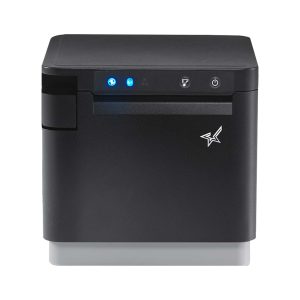
    Star’s mC-Label multimedia printer series produces high-quality repair labels that you can design with Label Builder in Star’s Cloud Services, included with the printer. You can print on nearly all media: linerless sticky labels, permanent labels, and even die-cut labels that allow you to highlight your brand on packaging. 

    The mC-Label series includes flexible connectivity options and makes work easier for your team with One Touch Label printing. Employees can print from up to three stored label templates with just the touch of a button, even without an internet connection.

    mC-Label2 Multifunction Printer

    The mC-Label2 packs powerful features into a compact, front-loading design, including 300 dpi resolution, support for linerless, die-cut, receipt, and continuous media, and connectivity options like USB-C, LAN, WLAN, Bluetooth, and Apple MFi-certified pairing (X4 models only).


    Explore the mC-Label2 >

    mC-Label3 Multifunction Printer

    The Star Micronics mC-Label3 is a versatile multimedia printer that prints a wide range of labels and receipts, including both permanent and repositionable sticky linerless. It features cloud connectivity and innovative technologies like SteadyLAN and TetherLAN for enhanced printing convenience.

    Discover the mC-Label3 >

    Another option is Star’s TSP143IV SK sticky linerless label printer, which is the market’s smallest desktop sticky label printer, featuring Android Open Accessory (AOA) support, dual-band wireless connectivity, and is integrated with CloudPRNT Next technology. 

    TSP143IV SK Sticky Label Printer

    The TSP143IV SK by Star Micronics sets a new standard for compact, eco-friendly thermal linerless label printing, offering advanced connectivity options like Wi-Fi and AOA, and efficient, residue-free labels for diverse business needs.


    Find out more >

    The Ultimate Guide to Barcode Scanner Types and Applications

    Navigate the world of barcodes with clarity and confidence, ensuring the right fit for your business needs.

    Wondering how Star solutions can help your business?

  • Smarter Pizza Restaurant Labeling Solutions: One Printer for Every Station

    Smarter Pizza Restaurant Labeling Solutions: One Printer for Every Station

    In the fast-paced world of pizza, there’s no room for guesswork. Every second counts, and every label matters, especially when it comes to choosing the right pizza restaurant labeling solutions. Whether it’s a lunchtime rush or a Friday night delivery marathon, your labeling strategy can either keep the orders flying out the door or bring the whole line to a halt.

    That’s where Star Micronics steps in. Our smarter approach to labeling is designed for restaurants that move fast, think bigger, and refuse to settle for outdated workflows. With the mC-Label3 multimedia printer at the center of your operation, you can simplify everything, starting with one printer model for every station.

    One Printer Model for Every Job

    Most restaurants use different printers for different tasks—a label printer here, a receipt printer there, maybe a specialty solution for online orders or kitchen tickets. That works… until it doesn’t. When something breaks or needs replacing, operators are stuck managing multiple SKUs, multiple vendors, and more training for their staff.

    With the mC-Label3, you can standardize your hardware across your entire pizza business. It’s one compact, reliable printer that supports receipt printing, linerless labeling, sticky labels, and more. Whether it’s printing an order label in the kitchen, a receipt at the POS, or a tamper-proof seal for delivery, the mC-Label3 does it all.

    mC-Label3 Multifunction Printer

    The Star Micronics mC-Label3 is a versatile multimedia printer that prints a wide range of labels and receipts, including both permanent and repositionable sticky linerless. It features cloud connectivity and innovative technologies like SteadyLAN and TetherLAN for enhanced printing convenience.

    Discover the mC-Label3 >

    Smarter Pizza Station Setup

    The one-printer-per-station model isn’t just about reducing clutter. It improves order accuracy by giving each touchpoint—prep, packaging, inventory, pickup, POS—its own dedicated, high-performance printer. And because it’s always the same model, there’s no learning curve, no confusion, and fewer support headaches.

    It’s a smarter layout that:

    • Boosts labeling speed and consistency
    • Reduces printer downtime and maintenance
    • Simplifies training and inventory management

    The Power of Permanent Linerless Labels

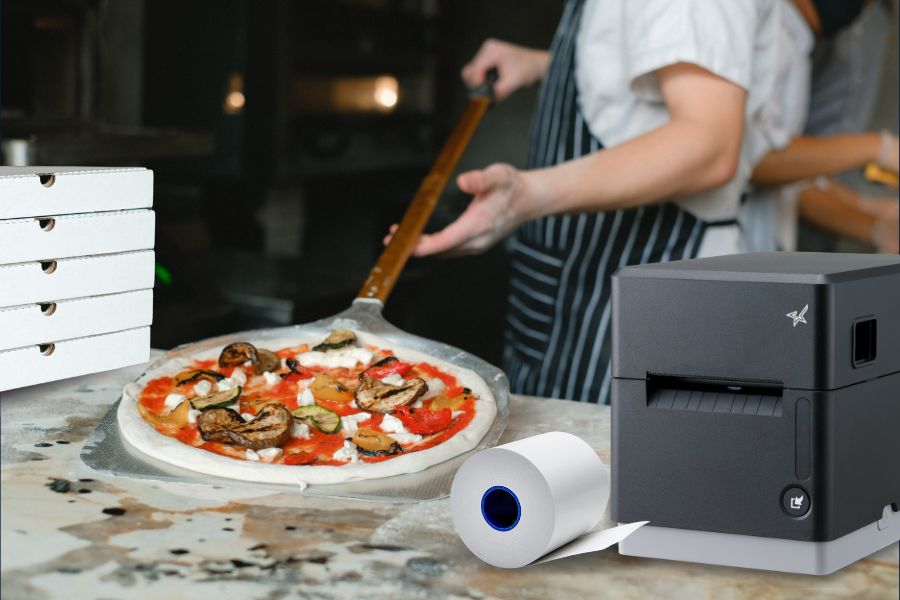
    Labels are only as good as their stick. Star’s permanent linerless labels pair perfectly with the mC-Label3, offering strong adhesion without the waste of traditional liners. They work as tamper-proof labels for pizza boxes, to-go bags, and delivery containers, sealing each order with confidence.

    No staplers. No tape. No mess. Just clean, secure, professional packaging every time.

    Star Blue thermal paper rolls by Star Micronics. Receipt, linerless, sticky, traditional, permanent, thermal, bond, label.
    Star offers permanent linerless labels in a variety of widths and pack sizes.

    Built for Busy Pizza Shops

    The mC-Label3 isn’t just versatile—it’s built for speed and volume. With fast print speeds, multiple connectivity options (USB-C, Ethernet, Bluetooth, and Wi-Fi), and compatibility with leading POS and ordering platforms, it’s designed to keep up with the pace of modern pizza operations, even during peak hours.

    Plus, features like onboard label memory and one-touch printing make it even easier for busy teams to stay focused on what matters: making and delivering great food, keeping orders accurate, and ensuring a smooth flow from kitchen to customer.

    Final Slice

    If you’re running a pizza operation with multiple stations, locations, or order types, don’t settle for a patchwork of printers. A smarter labeling strategy—built around the powerful mC-Label3 multimedia printer and Star’s permanent linerless labels—can help you serve faster, label better, and scale easier.

    One printer model at every station. All media types. No compromises.

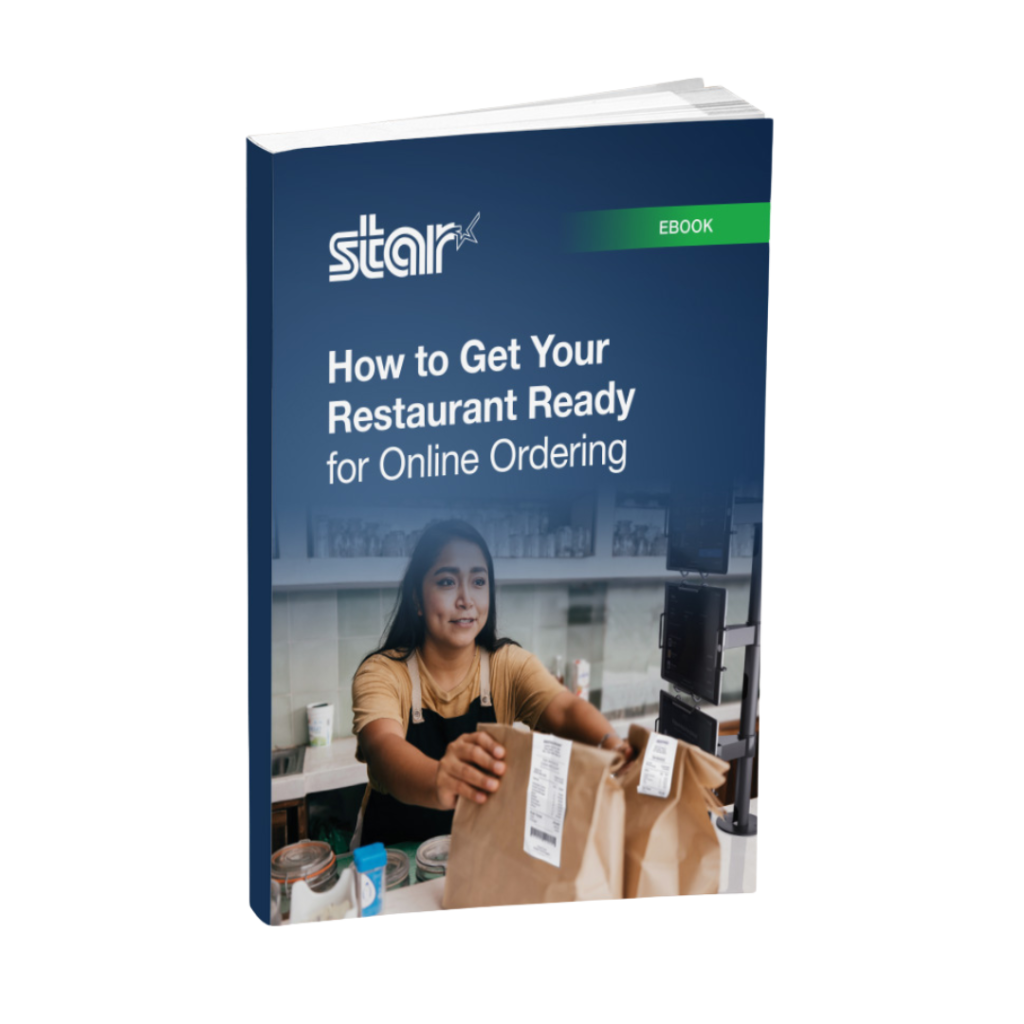
    How to Get Your Restaurant Ready for Online Ordering

    Are you looking for a new way to grow your restaurant business? Accepting online orders keeps you relevant and competitive.

    Ready for better pizza restaurant labeling solutions?

  • The Hidden Cost of Bad QSR Labeling in Quick Service Operations

    The Hidden Cost of Bad QSR Labeling in Quick Service Operations

    Today’s quick-service restaurants (QSRs) are more complex than ever. Between mobile orders, delivery apps, kiosks, drive-thrus, and in-store traffic, your team is juggling a high-speed, high-stakes environment.

    That’s why QSR labeling is now a critical part of modern restaurant operations—keeping order accuracy high, workflows smooth, and customers satisfied. But if your labeling process is outdated or overlooked, it could be quietly draining your profits and damaging your brand.

    The Real Costs of QSR Labeling Mistakes

    Using the wrong label can slow down restaurant operations, but it can also hurt the bottom line. Poor QSR labeling can negatively impact profitability and hinder business growth in several ways. 

    > Order Mix-Ups & Customer Frustration

    Restaurants implement QSR labeling solutions to communicate order details, including special requests or allergy alerts, to food prep stations. Labels also indicate to the expeditor where the order will be sent when it’s ready, whether to the drive-thru, the front counter, for online order pickup, or to a delivery driver. 

    If the information on the label is incorrect or if the label does not remain in place throughout the process, order accuracy suffers, and both customer satisfaction and food safety are compromised. You must remember that getting every order right is essential. Research by customer service solution provider Simplr found that 51% of customers will not return after a single negative experience.

    > Operational Slowdowns and Excess Waste

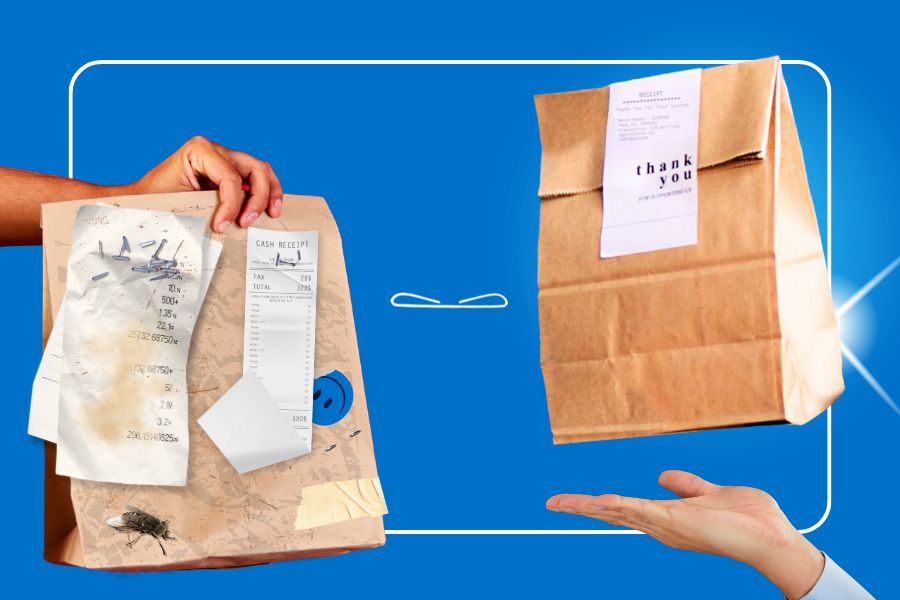
    Manually labeling with handwritten notes, tape, and stickers is slow and unreliable. An employee in a food prep area can misread a scribbled note, leading to the wrong items being prepared in the wrong way. It slows down fulfillment, which customers waiting in line during peak times at the drive-thru or pickup counter won’t tolerate. 

    Subpar order accuracy rates also lead to a high volume of food waste. U.S. restaurants generate between 22 and 33 billion pounds of food waste each year, accounting for approximately 15% of the country’s total food waste sent to landfills. Minimizing food waste is key to operating profitably and sustainably. Optimizing QSR labeling processes and improving accuracy rates can decrease food waste, wasted time, and unnecessary resource consumption.

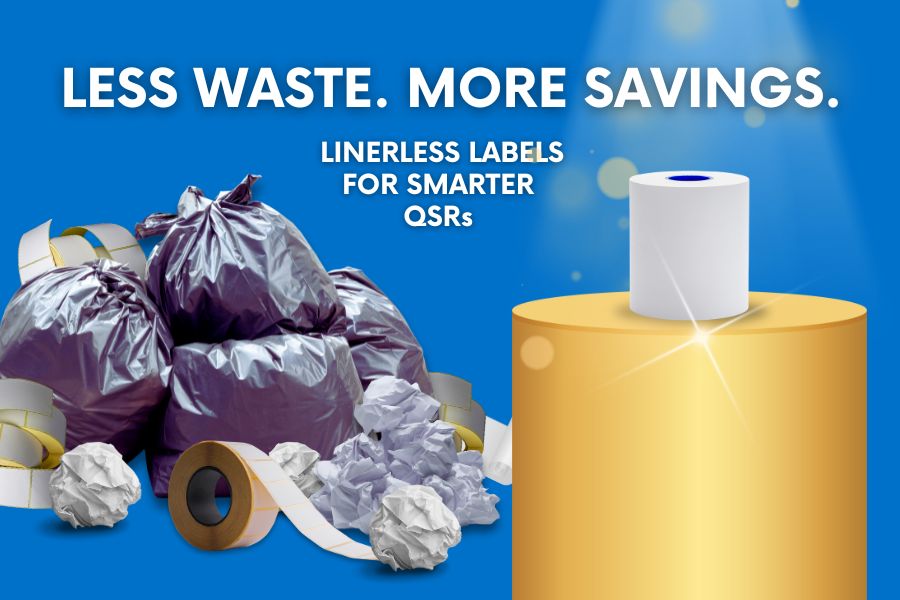
    Traditional labels with liners also generate unnecessary waste. Backings pile up quickly in high-volume environments, creating more trash to manage and dispose of. In a time when consumers increasingly prioritize sustainability, liner waste is not only inefficient and costly—it’s also out of step with modern environmental expectations.

    Linerless Labels No Waste

    > Damaged Brand Perception

    One of the effects of poor labeling is a bit harder to quantify, but it will be evident in the number of daily or weekly orders and revenues. Customers may perceive handwritten notes stapled or taped to bags as unprofessional, particularly if they’ve received clearly labeled orders from one of your competitors.

    Additionally, antiquated order packing methods may give a third-party delivery driver the opportunity to open the bag and take a few fries for themselves. It happens more than you may think. A study from US Foods found that 28% of drivers admitted to taking food from an order. If this occurs frequently, customer retention will plummet, and it will be reflected in sales reporting. Sealing bags and containers with tamper-evident labels will help you prevent this issue and maintain your customers’ trust.

    Why Traditional Labeling Doesn’t Cut It Any Longer

    Traditionally, QSR labeling has involved using stickers or tape to attach a receipt or handwritten note to a bag or container. The cons far outweigh the pros of this approach:

    • Employees waste time writing, and errors are hard to trace.
    • The kitchen and delivery drivers can misinterpret handwritten information.
    • Traditional processes don’t produce tamper-evident labels. 
    • Removing label backing slows down processes, creating clutter and waste.
    • The process slows down service, particularly in high-volume QSRs.
    • Hurts brand perception with unprofessional, inconsistent packaging.

    The Smarter Alternative: Linerless Labeling

    A better approach to QSR labeling is printing linerless labels. Consider how the benefits of these labels can impact your bottom line:

    1. Labeling That’s Clean, Sticky, and Fast

    Linerless labels have no backing, making them faster to apply and keeping counters and floors cleaner. Employees can print and apply them with one hand, making them perfect for busy QSR stations. 

    2. Multifunction Printers Support All Label Types

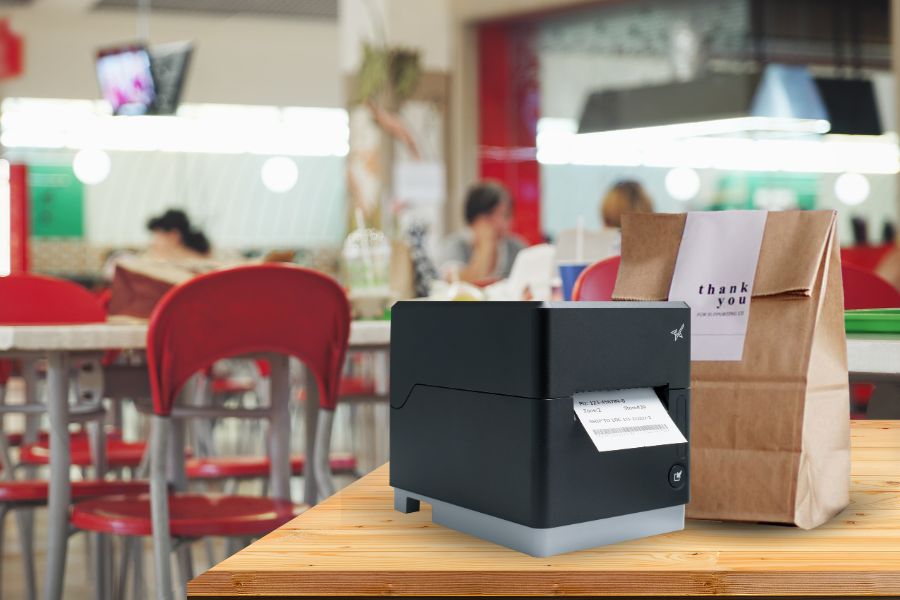
    One device, like Star’s mC-Label3 multifunction printer, prints linerless labels in addition to receipts and traditional labels. One label printer can do it all, allowing you to optimize your labeling processes. You can even print tamper-evident, permanent linerless labels to secure bags for delivery and assure your customers of food safety. 

    mC-Label3 Multifunction Printer

    The Star Micronics mC-Label3 is a versatile multimedia printer that prints a wide range of labels and receipts, including both permanent and repositionable sticky linerless. It features cloud connectivity and innovative technologies like SteadyLAN and TetherLAN for enhanced printing convenience.

    Discover the mC-Label3 >

    3. Efficient Labeling Leads to Order Accuracy and Food Safety

    When you use the right labels for each application in restaurant operations, whether repositionable labels for internal processes or tamper-evident labels for food safety, order accuracy and customer satisfaction improve. Both ultimately have a positive impact on your bottom line.

    Don’t Let Bad QSR Labeling Processes Undermine Your Restaurant Operations

    Bad labeling is a silent killer of QSR efficiency and profitability. Investing in better tools, such as linerless label printers, is an easy fix with a fast return on investment (ROI). Take the next step toward a more efficient restaurant and better financials with the right QSR labeling solution. Your customers, staff, and margins will thank you. 

    👉 Explore Star’s Labeling Solutions for QSRs:

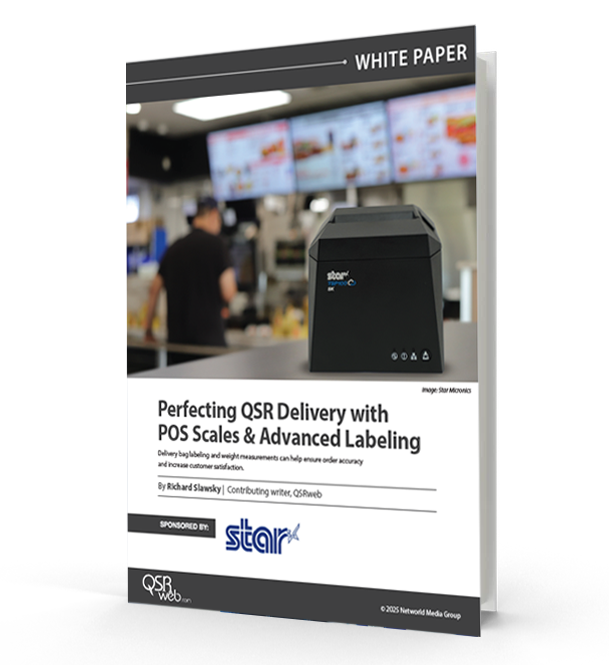
    Perfecting QSR Delivery with POS Scales & Advanced Labeling

    Learn how QSR operators are transforming delivery with weight-based verification and advanced labeling solutions.

    Find out more from our QSR labeling experts:

  • One Printer, Every Station: Rethinking Labeling for QSRs & Grocery Stores

    One Printer, Every Station: Rethinking Labeling for QSRs & Grocery Stores

    Today’s grocery and QSR labeling demands more than just speed—it demands precision across every touchpoint. From front-counter orders to back-of-house prep and last-mile delivery, modern operations are expected to move fast and get it right every time. As service channels multiply, so do the challenges. And unless your labeling strategy can keep up, efficiency and consistency take a hit.

    Labels have become essential here, offering a way to clearly communicate item details, reduce order errors, and streamline pickup and delivery. But creating a smooth, end-to-end labeling experience isn’t always easy. As menus and product assortments grow, and workflows evolve, many businesses find themselves struggling to keep labeling consistent across their POS, kitchen, bagging, and inventory stations.

    For enterprise brands with dozens or even hundreds of locations, this complexity scales rapidly, resulting in increased costs, heightened training needs, and avoidable inefficiencies.

    The Multi-Station Challenge

    Most QSRs and grocery stores operate multiple service zones, each with its own tasks, and often, its own printer. The POS counter may have a thermal receipt printer, the kitchen a die-cut label printer for ingredients, and the bagging station a linerless printer for sealing takeout or delivery bags. While this setup gets the job done, it introduces a host of operational inefficiencies.

    Here’s what that fragmented setup often leads to:

    • Higher hardware costs with different printer types at each station
    • Inconsistent print quality across devices and use cases
    • Increased training and support needs for staff and IT
    • Media management headaches with different paper sizes, adhesives, and formats, all requiring different printers
    • Workflow friction as teams juggle multiple systems and devices

    As operations scale across multiple locations, these small inefficiencies add up, creating friction in daily workflows and making it harder to deliver a consistent customer experience across every store.

    The Ideal Solution? One Printer That Does It All.

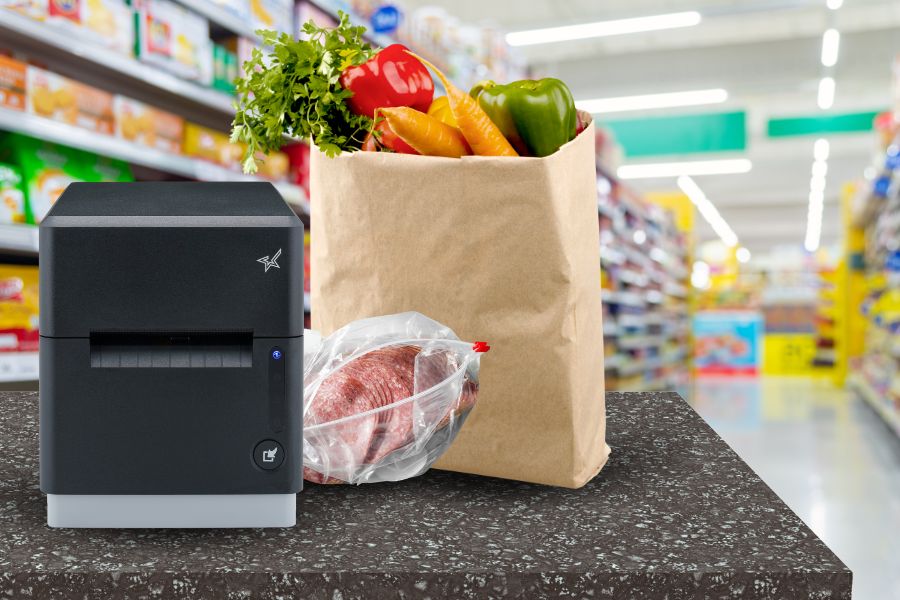
    What if every station in your operation—front counter, kitchen, delivery, self-checkout—could run on the same printer model? Instead of managing multiple printer types with different media formats, drivers, and maintenance protocols, QSRs and grocery stores could simplify with one device that does it all.

    That’s the benefit of standardizing on a single, versatile printer across the operation. The model may serve different functions at each station, but because the device is the same, it streamlines ordering, training, IT support, and overall consistency.

    This isn’t entirely about reducing the number of printers—one will have to be at each station—but it is about reducing the number of printer models. With one printer that can handle everything from receipts to bag seals, operators can reduce complexity while maintaining quality across every customer interaction.

    This isn’t just a wish list item. It’s real, and it’s available today.

    One Printer for Every Station | QSR & Grocery Labeling Solutions

    Versatility at Its Core: Star Micronics mC-Label3

    The mC-Label3 is a multifunction thermal printer built for the fast pace of today’s QSR and grocery operations. Designed to support unified labeling workflows, it can handle a wide range of media types, streamlining labeling across your business.

    This one model can be used to print:

    • POS receipts at the front counter
    • Die-cut labels for food prep, inventory, or shelf displays
    • Linerless labels (sticky or permanent) for bag sealing and delivery orders
    • Continuous linered media for specialty or regulatory labeling

    mC-Label3 Multifunction Printer

    The Star Micronics mC-Label3 is a versatile multimedia printer that prints a wide range of labels and receipts, including both permanent and repositionable sticky linerless. It features cloud connectivity and innovative technologies like SteadyLAN and TetherLAN for enhanced printing convenience.

    Discover the mC-Label3 >

    Standardizing on a single printer model like the mC-Label3 transforms QSR labeling and grocery labeling from a daily hurdle into a streamlined, scalable strategy. With just one printer across stations, teams deal with less hardware confusion, faster onboarding, and fewer support tickets—without sacrificing output quality or consistency.

    Swapping media is fast and foolproof, letting staff move from receipts to die-cut to linerless labels without skipping a beat. And that’s key, because linerless media is quickly becoming the future of labeling. It’s cleaner, faster, more flexible, and reduces waste, making it ideal for high-volume, multi-use environments like coffee chains, QSRs, convenience stores, and grocery pickup stations.

    With fewer disruptions and a leaner labeling setup, enterprises can keep counters clean, workflows smooth, and customers moving—no IT intervention required.

    Built for Enterprise Flexibility

    The mC-Label3 also supports multiple interfaces (USB, Ethernet, Bluetooth, WLAN) and CloudPRNT, ensuring straightforward connectivity with your current POS or labeling infrastructure. With its sleek footprint, it saves space without sacrificing performance.

    And because it’s from Star Micronics, you get industry-leading reliability, developer support, and the ability to scale across locations.

    Smarter Labeling Strategies for QSRs and Grocers

    When you rethink your labeling strategy to revolve around one printer, you unlock:

    • Simpler training and operations
    • Cleaner counters and kitchen setups
    • Faster service and fewer labeling errors

    The mC-Label3 isn’t just a printer. It’s your receipt station, kitchen expediter, and delivery labeler—all in one.

    Perfecting QSR Delivery with POS Scales & Advanced Labeling

    Learn how QSR operators are transforming delivery with weight-based verification and advanced labeling solutions.

    Ready to simplify your labeling across every station?

  • QSR Delivery Done Right: How POS Scales & Labeling Tech Improve Accuracy

    QSR Delivery Done Right: How POS Scales & Labeling Tech Improve Accuracy

    In this episode of the Rising Stars Podcast, “QSR Delivery Done Right: Labeling, Scales & a Big Thank You from Kate,” host Kate Orara explores how restaurants are improving QSR delivery accuracy with connected POS scales and advanced labeling solutions.

    From sticky linerless labels on takeout bags to precision bag weighing for double-checking orders, Kate breaks down how the right tools can streamline QSR delivery operations and reduce costly mistakes. She also spotlights the power of using a single multifunction printer—like the Star Micronics mC-Label3—to handle everything from receipts to individual item labeling.

    Perfecting QSR Delivery with the Right Tech

    Order errors and packaging mix-ups can cost QSRs time, money, and loyal customers. In this episode, Kate shows how restaurants can solve those issues using scalable POS technology like connected scales and versatile labeling solutions. Whether you’re a franchise operator, ISV, or tech partner, these strategies can help your team boost QSR delivery accuracy, reduce waste, and simplify fulfillment from the kitchen to the customer.

    Plus, Kate wraps up her time as host with a heartfelt thank you—and gives listeners a hint at what’s coming next.

    Learn about Star’s advanced multimedia label printer, the mC-Label3 >

    Loving the podcast? Subscribe now, and let us know what you think by leaving a review!

    Stay up-to-date on all things Star, don’t forget to follow us on X, LinkedIn, Facebook, Instagram, and YouTube.

    The Rising Stars Podcast

    Immerse yourself in the world of point-of-sale (POS) with the Rising Stars Podcast by Star Micronics, hosted by industry pro, Kate Orara. Twice a month, we explore the fascinating journeys of innovators and businesses navigating the challenges of POS technology’s rapid pace.

    In every episode, Kate Orara, Star Micronics’ Partner Development Manager, discusses emerging retail technology trends and strategies with global industry giants. She’s spent her entire career meeting all the right people, and now listeners everywhere can benefit from this vast network of channel gurus.

    Always leading and always innovating, Star Micronics, a pioneer in POS and customer experience technology for over 60 years, welcomes you to join us in shaping a brighter future in the retail, hospitality, and cannabis industries.

    Want more industry news?

    Episode Transcript

    [Music]

    Kate Orara: Hey there, retail tech enthusiasts! Welcome to the Rising Stars Podcast, your go-to for all things retail tech and point of sale. I’m Kate Orara, Partner Development Manager at Star Micronics, and I’m excited to guide you through this journey. Here, we dive into the latest innovations shaping the retail, hospitality, and cannabis industries. So whether you’re a techie or a business owner, this is your backstage pass to insider knowledge. Join me and the Star Micronics team as we innovate and rise together.

    Welcome back to the Rising Stars Podcast, brought to you by Star Micronics. I’m Kate Orara, and before we dive into today’s exciting topic, I want to take a moment to express my gratitude. This is my final episode as your host of The Rising Stars Podcast, and it has truly been an incredible journey sharing industry insights with you all.

    A huge thank you to Star Micronics for supporting me—I’ve truly enjoyed the chance to explore new technologies with channel friends and solo. I’ve never hosted a podcast before, and while I experienced some bumps, Star allowed me to find my way. I deeply appreciate the opportunity they gave me.

    I also want to extend a heartfelt thank you to you, our dedicated listeners and viewers. Your feedback has helped guide me—from what you liked, didn’t like, and what you gained from the podcast. That insight has shaped my journey as host, and I’m so grateful.

    While I may be signing off, the podcast isn’t going anywhere. Stay tuned for an exciting new format launching in the coming weeks!

    Today, we’re talking about the power of POS scales and linerless labeling and how they’re transforming QSR (Quick Service Restaurant) delivery operations. Let’s dig in.

    QSRs have changed dramatically over the past few years. While drive-thru and dine-in are still essential, delivery has skyrocketed. According to Mordor Intelligence, the global food delivery market is set to reach $1.37 trillion by 2029, growing at a 15.1% annual rate. That’s huge.

    But as delivery grows, so does the challenge of ensuring order accuracy. Every QSR operator knows one of the biggest customer complaints is missing items—a burger left out, fries that never made it into the bag, or a forgotten drink. Let’s be honest: that kind of frustration can cost restaurants loyal customers and revenue.

    Here’s a personal story—I went to a local restaurant for a pickup order. It wasn’t even for me, it was for my husband and kids. When I got home, some items were missing, including a salad. I had to go back to the restaurant, and when I did, I had to argue with the staff about whether I actually ordered the salad. It was extremely frustrating. I won’t be returning to that establishment again. (And yes, I left a Yelp review!)

    So how can restaurants eliminate these kinds of errors and ensure every order is perfect?

    Enter the point of sale scale.

    These smart devices verify an order’s weight before it leaves the restaurant. Here’s how it works: each menu item has a predefined weight. When the order is packed, the scale checks the total weight. If something is missing, the system flags the discrepancy—before the bag even leaves the counter.

    It’s the same concept as grocery store self-checkouts, where the system verifies the item based on weight. For QSRs, this simple but powerful tool reduces missing items and speeds up operations.

    Now, order accuracy is just one part of the equation. What’s the next challenge? Order security.

    No one wants to receive a delivery bag that looks tampered with. That’s where linerless labels come in. These tamper-proof, sticky labels seal delivery bags and give customers peace of mind that their food is safe, untouched, and fresh.

    The benefits don’t stop there. Restaurants can print logos, promotions, or QR codes directly on the labels for added marketing impact. And unlike traditional labels, linerless labels eliminate waste from backing paper, making them a sustainable choice.

    They also promote operational efficiency. Since linerless labels auto-cut to size, they streamline packaging, save time, and reduce material costs.

    By combining POS scales with advanced labeling solutions, QSRs can:

    • Ensure every item is accounted for before the order leaves the kitchen
    • Protect food integrity with tamper-proof packaging
    • Enhance branding and customer trust with professional, informative labels
    • Reduce waste while boosting efficiency and sustainability

    Star Micronics is leading the charge with cutting-edge solutions like the MGT POS Scales and the mC-Label3 multimedia printer, making accuracy and security seamless for QSR operators.

    Well, that’s a wrap on today’s episode and my time as host of The Rising Stars Podcast. Once again, thank you so much to Star Micronics and to all of you who have tuned in, engaged, and shared your thoughts along the way.

    While I may be signing off, this podcast is just getting started on a new chapter. Keep following, stay tuned, and get ready for exciting changes ahead.

    Until next time, keep leading and innovating.

    And that is a wrap for this episode of the Rising Stars Podcast. A huge thanks to our incredible listeners for tuning in and to our phenomenal guests for sharing their insights. Don’t forget to subscribe, rate, and leave a review. Your feedback fuels our journey to bring you the best in retail tech.

    Stay connected with us on social media for updates and behind-the-scenes content. As you sign off, remember: the future of retail technology is in our hands, and together, we are shaping it. Keep innovating, keep rising, and until next time, this is Kate Orara signing off. Together, we rise.

    [Music]

  • Strategies for Adapting to Tariff Policy Changes in Retail Technology

    Strategies for Adapting to Tariff Policy Changes in Retail Technology

    In this episode of the Rising Stars Podcast, “Navigating Tariff Policy Changes in the Retail Technology Industry,” host Kate Orara reveals essential strategies for businesses in the retail technology channel to adapt and thrive amidst evolving tariff regulations. Drawing from her expertise as Star Micronics’ Partner Development Manager, Kate discusses how VARs, ISVs, and distributors can mitigate the impact of tariffs through proactive planning and strategic partnerships.

    This episode provides valuable insights into managing supply chain vulnerabilities, analyzing financial risks, and updating product strategies to maintain competitiveness in an increasingly complex global market.

    Thriving in Uncertain Tariff Policy

    Understanding tariff impacts is vital for today’s retail technology professionals. From sourcing alternatives and stockpiling inventory to implementing tools like CloudPRNT and localized production, Kate highlights practical ways to safeguard your business operations. With additional tips on customer communication and leveraging partnerships, this episode equips listeners with actionable guidance to navigate policy changes effectively.

    Whether you’re a VAR, ISV, or distributor, this episode is a must-listen for anyone seeking to stay informed and ahead in the POS hardware industry.

    Loving the podcast? Subscribe now, and let us know what you think by leaving a review!

    Stay up-to-date on all things Star, don’t forget to follow us on X, LinkedIn, Facebook, Instagram, and YouTube.

    The Rising Stars Podcast

    Immerse yourself in the world of point-of-sale (POS) with the Rising Stars Podcast by Star Micronics, hosted by industry pro, Kate Orara. Twice a month, we explore the fascinating journeys of innovators and businesses navigating the challenges of POS technology’s rapid pace.

    In every episode, Kate Orara, Star Micronics’ Partner Development Manager, discusses emerging retail technology trends and strategies with global industry giants. She’s spent her entire career meeting all the right people, and now listeners everywhere can benefit from this vast network of channel gurus.

    Always leading and always innovating, Star Micronics, a pioneer in POS and customer experience technology for over 60 years, welcomes you to join us in shaping a brighter future in the retail, hospitality, and cannabis industries.

    Want more industry news?

    Episode Transcript

    [Music]

    Kate Orara: Hey there, retail tech enthusiasts! Welcome to the Rising Stars Podcast, your go-to for all things retail tech and point of sale. I’m Kate Orara, Partner Development Manager at Star Micronics, and I’m excited to guide you through this journey. Here, we dive into the latest innovations shaping the retail, hospitality, and cannabis industries. So whether you’re a techie or a business owner, this is your backstage pass to insider knowledge. Join me and the Star Micronics team as we innovate and rise together.

    Today, we’re diving into a topic that’s been on the minds of many resellers, ISVs, distributors, and hardware manufacturers: how can we prepare for potential changes under the new United States administration? Before we get started, I want to emphasize that this discussion will remain non-political. My goal is to provide you with practical strategies and considerations to help your business navigate any upcoming changes, regardless of the political climate.

    Let’s dive in. I want to cover this topic in eight segments: understanding the landscape, staying informed, assessing supply chains, financial impacts, supporting customers, strengthening partnerships, investing in technology, and legal considerations.

    Understanding the Landscape

    As administrations change, so do policies that impact international trade. While specific details about proposed tariffs are still emerging, history tells us that tariffs can directly affect supply chains, pricing, and overall business operations in the retail channel. It’s crucial to stay informed and proactive.

    Staying Informed

    You’re already doing the first step—staying informed. Keep an eye on announcements from government agencies and industry associations. Organizations like the Retail Solutions Providers Association (RSPA), of which Star Micronics is a member, are excellent resources for timely updates. If you’re not a member, let me know—I’m happy to connect you with someone who can help you join.

    Joining groups like RSPA and subscribing to their newsletters can give you a head start on understanding proposed tariffs. Networking with industry peers can also provide insights and opportunities to collaborate on solutions.

    Assessing Supply Chains

    Take a close look at your supply chain. Identify which of your products or components could be affected by tariffs. If you’re sourcing items from regions likely to face new duties, now’s the time to explore alternatives or have those discussions. Consider working with suppliers in unaffected regions or exploring domestic manufacturing options. Additionally, renegotiate contracts with your current suppliers to share or absorb potential cost increases.

    Financial Impacts

    Tariffs can significantly impact your bottom line, so it’s essential to prepare financially. Start by estimating how proposed tariffs might increase costs for your key products. From there, consider strategies to adjust pricing while remaining competitive. You might also explore financial tools like hedging or insurance to protect against cost volatility. For businesses that rely heavily on imports, these tools can provide a much-needed safety net.

    Supporting Customers

    Don’t forget about your customers—communication is key. Be transparent about potential impacts on pricing or product availability. At the same time, offer alternatives. If a product’s cost rises significantly due to tariffs, suggest lower-cost options or locally sourced solutions. Always emphasize the value of your offerings, whether that’s long-term ROI, reliability, or customer support.

    Strengthening Partnerships

    Strong partnerships can make all the difference during times of uncertainty. Collaborate with your manufacturers, distributors, and other partners to develop strategies for mitigating tariff impacts. For example, you might work together to build up inventory before tariffs take effect or share the burden of increased costs. Additionally, consider advocating as a group for tariff exemptions or relief—a collective voice often carries more weight.

    Investing in Technology

    Another way to offset potential tariff impacts is by investing in technology. Automation and efficiency tools can reduce operational costs, helping to balance out higher import expenses. Similarly, exploring localized production can reduce reliance on imports altogether. For some businesses, now might be the time to reevaluate your product strategy entirely. Shifting focus to high-margin products or services can help you absorb cost increases more effectively.

    Legal Considerations

    Finally, don’t overlook legal and compliance aspects. Consult with legal experts to understand how tariffs may impact your contracts and compliance requirements. Review tariff codes for your products to ensure proper classification and avoid unnecessary duties.

    Closing Thoughts

    Preparing for potential tariffs isn’t just about mitigating risks; it’s also about finding opportunities to innovate and strengthen your business. By staying informed, assessing your supply chain, and collaborating with partners, you can navigate these changes with confidence. Remember, change is constant in the retail IT channel, and adapting proactively is what sets successful businesses apart.

    And that’s a wrap for this episode of the Rising Stars Podcast. A huge thanks to our incredible listeners for tuning in. Don’t forget to subscribe, rate, and leave a review—your feedback fuels our journey to bring you the best in retail tech. Stay connected with us on social media for updates and behind-the-scenes content. As you sign off, remember, the future of retail technology is in our hands, and together, we are shaping it. Keep innovating, keep rising, and until next time, this is Kate Orara signing off. Together we rise.

    [Music]

  • Star Micronics Unveils Cutting-Edge Receipt and Removable Linerless Label Printers

    Star Micronics Unveils Cutting-Edge Receipt and Removable Linerless Label Printers

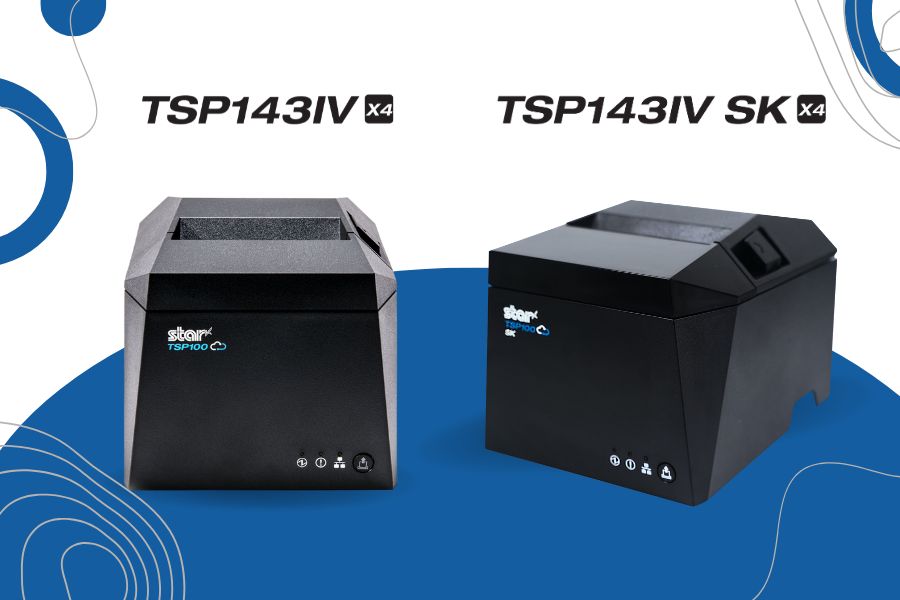
    Two innovative models, the TSP143IV X4 and TSP143IV SK X4 receipt and linerless label printers, redefine printing for modern retail and hospitality environments.

    Somerset, NJ – January 10, 2025 – Star Micronics, a global leader in point-of-sale (POS), labeling, and customer engagement technology, is excited to announce the launch of two groundbreaking printing solutions: the TSP143IV X4 receipt printer and the TSP143IV SK X4 removable linerless label printer. Designed to meet the demands of today’s businesses, these printers deliver exceptional performance and advanced connectivity, all in an eco-conscious package. Star Micronics once again sets a new standard for POS printing.

    TSP143IV X4: Advanced Connectivity Meets High-Speed Printing

    The TSP143IV X4 offers future-proof versatility with four connectivity options—USB, LAN, WLAN, and Bluetooth—ensuring seamless compatibility with iOS, Android, and Windows devices. With CloudPRNT Next technology utilizing the MQTT protocol, the TSP143IV X4 enables faster, more reliable cloud-based printing, making it ideal for businesses managing remote print operations across multiple locations.

    This compact printer supports high-speed printing of up to 250mm/s, a built-in guillotine auto-cutter, and 20W of USB-C power and data transfer for iOS, Android, and Windows devices. Plus, Wi-Fi setup has never been easier with the Star Quick Setup Utility app or via QR code. The TSP143IV X4 also embraces sustainability, featuring EnergyStar certification, which ensures it operates with energy efficiency, reducing power consumption and environmental impact while lowering operational costs for businesses. These printers include eco-friendly packaging with a 30% smaller box size and near-zero plastic wrapping to reduce environmental impact.

    TSP143IV SK X4: Smart Labeling for High-Demand Workflows

    The TSP143IV SK X4 builds on Star’s reputation for innovation with its removable linerless sticky label printing capabilities, designed for industries like food service, delivery, takeout, and laundry. This model simplifies operations by producing repositionable sticky labels that adhere without residue, ensuring order accuracy and streamlined workflows.

    The TSP143IV SK X4 also features four connectivity interfaces, a simplified Wi-Fi setup, and high-speed printing at 180mm/s with an auto-cutter. Like its sibling model, the SK X4 prioritizes sustainability with EnergyStar certification and is nearly 100% recyclable. Its reduced packaging minimizes material waste and CO2 emissions during transport.

    Innovative Features Across Both Printer Models

    Both the TSP143IV X4 and TSP143IV SK X4 share several cutting-edge features:

    • CloudPRNT Next with the MQTT protocol for faster, more reliable cloud communication.
    • User-friendly Wi-Fi setup using Star Quick Setup Utility or via QR code.
    • Compact, modern design with a built-in power supply for space efficiency.
    • EnergyStar certified with eco-conscious packaging to support sustainable business practices.

    “Retail and hospitality businesses require solutions that are not only efficient and reliable but also adaptable to their rapidly changing needs. The TSP143IV X4 and TSP143IV SK X4 embody Star’s commitment to innovation and sustainability, empowering businesses to improve efficiency while reducing their environmental footprint and boosting their bottom line.”

    To learn more about these new printers and how they can revolutionize your POS and labeling processes, visit starmicronics.com or contact sales@starmicronics.com.

    Experience the future of POS technology at NRF 2025! Star Micronics will showcase these models and more at Booth 5757, January 12–14, 2025, at the Javits Convention Center in New York City.

    Love industry news? Explore our podcast:

    Star Micronics logo, point-of-sale (POS) hardware and technology company.

    Star Micronics, a world leader in point-of-sale (POS), has designated a portfolio of printing, secure cash management, self-service, and customer engagement solutions for any retail or hospitality establishment. Embracing the mPOS wave, Star’s SDKs allow developers to utilize Star printers in tandem with Android™, iOS, iPad®, and iPhone® devices to generate receipts, labels, Chit, and tickets. Star Micronics is always leading and always innovating, creating cloud-based printing solutions, including CloudPRNT and Star Cloud Services, with AOA support and MFi connectivity. Star also has a wealth of peripherals, including 2D barcode scanners, scales, tablet display stands, and more. Visit starmicronics.com or follow us on Facebook, X, Instagram, YouTube, or LinkedIn to learn more.

    Media Contact:

    Christin Dorner
    Star Micronics America, Inc.
    cdorner@starmicronics.com
    848-216-3318

  • Optimize Dry Cleaning Processes with Print-On-Demand Garment Tracking

    Optimize Dry Cleaning Processes with Print-On-Demand Garment Tracking

    As long as people cherish luxury fabrics like silk and velvet, rely on sharp business suits to make a lasting impression, or don formalwear for special occasions, the dry cleaning process will remain essential for garment care. Customers turn to dry cleaners not only for the expertise required to handle delicate materials but also for the convenience and reliability that come with professional service. 

    However, times are changing. In the digital age, consumers expect more than just clean clothes—they demand a seamless, efficient, and error-free experience. Outdated practices, such as stapled dry cleaning labels and handwritten tickets, are no longer sufficient to meet these expectations. These methods not only appear antiquated but also increase the likelihood of errors, such as lost items or incorrect orders, which can damage customer trust and loyalty. 

    Updating your labeling and ticketing equipment to meet modern standards can dramatically improve your dry cleaning processes, enhancing accuracy, efficiency, and customer satisfaction in today’s competitive market.

    Printing Can Enhance Each Step of the Dry Cleaning Process

    Modernizing operations with advanced printing technology can significantly improve garment tracking and communication across all stages of the dry cleaning process.

    1. Garment Tagging

    When customers drop off their clothes, dry cleaners tag each item with a unique number so they can accurately identify them. These tags need to withstand the chemicals used in the operation and stay readable throughout dry cleaning processes. It’s common for dry cleaners to purchase prenumbered tags in various colors to help direct items back to the right location after cleaning or to sort items quickly by the day the customer returns to pick them up. 

    However, preprinted tags require an upfront investment and storage in dry cleaning operations where space is at a premium. Preprinted tags could also lead to errors. If two customers come to the counter at about the same time, it’s possible the tags could be switched. 

    Printing tags on demand can overcome those challenges. By choosing tag media and inks that withstand dry cleaning processes, businesses can revise their tagging processes to be customer-specific and accurate. When receiving clothing for cleaning, employees can print tags with the job number, the customer’s name, or other essential information.

    Optimize Dry Cleaning Processes with Print-On-Demand Garment Tracking
    The mC-Label3 multimedia printer by Star Micronics is perfect for labels.

    mC-Label3 Multimedia Printer

    The Star Micronics mC-Label3 is a versatile multimedia printer that prints a wide range of labels and receipts, including both permanent and repositionable sticky linerless. It features cloud connectivity and innovative technologies like SteadyLAN and TetherLAN for enhanced printing convenience.

    Discover the mC-Label3 >

    2. Inspection

    Before garments proceed to the dry cleaning process, an inspector looks for specific issues that the cleaner must address. The inspector will mark stains that need pretreatment and find tears or missing buttons that the cleaner must document or repair. The inspector typically tags these spots. 

    Equipping inspectors with a printer can enable them to provide clear, detailed instructions on tags, ensuring that cleaners address all issues during the dry cleaning process. This additional layer of precision supports smoother operations and helps ensure customer satisfaction with the final results.

    3. Garment Tracking and Second Inspection

    It’s common for dry cleaners to transport clothing and fabrics that customers drop off at a storefront to a cleaning facility. Dry cleaners often use legacy methods, such as color coding, for tracking items from multiple locations so that they return to the right place on time. 

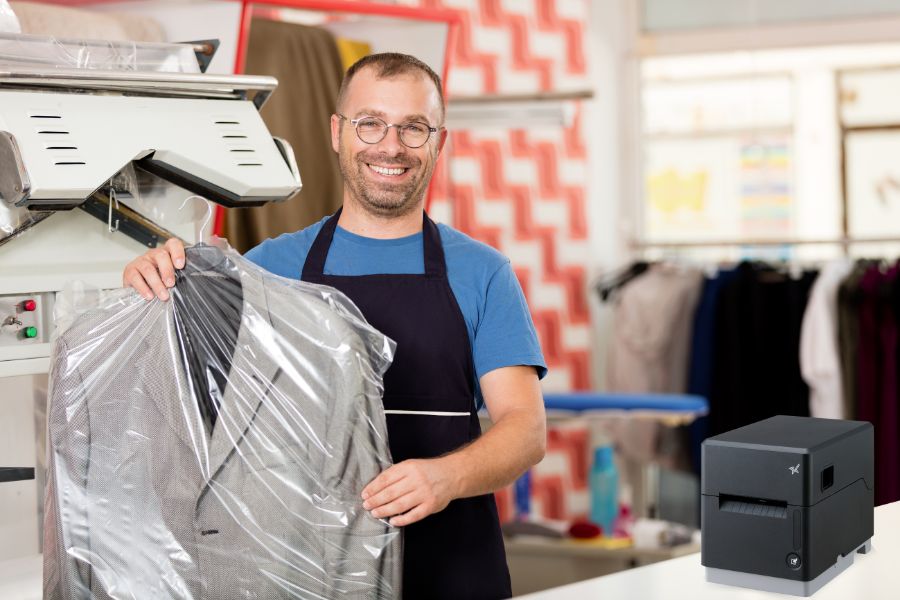
    However, printing linerless sticky labels that communicate exactly where the job originated and when it’s scheduled for pickup can optimize the process. With linerless dry cleaning labels, there’s no backing to remove, so employees can print the label and immediately apply it to the garment’s plastic wrapping. This method also eliminates waste from silicone label backing, reducing clutter in work areas. Using repositionable linerless sticky labels also means the labels stay in place but are easier to remove, keeping the garment’s plastic casing neat and intact.

    After cleaning, an inspector will ensure the job meets quality standards. If not, the inspector will mark the garment for further care. Printing a label or tag can provide the information necessary to correct issues and facilitate garment tracking so employees can bundle the item with the rest of the customer’s order in time for pickup.

    TSP143IV SK Sticky Label Printer

    The TSP143IV SK by Star Micronics sets a new standard for compact, eco-friendly thermal linerless label printing, offering advanced connectivity options like Wi-Fi and AOA, and efficient, residue-free labels for diverse business needs.

    Find out more >

    When clean clothes and fabric items return to the dry cleaner’s storefront, employees need to organize them so they can find them quickly when customers arrive. Dry cleaning labels on the items will help them hang them in the proper location and ensure that all items in the order are together. 

    When customers arrive, employees take payment and provide customers with a receipt. The receipt is proof that the customer paid their bill, but dry cleaners can leverage it to engage customers and incentivize return business. The right printer will enable dry cleaners to print receipts that include coupons or discounts for the next visit, give customers instructions to enroll in the dry cleaners’ loyalty program, or encourage customers to provide feedback with a brief survey. 

    A multifunction printer will also enable dry cleaners to print custom labels, which can be used to increase brand awareness and add professional finishing touches when returning items to customers.

    Technology Trends You Need to Implement into your Wash-and-Fold or Laundromat Business

    Run your competitors through the rinse cycle using the POS technology explained in this helpful guide!

    Take the Next Step for Your Dry Cleaning Process

    Printing can modernize and optimize each step of the dry cleaning process, resulting in more efficient garment tracking, accurate orders, and customer satisfaction. To learn more about printers that are ideal for dry cleaning operations and adapt to your specific requirements, contact us

    Additional Resources

    Star Micronics offers several options for dry cleaning label, tag, and receipt printing. Follow these links to learn more:

    • mC-Label3This multifunction printer enables printing on a variety of media, including linerless labels, both permanent and removable sticky linerless, traditional die-cut labels, and thermal receipts. The mC-Label3 is also cloud-ready. It connects with Star Micronics Cloud Services and Label Builder, so you can design labels and receipts and print them on demand without an internet connection using its One Touch multifunction button. 
    • TSP143IV SKThis thermal linerless sticky label printer is compact, features multiple connectivity options, and can accommodate paper widths of 80 mm, 58 mm, and 40 mm. 
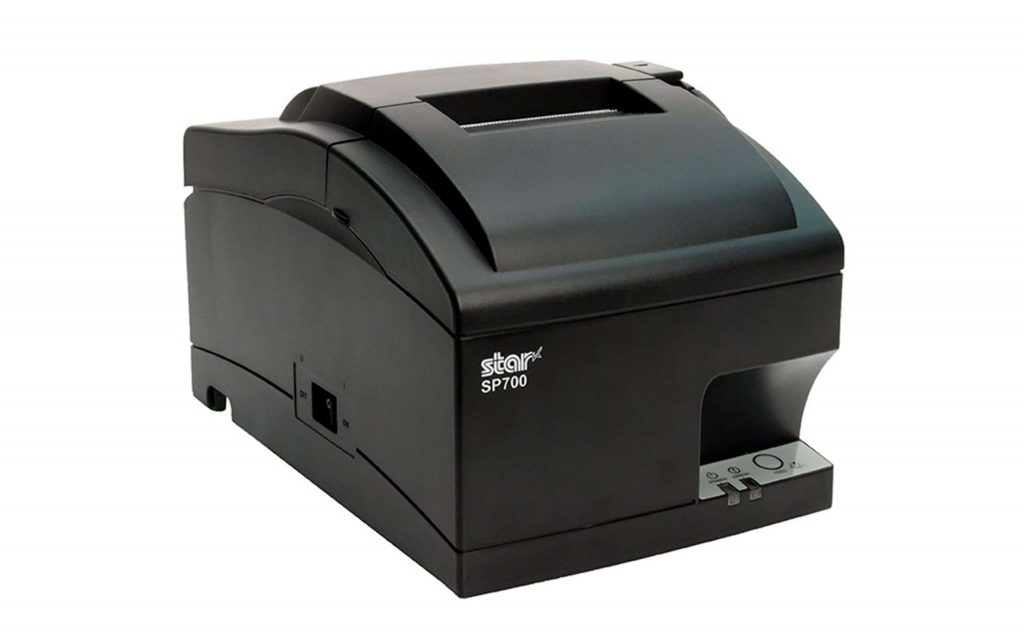
    • SP742If ticket stapling is still part of your workflow, the SP742 impact printer is the optimal choice for producing clear, durable receipts that withstand the rigors of the dry cleaning process. This high-speed, reliable impact printer performs well where heat and humidity are concerns. Plus, it features multiple connectivity options and easy maintenance.

    SP700 Impact Printer

    With its robust design and consistent print quality, the SP700 impact printer enhances both operational efficiency and customer satisfaction by streamlining order management.

    Explore the SP700 >

    Ready to boost your dry cleaning workflow?

  • Build a Visitor Badge System for Better Guest Experiences

    Build a Visitor Badge System for Better Guest Experiences

    Many organizations have established processes to identify visitors and control access within their facilities via visitor badge systems. Government buildings and schools require procedures to monitor who has entered the building and ensure everyone has registered, helping to keep their facilities and people secure. Hospitals and long-term care facilities require visitor badge printers as a part of a system to protect patients and to help control access to restricted areas. 

    Corporate enterprises issue badges to alert employees to the presence of visitors and ensure they don’t enter sensitive or unsafe areas. Whatever the setting, organizations across a wide range of industries have determined that identifying visitors and providing information about them on badges helps organizations operate more efficiently and securely.

    How to Increase Badge-Issuing Efficiency

    While visitor badges are an integral part of a comprehensive access control strategy, the process of issuing them may be inefficient and interfere with positive guest experiences. Issuing badges manually takes time, and handwritten badges may be difficult to read. Moreover, it’s often impractical to include a visitor photo or other key details when badges are created by hand.

    Badge solutions that incorporate purpose-built software, cameras, scanners, and printers streamline these processes. The system can allow guests to scan their ID to auto-populate fields on a badge, use an integrated camera to include a photo, and automatically add details like permissions and entry time. These systems also create a log for real-time tracking and auditing purposes. 

    While issuing badges in most cases will continue to require an employee to check credentials and ensure policy compliance, a visitor badge system saves time, keeps lines short, and improves the overall user experience.

    Features of the Optimal Visitor Badge Printer

    A visitor badge printer is a key component of any badge solution. To ensure efficient processes and high-quality badges, printers need the following features:

    1. Print Width

    You need the capability to print the right-sized labels so your team can easily read information and confirm that the badge is authentic. The ability to print on varying widths from the same printer is even more efficient, depending on your purposes.

    2. Print Quality and Speed

    A good visitor badge printer balances quick output with sharp, clear results to avoid bottlenecks while maintaining professionalism. 

    3. Flexible Connectivity

    Not all entrances to your facilities allow for a wired network connection to your software. Printers with wireless or Bluetooth connectivity options enable printing wherever necessary. 

    4. Access to Label Templates

    Printers that allow you to build and store pre-designed templates will make badge printing easier, especially when visitors have varying levels of permissions or unique needs.

    5. Hardware Design

    Choose a compact, space-saving printer with adaptable power options to suit your processes.

    6. Easy User-Friendly Maintenance

    A visitor badge printer with easy, user-friendly maintenance is essential for minimizing downtime and ensuring smooth operations. Features like toolless repair and straightforward upkeep allow staff to quickly address issues, keeping the badge-issuing process efficient and hassle-free.

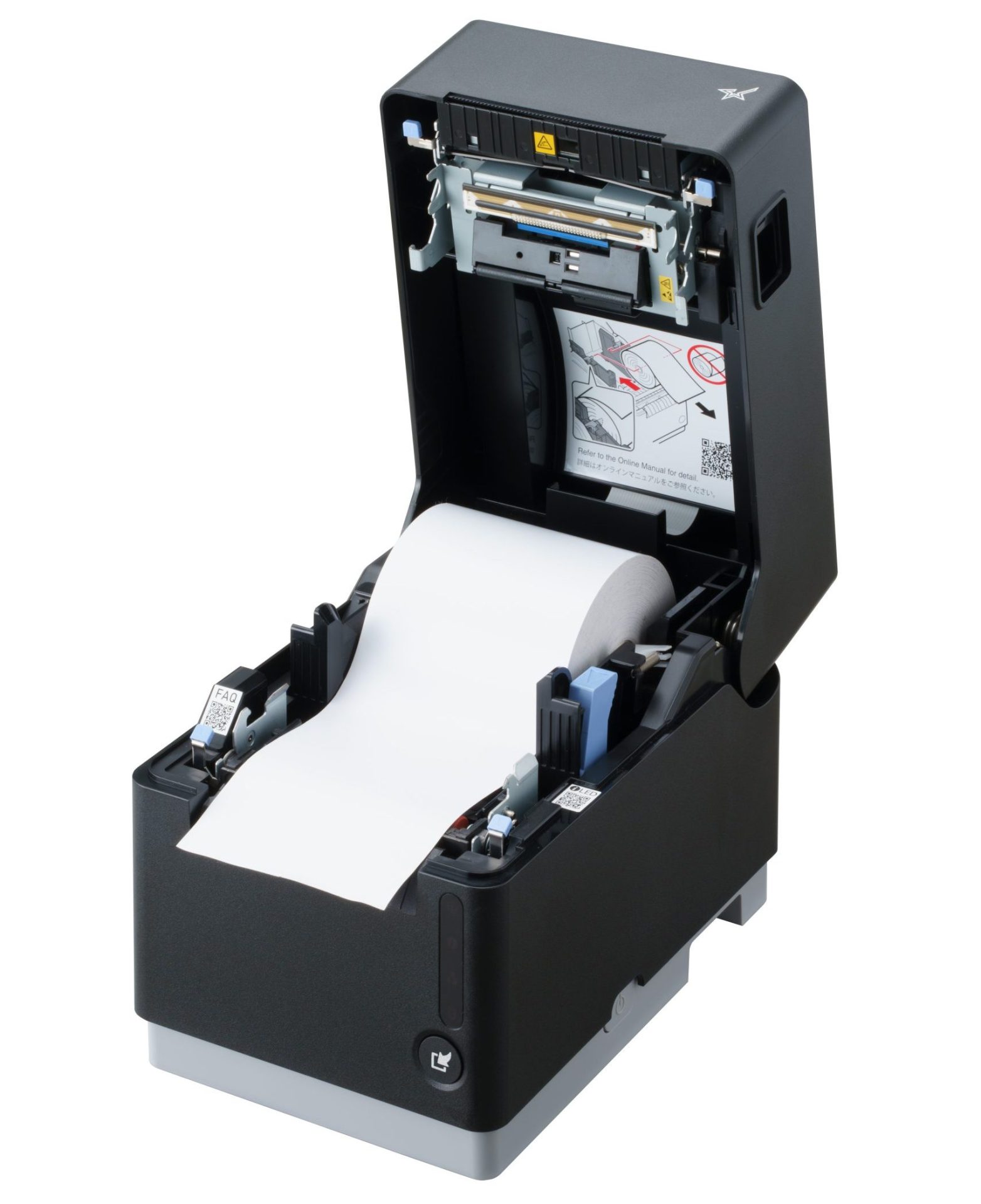
    The mC-Label3 multifunction label and receipt printer from Star Micronics can fit media of multiple widths and types.
    The mC-Label3 multimedia printer by Star Micronics offers simple, user-friendly maintenance alerts.

    Choose the Right Label Media for Your Visitor Badge System

    The type of label media used is another crucial factor in building an efficient system.  Peel-and-stick die-cut labels, a common option, can slow down processes, extend visitor wait times, and generate waste from backing materials. These label rolls also need to be changed more often because they contain labels plus silicone backing, giving fewer labels per roll. Business owners will also need to keep more rolls stocked in-house, taking up valuable storage space. 

    Because of the drawbacks of using linered labels, many organizations are choosing linerless labels. These labels exit the printer ready to apply—there is no silicone backing to peel off. This allows employees to issue badges more quickly and efficiently. It’s also a more sustainable choice for the system, reducing paper waste and allowing organizations to store more labels per shipment, minimizing transportation emissions.

    Find out more about more about the eco-friendly advantages of linerless labels here >

    Evaluate Your Current Processes—and Your Options

    Transitioning from manual processes or outdated, legacy systems to a modern efficient badge solution will save time, streamline workflows, and help visitors get where they need to go with less friction and in less time. 

    Star’s mC-Label3 multimedia printer has all of the features you need to generate high-quality, easily readable badges that are customized to your needs. It allows flexible print widths and accommodates linerless sticky labels (whether diamond or full adhesive), permanent linerless labels, die-cut labels, and continuous labels. It also features multiple connectivity options, whether connecting requires wireless or wired options. 

    Designed with user-friendly maintenance in mind, the mC-Label3 offers toolless repair and provides maintenance alerts with QR codes that guide users to detailed instructions on what the printer needs. This multifunctional printer includes One Touch Label, allowing your team to print custom, pre-designed label templates stored directly in the printer—even without a network connection.

    Visit the mC-Label3 page for more information.

    mC-Label3 Multimedia Printer

    The Star Micronics mC-Label3 is a versatile multimedia printer that prints a wide range of labels and receipts, including both permanent and repositionable sticky linerless. It features cloud connectivity and innovative technologies like SteadyLAN and TetherLAN for enhanced printing convenience.

    Discover the mC-Label3 >

    Learn More About Visitor Badge Printers From Star

  • Essential Airport Restaurant Solutions for Modern Hospitality

    Essential Airport Restaurant Solutions for Modern Hospitality

    Restaurants and food service companies with airport locations have an immense opportunity to provide the meals and snacks travelers count on to sustain them before or after flights. However, filling orders and optimizing customer experiences can be a challenge without the right airport restaurant solutions. 

    Airport restaurant and concessions staff have to deal with demand from thousands of people, particularly when large flights land or at traditional mealtimes. Furthermore, travelers are looking for a variety of experiences. Some want quick service before catching a connecting flight and will not be patient if forced to waste time standing in line. Others want to relax in a restaurant during a long day of travel. 

    Regardless of how they engage, travelers want efficient service and food made to order. The complexity of managing multiple restaurants can make meeting those demands even more challenging. Operators may have numerous locations throughout an airport or have locations with different branding and menus. Ensuring smooth operations at each restaurant, counter, and concession stand requires real-time visibility and centralized control.

    Must-Have Airport Restaurant Solutions

    Technology tailored specifically for airport restaurants helps meet high customer expectations for quick, efficient service, even during peak times. Modern airport restaurant and food service operations leverage the following technologies: 

    1. Online Ordering and Cloud-Ready Hardware

    With more travelers opting to order food and beverages from their mobile devices, online ordering has become an essential service for airport restaurants. Allowing customers to browse menus, place orders, and pay directly from their phones not only enhances convenience but also helps reduce wait times at busy counters. Customers can complete an order with a few taps as they move through the terminal, allowing staff to prepare the food before they even approach the restaurant.

    To support this level of convenience, having cloud-ready hardware is ideal. Cloud-print-enabled printers receive orders directly from online ordering platforms, whether from mobile apps or websites, minimizing the need for extra devices or manual input. This technology helps staff stay updated with orders in real time, reducing delays and making sure that all orders—no matter where they come from—are accurately printed and efficiently managed.

    Star Micronics’ CloudPRNT technology makes this process flawless by allowing printers to communicate directly with web-based ordering services. With Star’s CloudPRNT Next, enhanced by the MQTT protocol, airport restaurants benefit from faster, more reliable cloud communication, ensuring orders are printed promptly, even in high-demand environments.

    2. Self-Service Kiosks

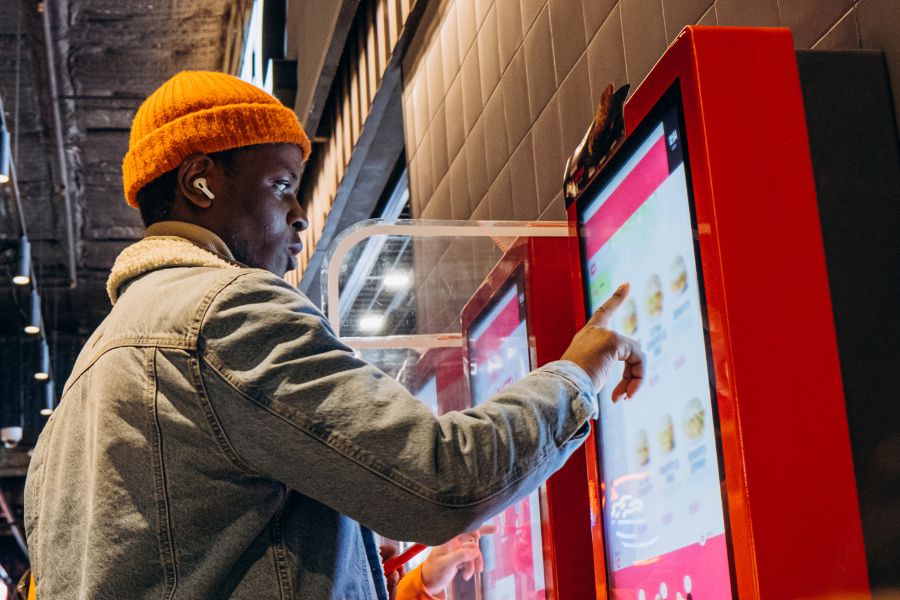
    Deploying kiosks is one of the best ways to keep lines short and minimize errors and waste. Instead of waiting for assistance from an employee, travelers place their orders at a kiosk, using a touchscreen to choose precisely what they want. 

    Self-service “kiosks” can take many forms, from large interactive digital signage to touchscreens embedded in cabinets. However, a tablet in a secure enclosure supported by a tablet stand or display gives airport restaurants a space-saving way to provide self-service options. 

    With self-service kiosks, travelers are free to quickly browse their options and potentially even place orders with different restaurants or vendors near them from the same screen. Kiosk software can make nutrition and allergen information readily available and upsell customers with offers to expand an order into a combo or add a side. 

    After making their selections, travelers can pay at the kiosk using cash, a payment card, or a mobile wallet. A receipt or ticket with an order number is then printed for easy tracking. The receipt can also include an estimated time when the order will be ready so travelers can purchase items for their flights or run other errands before picking up their food.

    Airport Restaurant Solutions Kiosk

    3. Kitchen Printers

    Once travelers place their orders, it’s essential for airport kitchens to receive them quickly and accurately. Kitchen printers ensure each order reaches the back of house promptly, helping staff prepare and serve food efficiently, even during busy times. By improving the order process, these printers contribute to faster service, ultimately creating a smoother experience and happier customers.

    Impact printers are known for their durability and can handle the demands of busy kitchen environments. They reliably produce clear, legible orders, performing well despite the heat and humidity often found in kitchen spaces. These printers also offer fast output, simple paper loading, and a compact design to optimize space.

    The SP700 series by Star Micronics supports CloudPRNT technology, which allows kitchen printers to receive online orders directly from cloud-based platforms without additional hardware. This capability makes it easier for staff to keep up with orders and reduces delays, providing a positive experience for both in-house and online customers.

    SP700 Impact Printer

    With its robust design and consistent print quality, the SP700 impact printer enhances both operational efficiency and customer satisfaction by streamlining order management.

    Explore the SP700 >

    As modern kitchens adopt effective heat control, thermal receipt printers are quickly becoming the standard for reliable performance in high-temperature settings. Thermal ticket or chit printers offer faster speeds and enhanced connectivity options, making them ideal for a more streamlined kitchen workflow.

    Learn “Why Thermal Receipt Printers Have a Place in Today’s Modern Kitchens” here >

    4. POS and Receipt Printers

    For airport restaurant operations, POS and receipt printers play a crucial role in ensuring fast and polished customer experiences. High-volume environments require efficient POS systems that can quickly process various payment types, from mobile wallets to contactless cards, meeting the fast-paced demands of airport travelers. Paired with high-speed thermal receipt printers, these systems speed up transactions, minimizing wait times for customers eager to grab a bite before their flights.

    In addition to efficient processing, clear and readable receipts improve order tracking and pickup for customers and staff alike. Thermal receipt printers provide crisp, legible receipts with order numbers and instructions, helping travelers and staff stay organized in the fast-moving airport environment.

    mC-Print3 Receipt Printer

    The Star Micronics mC-Print3 combines high-speed printing with advanced connectivity options like Ultra-C and CloudPRNT Next. Its Ultra-C USB-C port provides seamless power and data transfer with any device, while CloudPRNT Next offers enhanced remote printing using the MQTT protocol, ideal for modern POS environments.

    Discover the mC-Print3 >

    5. Label Printers

    Label printers have become essential in airport restaurants, providing a versatile solution for labeling various items, from grab-and-go meals to fresh ingredients. Clear, easy-to-read labels display product names, nutrition facts, and prices, allowing travelers to make quick purchasing decisions, which is particularly valuable in fast-paced environments. 

    Linerless label printers, in particular, offer substantial benefits for airport restaurants. Unlike traditional labels, linerless labels do not have a silicone backing, which makes them quicker to apply, eliminates unnecessary waste, and keeps workstations cleaner and safer. These printers can use either a repositionable adhesive for temporary labeling or a stronger adhesive for more permanent applications. 

    mC-Label3 Multimedia Printer

    The Star Micronics mC-Label3 is a versatile multimedia printer that prints a wide range of labels and receipts, including both permanent and repositionable sticky linerless. It features cloud connectivity and innovative technologies like SteadyLAN and TetherLAN for enhanced printing convenience.

    Discover the mC-Label3 >

    6. Barcode Scanners

    For restaurants looking to optimize inventory management and simplify workflows, barcodes or QR codes are an ideal addition to labels. Scanning these codes allows staff to quickly verify product details, check inventory levels, and even monitor sales trends for efficient reordering. Barcodes on receipts or QR codes for mobile app ordering also streamline the customer experience by making it easier to retrieve order details or participate in loyalty programs.

    Additionally, barcode scanners, whether handheld or countertop, are invaluable for smooth and accurate order processing, age verification, and stock tracking. From portable devices for stockroom use to fixed scanners for checkout, barcode scanning equipment enhances operational efficiency and accuracy, giving airport restaurant staff reliable tools to improve customer service and maintain organized, well-stocked inventory.

    Star’s 1D/2D Barcode Scanners

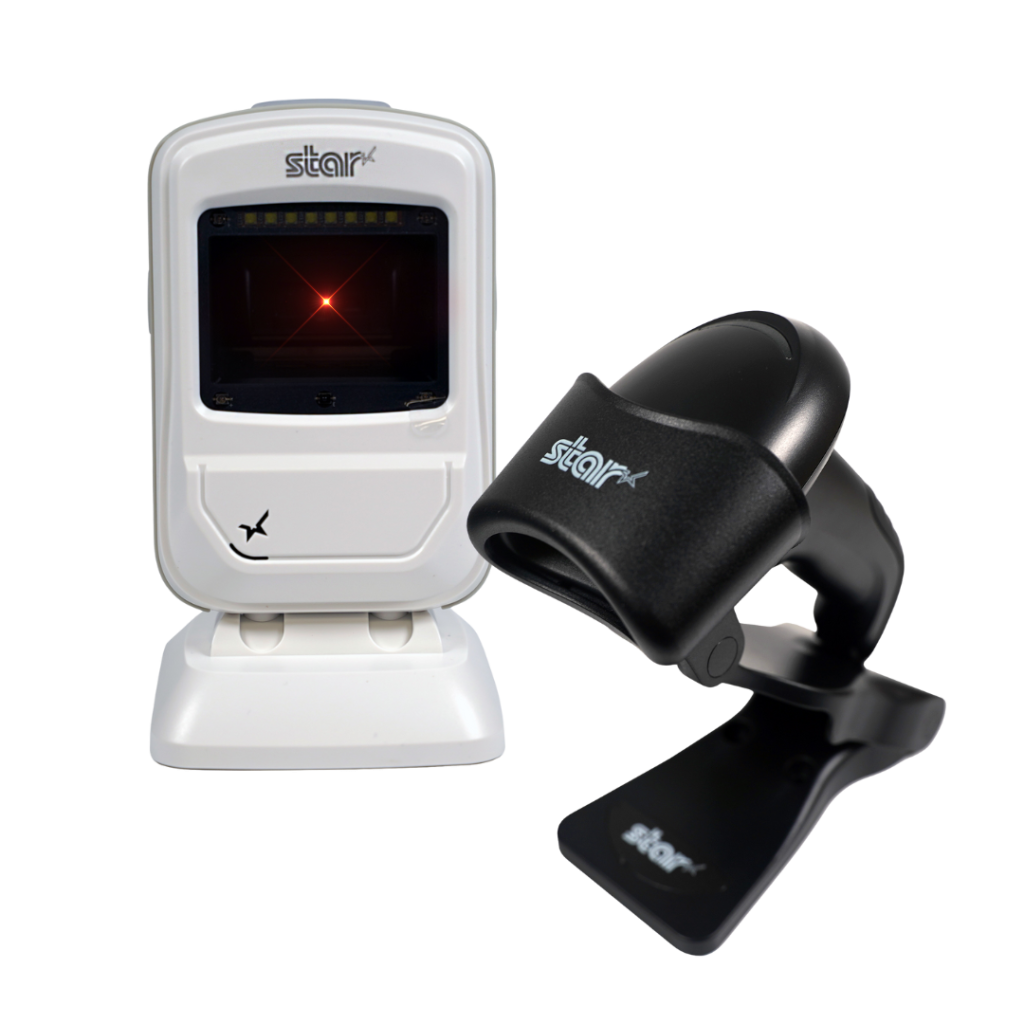
    Star offers a comprehensive range of IP-rated 1D/2D barcode scanners, ideal for diverse business needs. From retail to healthcare, our versatile scanners excel in parsing driver’s license and ID barcodes, ensuring swift and accurate data capture. Choose the perfect fit for your setup—desktophandheld, or wireless Bluetooth options available.

    View the Star Catalog

    Discover the full range of Star Micronics airport restaurant solutions in our product catalog, offering the tools you need for efficient, high-performing airport dining operations.

    Think Omnichannel for Airport Restaurant Solutions

    Travelers come from all walks of life, and their preferences for how they interact with businesses vary widely. For instance, non-native speakers may find it easier to use a kiosk with multilingual support, while travelers with mobility issues may prefer browsing menu options on a screen instead of moving from restaurant to restaurant. Some guests may even want the convenience of ordering from multiple airport eateries at once.

    On the other hand, travelers rushing to catch a connecting flight often seek quick grab-and-go options with fast self-checkout. Leveraging an omnichannel approach with airport restaurant solutions makes all types of engagement possible.

    Additionally, these solutions empower airport restaurants to drive greater operational efficiency, improve order accuracy, and minimize waste. By connecting front- and back-of-house processes, operators can ensure control, consistency, and high-quality customer service. With the right technology, airport restaurants can overcome the unique challenges of airport hospitality, creating a frictionless, low-stress experience that benefits both travelers and staff.

    Find Your Airport Restaurant Solutions Today: