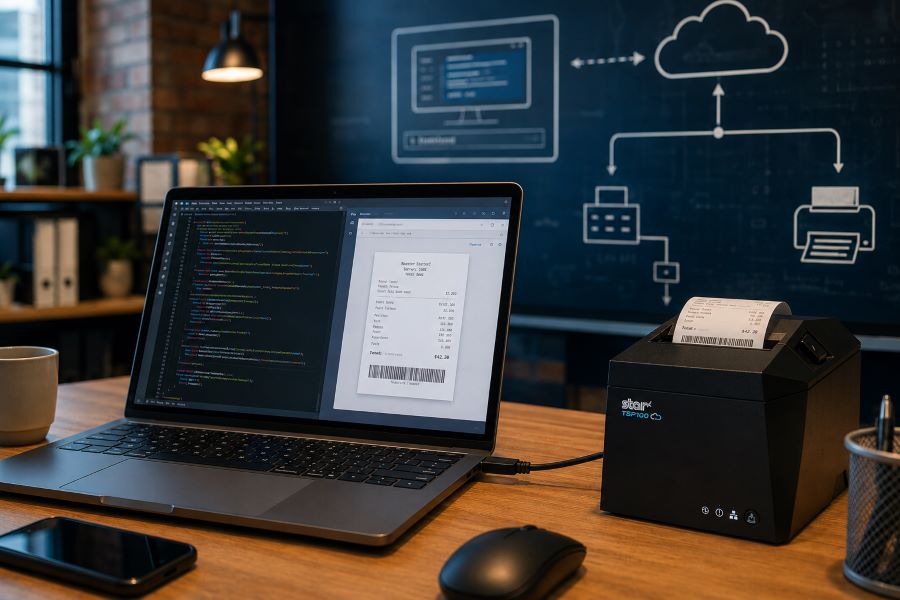
Browser-based receipt printing has become a core part of POS applications across retail, restaurants, kiosks, and self-service environments. As cloud POS platforms and online ordering systems continue to grow, software providers need reliable ways to trigger receipts, labels, and kitchen tickets directly from web applications.
For years, Star Micronics’ WebPRNT has given developers a practical way to handle local USB printing directly from the browser, without requiring desktop software or additional middleware.
Today, StarXpand SDK for Web builds on that same browser-to-device model with a more unified SDK for printing and peripheral control, while CloudPRNT supports LAN and cloud-managed printing across distributed environments.
Understanding where each fits can help ISVs reduce integration complexity and choose the right architecture for long-term growth.
Table of Contents
How Browser-Based Receipt Printing Has Changed
When browser-based POS systems became more common, one of the biggest technical challenges was local printer communication. A web application could manage transactions, but connecting directly to a receipt printer from a browser was often difficult without middleware, desktop applications, or custom local services.
WebPRNT helped solve this by enabling direct browser-to-printer communication over USB. This made browser-based printing practical for:
- POS receipt printing
- Kitchen ticket printing
- Product and shipping labels
- Order confirmation labels
- Self-service kiosk printing
For many ISVs, this reduced deployment friction and simplified local printing workflows. But browser-based printing requirements have expanded.
Today, many deployments include:
- Multi-location stores
- Cloud-managed ordering systems
- Distributed kitchen printing
- Shared hardware environments
- Remote print routing
That shift changes how printers need to communicate. Some environments still depend on local USB printing. Others now require printers to communicate over LAN or directly with cloud services.
That distinction is what separates WebPRNT, StarXpand SDK for Web, and CloudPRNT.
What Is WebPRNT?
WebPRNT is Star’s browser-based printing technology designed specifically for browser-based receipt printing over direct USB connections. It allows web applications to send print jobs directly to supported Star printers without requiring a native application layer.
For developers, this makes WebPRNT useful when:
- The browser runs locally at the print station
- The printer is physically connected by USB
- Printing requirements are focused only on output
Many ISVs still use WebPRNT successfully in established deployments because it remains stable and predictable for local browser printing. For existing integrations that are already working, WebPRNT remains a practical option.
What Is StarXpand SDK for Web?
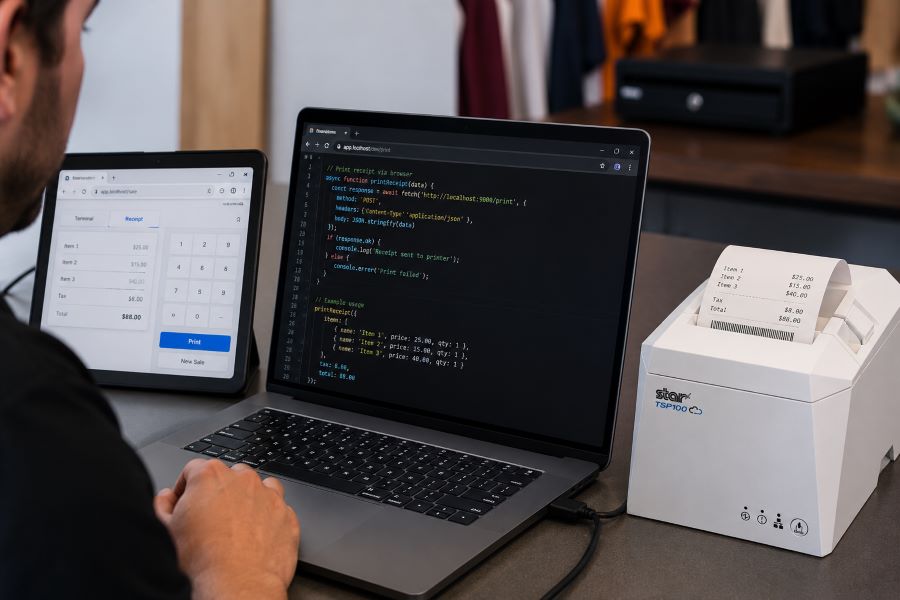
StarXpand SDK for Web is Star’s browser-based SDK for USB-connected printers and supported peripherals. Like WebPRNT, it supports local browser-to-device communication over USB. The difference is in the SDK model.
Instead of focusing only on print output, StarXpand SDK provides a broader API structure that aligns with Star’s SDK ecosystem across:
- Web
- iOS
- Android
- React Native
For developers building new browser-based receipt printing workflows, StarXpand SDK for Web provides a broader SDK model that extends beyond print output. This can simplify development when browser applications need to interact with multiple hardware types, not just printers.
StarXpand SDK for Web supports:
- Receipt printing
- Label printing
- Cash drawer control
- Barcode scanner integration
- Peripheral status monitoring
This makes it useful for browser-based POS environments where printing is only one part of the workflow.
What Is CloudPRNT?
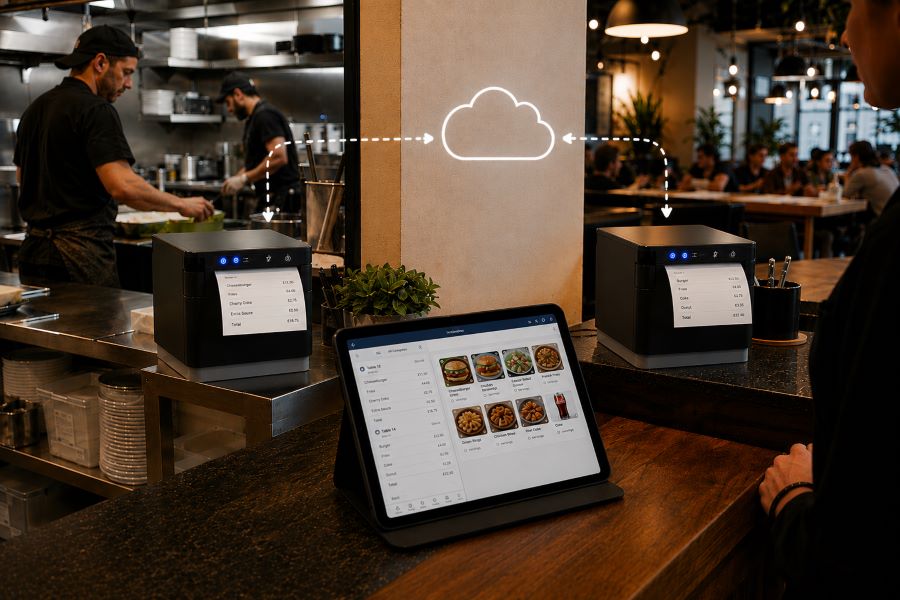
CloudPRNT is Star’s cloud printing technology for LAN and Wi-Fi connected printers. Unlike WebPRNT and StarXpand SDK for Web, CloudPRNT does not depend on direct USB communication between the browser and printer. Instead, it allows printers to pull print jobs directly from cloud applications over a network.
Star supports two CloudPRNT communication methods:
- HTTP polling, where printers regularly check a cloud server for new print jobs
- MQTT messaging through CloudPRNT Next, a publish-subscribe protocol that enables faster, more efficient real-time print delivery
For developers, this provides more flexibility depending on the deployment.
HTTP-based CloudPRNT remains effective for many existing cloud printing environments, while MQTT-based CloudPRNT Next can reduce latency and improve responsiveness for high-volume or multi-location deployments.
This makes CloudPRNT useful when:
- Print jobs originate remotely
- Multiple locations need centralized print routing
- Online ordering systems send jobs directly to kitchen printers
- Low-latency print delivery is important
- Local devices should not manage printer connections
For distributed environments, this can reduce local infrastructure requirements and simplify cloud-based receipt printing at scale.
Why StarXpand SDK for Web Matters for New Development
For ISVs building new browser-based POS applications, StarXpand SDK for Web solves a different problem than WebPRNT. It is less about replacing WebPRNT and more about reducing fragmentation between SDKs.
This matters when development teams need:
Shared Logic Across Platforms
If your software runs on browser, tablet, and mobile environments, StarXpand SDK creates more API consistency. This can reduce duplicated hardware logic across teams.
More Than Print Output
Many modern POS workflows include:
- Drawer status checks
- Scanner-triggered workflows
- Labeling stations
- Shared hardware access
StarXpand SDK can support these through one SDK model.
Easier Long-Term Maintenance
Maintaining separate hardware integration layers across web and mobile can increase support costs over time. Using one SDK family can reduce that overhead.
Migration Considerations for Existing WebPRNT Users
If you already have a working WebPRNT deployment, there may be no immediate reason to change it.
WebPRNT remains effective for:
- Local USB receipt printing
- Browser-based order ticket printing
- Fixed workstation POS environments
Migration becomes more relevant when:
- Expanding into mobile apps
- Adding peripheral hardware support
- Standardizing SDKs across multiple platforms
- Rebuilding core hardware logic
For ISVs planning future product updates, this is often the point where StarXpand SDK becomes worth evaluating.
Key Considerations Before Choosing a Browser Receipt Printing Solution
Before choosing between WebPRNT, StarXpand SDK for Web, and CloudPRNT, start with the deployment model.
Where does the print job originate?
If the print job starts at the local browser and the printer is USB-connected, WebPRNT or StarXpand SDK for Web are often the right fit.
If the print job originates in the cloud, CloudPRNT is often the better option.
Is this an existing deployment or new development?
For existing WebPRNT integrations, staying with the current architecture may be the simplest path.
For new builds, the StarXpand SDK may offer greater long-term flexibility.
Do you need to control more than printing?
If the workflow includes drawers, scanners, or other Star peripherals, StarXpand SDK can simplify communication.
If printing is the only requirement, WebPRNT may still be sufficient.
Will this scale across locations?
If the deployment spans multiple stores, remote kitchens, or distributed print stations, CloudPRNT often provides more flexibility than local USB connections.
Choosing the right architecture early can reduce future integration changes and simplify deployment support.

An Independent Software Vendor’s (ISV’s) Guide to Star Printer SDKs
This guide breaks down Star Micronics’ printer SDKs, APIs, and integration tools to help ISVs choose the right solution for POS systems, cloud printing platforms, and custom software applications.
Final Thoughts on Browser-Based POS Printing
Browser-based receipt printing is no longer one-size-fits-all. Some POS environments still rely on direct USB connections at a local workstation. Others now depend on cloud-based routing across multiple locations. That’s why Star offers multiple browser and cloud printing technologies built for different deployment models.
- WebPRNT remains a proven option for stable local USB printing.
- StarXpand SDK for Web provides a stronger framework for new browser-based development that needs broader hardware communication.
- And CloudPRNT remains the best fit for LAN-connected and cloud-managed printing environments.
For ISVs and developers, the best choice depends less on features and more on architecture: where print jobs originate, how hardware is connected, and how the application will scale over time.
Frequently Asked Questions About Browser-Based Receipt Printing
What is browser-based receipt printing?
Browser-based receipt printing allows web applications to send print jobs directly to a receipt printer without requiring a traditional desktop application. Depending on the deployment, this can happen through local USB communication or cloud-based network printing.
When should I use browser-based receipt printing instead of cloud printing?
Browser-based receipt printing is best when a local device needs to send print jobs directly to a USB-connected printer. Cloud printing is often better for LAN-connected printers, remote print routing, or multi-location deployments.
What is the difference between WebPRNT and StarXpand SDK for Web?
WebPRNT focuses on browser-based USB printing. StarXpand SDK for Web also supports USB printing, but adds a broader API structure for printers and peripherals.
Does StarXpand SDK for Web replace WebPRNT?
Not directly. Existing WebPRNT integrations can continue to operate. StarXpand SDK for Web is better suited for new browser-based development.
Can I still use WebPRNT for browser-based receipt printing?
Yes. WebPRNT remains a supported and effective option for local USB browser printing.
When should I use CloudPRNT instead of StarXpand SDK for Web?
Use CloudPRNT when printers need to connect over LAN or Wi-Fi and receive print jobs directly from cloud applications.
Is StarXpand SDK for Web only for USB printing?
Yes. For browser deployments, StarXpand SDK for Web is designed for direct USB communication.
Can StarXpand SDK for Web control devices besides printers?
Yes. It supports compatible Star peripherals such as cash drawers, POS scales, and barcode scanners.
What is the best receipt printing method for cloud POS systems?
For cloud POS systems with remote or multi-location print routing, CloudPRNT is generally the best fit.