Tag: Library

  • The Easy Way to Implement Library Book Barcodes and Maximize Their Benefits

    The Easy Way to Implement Library Book Barcodes and Maximize Their Benefits

    Implementing library book barcodes offers readers and librarians the best of both the physical and digital worlds. Despite the trend toward digital information, physical books remain the preferred choice for many. 

    Professionals using reference books with maps or schematics often find it easier to see the entire image in a physical book rather than scrolling on a screen. Students may also benefit more from reading physical books. A Cambridge study reported in Yahoo! News found that students reading printed material comprehend six to eight times better than those reading from digital devices.

    Additionally, many people who read for pleasure simply enjoy the tactile experience of turning pages as they anticipate the next sentence in a thriller or romance.

    The continued demand for printed books underscores the importance of libraries to their communities. However, as more books join the classics and centuries of reference materials on the shelves, the task of classifying, organizing, and protecting them becomes increasingly complex. Library book barcodes simplify the management of these physical assets, making storing, organizing, and tracking books easier.

    The Benefits of Library Book Barcodes

    When library administrators choose to barcode library books and other assets in their collections, they take a major step toward greater efficiency and visibility. Using barcodes for library books optimizes:

    Inventory Management

    Scanning a permanent barcode label on a library book informs the library’s system that the title is on the shelf and available for patrons to borrow. Additionally, when librarians scan library book barcodes upon return, their management system can direct them to the exact floor, stack, and shelf for reshelving.

    Barcodes for library books streamline inventory management by providing a digital representation of all titles, saving time, and ensuring proper storage and display.
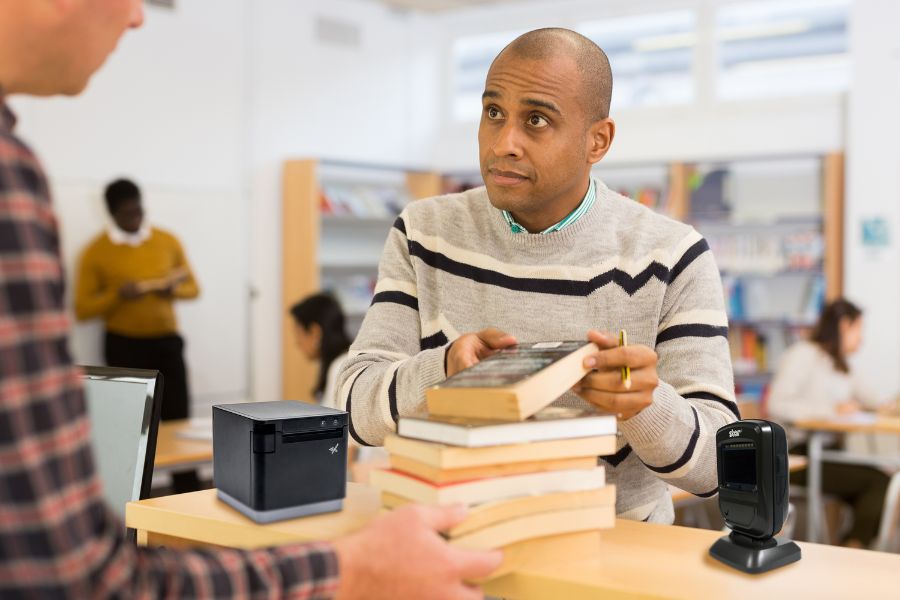
    Get the ideal library printers and scanners from Star Micronics.

    Online Services

    Library barcode systems are essential to publishing a collection online, giving patrons the convenience of reserving titles for pickup via a device. Libraries that work cooperatively can also use data from barcodes to find titles in other locations and arrange for their patrons to borrow them.

    Book Borrowing

    Barcodes for library books eliminate the need to glue library cards inside books. Librarians simply scan patrons’ library cards and the barcodes on the titles they’re borrowing. The library management system then tracks who borrowed the books and their due dates. Additionally, the system can send email or text reminders to help patrons avoid fines.

    Self-Service Returns

    Library barcode systems enhance the efficiency of dropbox returns. Patrons scan the barcodes at a kiosk when returning books, confirming the return and logging the time. The library’s system immediately updates the status, making the books available for borrowing sooner, benefiting patrons waiting for those titles.

    The Right Tools to Generate and Read Library Book Barcodes

    While library barcode systems offer numerous benefits, the value they provide depends on the quality of labels and the library’s barcode scanner capabilities.

    Library Barcode Label Printers

    Printers for library book barcodes must produce high-quality images for accurate scans. Printers that are flexible enough to work with the library’s label software will result in higher-quality barcode labels and make the labeling process easier. 

    The printer should also accommodate the label media the library chooses. It should be versatile enough to print permanent linerless or die-cut labels for book spines and repositionable sticky labels that librarians can use for holds or titles that patrons reserve online. A printer that accommodates linerless labels–labels without a silicone backing–can streamline labeling processes and reduce clutter and paper waste.

    mC-Label2 Multifunction Printer

    The mC-Label2 packs powerful features into a compact, front-loading design, including 300 dpi resolution, support for linerless, die-cut, receipt, and continuous media, and connectivity options like USB-C, LAN, WLAN, Bluetooth, and Apple MFi-certified pairing (X4 models only).


    Explore the mC-Label2 >

    mC-Label3 Multifunction Printer

    The Star Micronics mC-Label3 is a versatile multimedia printer that prints a wide range of labels and receipts, including both permanent and repositionable sticky linerless. It features cloud connectivity and innovative technologies like SteadyLAN and TetherLAN for enhanced printing convenience.

    Discover the mC-Label3 >

    Library Barcode Scanners

    In addition to printing high-quality labels, libraries also need reliable barcode scanners to read them. Scanners should read both one-dimensional, also known as 1D or linear barcodes, and 2D barcodes, like QR codes, to collect information from different types of codes the library uses. 

    Because labels on book spines or assets could become distorted, libraries will benefit from scanners that can read barcodes on uneven surfaces. The scanner should also work reliably in different lighting conditions, giving accurate reads even in low-light areas. 

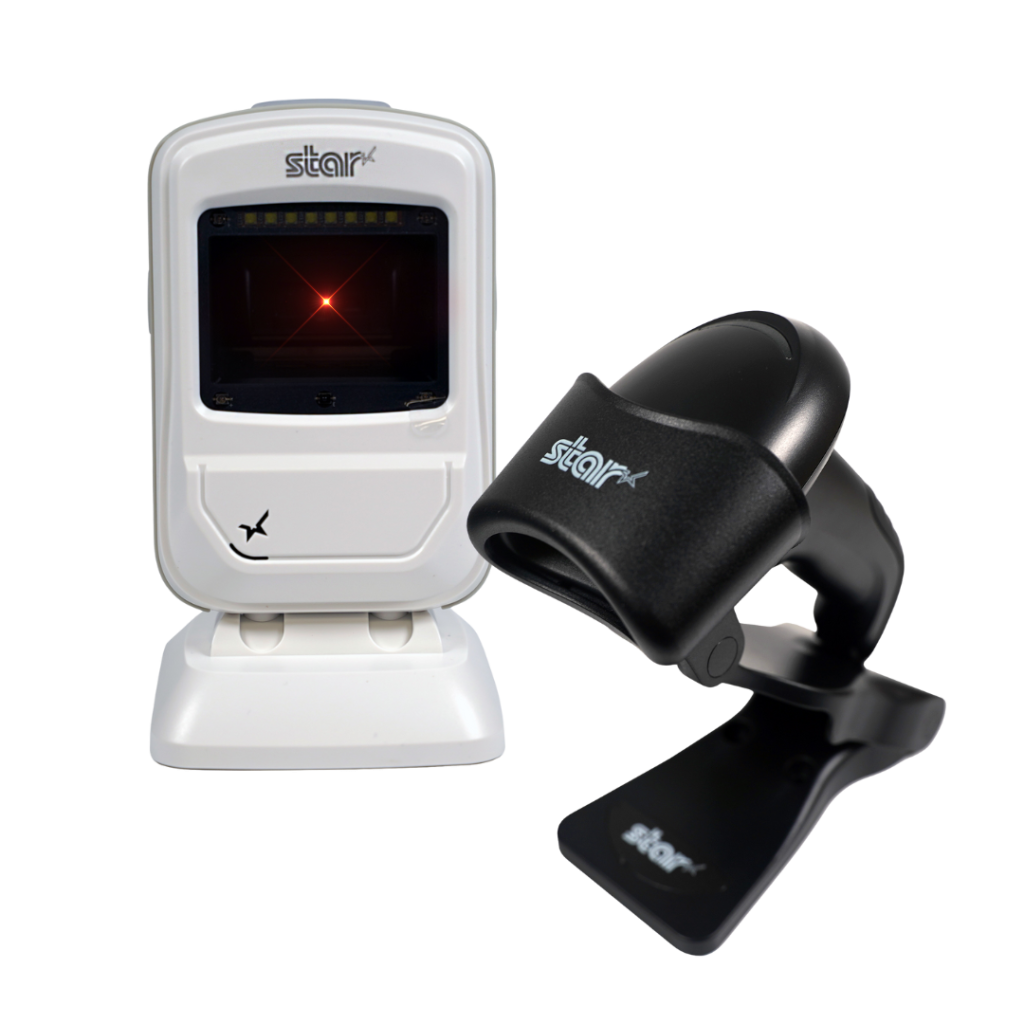
    Libraries will also benefit from desktop scanners for use at the front counter and wireless handheld scanners for use by librarians when managing inventory.

    Star’s 1D/2D Barcode Scanners

    Star offers a comprehensive range of IP-rated 1D/2D barcode scanners, ideal for diverse business needs. From retail to healthcare, our versatile scanners excel in parsing driver’s license and ID barcodes, ensuring swift and accurate data capture. Choose the perfect fit for your setup—desktophandheld, or wireless Bluetooth options available.
    Future-Proof Operations with a Barcode Library System

    As library collections expand and the labor shortage persists, libraries must find ways to operate more efficiently. Implementing barcodes for library books allows librarians to accurately manage inventory and gain instant visibility into their collections.

    Barcode technology transforms the management of physical books, making it as streamlined as handling digital assets. This advancement ensures libraries can continue to provide patrons with the benefits of printed works well into the future.
    Beyond the Label: Elevating Brand Connection and Loyalty

    Discover how strategic labeling can redefine customer engagement and boost brand loyalty in this digital age.

    Learn More About Star’s Library Solutions:

  • The Best Way to Clean Star Micronics Printers

    The Best Way to Clean Star Micronics Printers

    Across the globe, cleaning policies have been released to combat the spread of COVID-19 (coronavirus). These cleaning policies apply to every inch of a business or office – from tabletops to, of course, the point of sale (POS). There has never been a more important time to pay attention to the proper way to clean your POS station, and that includes the receipt printer. In today’s blog, explore some common cleaning and social distancing policies, as well as the proper way to clean Star Micronics printers.

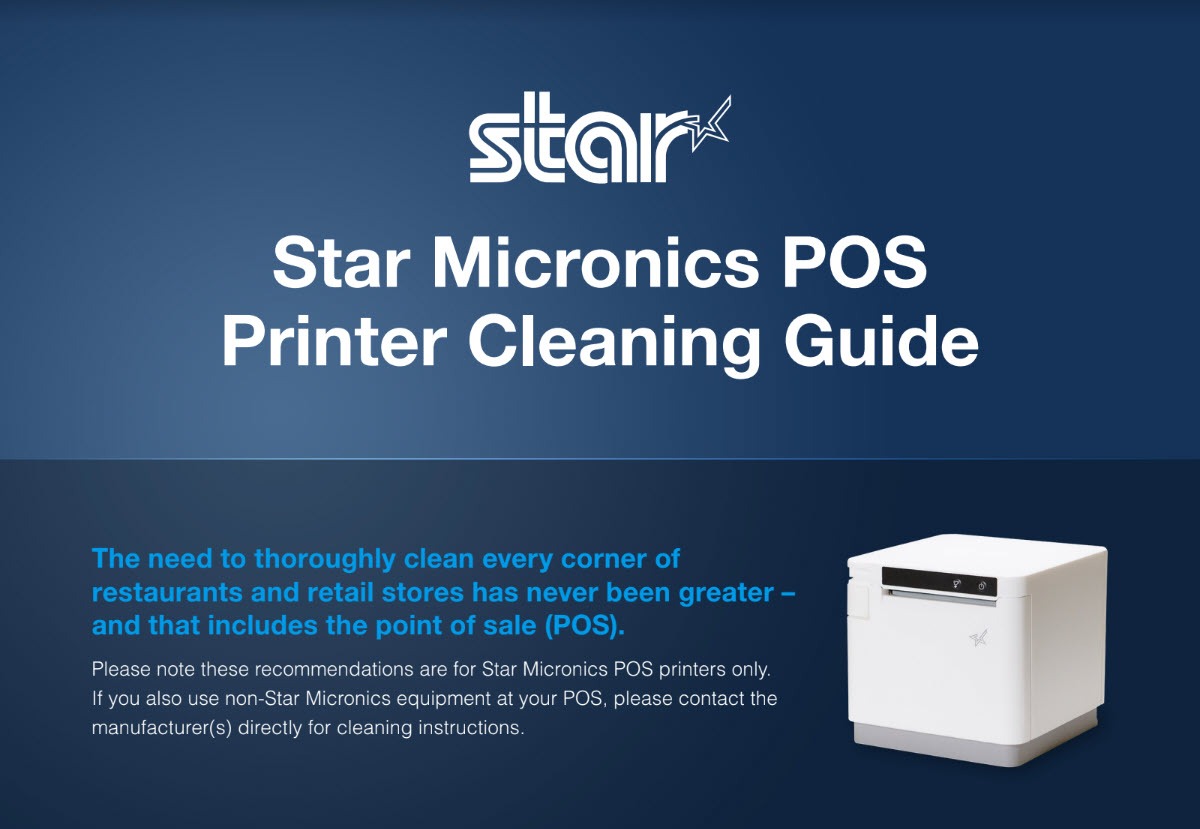
    The Best Way to Clean Star Micronics Printers: Download the free guide.

    Cleaning and Social Distancing Policies During COVID-19

    Cleaning and social distancing policies vary by region, but a common thread among policies is the need for frequent sanitization of common areas and maintaining a healthy distance in between individuals.

    For an example of some policies that are in place, see below protocols that are active in New Jersey*, where the Star Micronics America headquarters is located, for businesses deemed essential. Please consult your local government to learn about the policies that apply to your region.

    • Requirements for All Businesses Continuing to Operate
      • Owners of buildings used for commercial, industrial, or other enterprises, and of residential buildings with at least 50 units, must implement the following policies at minimum:
        • Clean and disinfect high-touch areas routinely in accordance with CDC guidelines, particularly in spaces accessible to staff, customers, tenants, or other individuals, particularly following a known or potential exposure;
        • Maintain current cleaning procedures in all other areas of the facility;
        • Ensure that the facility has a sufficient number of workers to perform the above protocols effectively.
      • Additional Requirements for Restaurants, Cafeterias, Food Courts, Bars, etc. That are Still Permitted to Operate
        • Limit occupancy to 10% of stated maximum capacity;
        • Ensure 6 feet of distance between workers and customers except at the moment of payment or exchange of goods;
        • Arrange for contactless pay options, pickup, or delivery wherever possible;
        • Provide hand sanitizer and wipes to staff and customers;
        • Frequently sanitize high-touch areas like credit card machines, keypads, and counters;
        • Require infection control practices such as regular hand washing, coughing and sneezing etiquette, and proper tissue usage;
        • Place conspicuous signage at entrances and throughout the food business alerting staff and customers to the required 6 feet of distance;
        • Require workers and customers to wear cloth face coverings, and require workers to wear gloves. A business must provide, at its own expense, these face coverings and gloves for employees. Customers may be exempted if it would inhibit their health, or if under two years of age. If a customer refuses, they must be denied entry, but another method of pickup should be provided.
      • Additional Requirements for Essential Retail
        • Limit occupancy to 50% of maximum store capacity at one time;
        • Establish hours of operation specifically for the exclusive use of high-risk individuals;
        • Install a physical barrier, such as a shield guard, between customers and cashiers/baggers where possible and anywhere you cannot maintain 6 feet of distance;
        • Require regular hand washing, coughing and sneezing etiquette, and proper tissue usage and disposal;
        • Provide employees break time for regular hand washing;
        • Arrange for contactless pay options, pickup, or delivery of goods wherever possible;
        • Provide hand sanitizer and wipes to staff and customers;
        • Frequently sanitize high-touch areas like restrooms, credit card machines, keypads, counters and shopping carts;
        • Require infection control practices such as regular hand washing, coughing and sneezing etiquette, and proper tissue usage;
        • Place conspicuous signage at entrances and throughout the store alerting staff and customers to the required 6 feet of distance;
        • Demarcate 6 feet of spacing in check-out lines to demonstrate appropriate social distancing;
        • Require workers and customers to wear cloth face coverings, and require workers to wear gloves. A business must provide, at its own expense, these face coverings and gloves for employees. Customers may be exempted if it would inhibit their health, or if under two years of age. If a customer refuses, they must be denied entry, unless the business is providing medication, medical supplies, or food, in which case another method of pickup should be provided.

    How to Clean Star Micronics Printers

    Cleaning-Guide-Screenshot

    Clean and safeguard your Star POS printer – quickly, easily, and effectively. Here are some basic tips on cleaning your Star printer:

    • Clean with 70% isopropyl alcohol
    • Clean the exterior and print head only
    • Spray solution into a microfiber or cloth towel first and then wipe
    • Do not soak/submerge equipment or spray directly into product
    • For additional security, it’s recommended to always have the device powered down when cleaning
    • Correctly cleaning the printer should not affect its performance or life
    • If you have any questions about cleaning your Star printer, please contact us

    Click here to download the complete cleaning guide.

    Free Resources During COVID-19 & Beyond

    Now more than ever, safety is a priority in retail and hospitality environments. Star Micronics is proud to offer a line of solutions and resources for businesses during this challenging time, designed to keep consumers and employees safe, as well as mitigate business impact caused by COVID-19.

    At Star Micronics, our hearts go out to anyone impacted by COVID-19, either directly or indirectly, especially to those who are sick, to whom we extend our heartfelt wishes for a full recovery. To learn more about what we are doing as an organization to reduce the global impact of COVID-19, in terms of health and business, please click here.
    To browse all of our blog posts covering tips for small businesses during COVID-19, please visit our #StarForSmallBiz blog collection.

    *Source: https://faq.business.nj.gov/en/articles/3839687-what-mitigation-protocols-are-required-for-businesses-continuing-to-operate

    Discover the Best Way to Clean Star Printers

  • Guelph Public Library Improves Functionality with Star Micronics

    Guelph Public Library Improves Functionality with Star Micronics

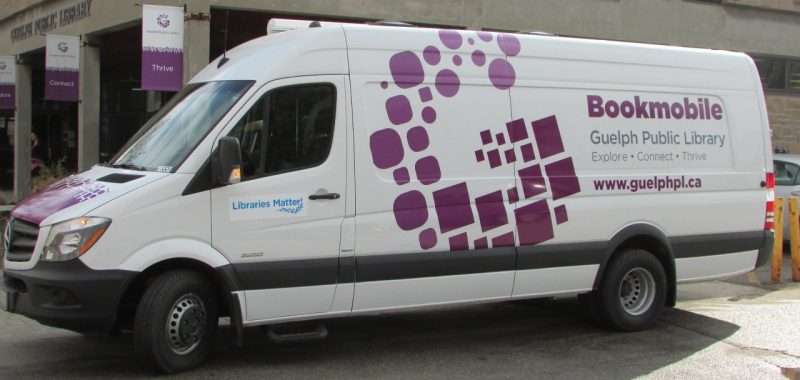
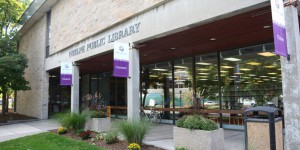
    Guelph Public Library (GPL) is a public library system serving the City of Guelph in Canada. Including the main downtown library, there are five branches, plus a bookmobile, GPL strives to educate the public by providing books of various topics to all ages, and by showcasing new technologies such as 3D printers and virtual reality labs.

    To update their technology, Andrew Kwan, IT Manager and Jeff Fernandes, System Administrator for GPL at the library’s main branch, decided it was time to move to a virtual desktop infrastructure solution, utilizing the VMware Horizon View software suite. In order to successfully do this with their old USB printers, Andrew and Jeff would have been required to install drivers on every dedicated PC in all six of their locations. They wanted a simpler solution to upgrade their system and improve the overall daily workflow for the library staff. They were already using the Polaris Integrated Library System software and Star Micronics receipt printers, and they decided to stick with the brands they knew. After doing their research, Andrew and Jeff found that Star’s new TSP100IIIWLAN printer was the perfect printer for their library system.

    guelphlibrary___Super_Portrait

    Star Micronics’ TSP100IIIWLAN printer provided a simple solution for GPL to upgrade their system, and efficiently print hold slips, overdue slips, receipts, renewals and more from any of their locations. With the WLAN connectivity, GPL had the flexibility to place the printer anywhere in the library, and were able to reduce the clutter of cables on circulation desks. With no need for reconfiguration or reprogramming on the IT side, GPL was able to get the printer connected and printing receipts in less than an hour. GPL plans to install the TSP100IIIWLAN in all six of their locations and their bookmobile.

    Rather than operating individually, all six location’s data operations are now centralized in one data centre, which improved the overall functionality of their library system, and allowed GPL to save on operational costs. Guelph Public Library’s now Virtual Desktop Infrastructure system, with Star’s TSP100IIIWLAN, now operates “100 times faster” than their previous system.

    “Guelph Public Library likes to usually have two employees working the bookmobile – one at the front and one at the back – and equip them both with their own receipt printer. With the TSP100III’s convenient WLAN connectivity, we can use one printer in the bookmobile. It’s much easier and faster for both employees. The new solution with the Star printer really improves the overall functionality of the library.” – Andrew Kwan, IT Manager, GPL